መግቢያ
The Logitech Signature M550 L Wireless Mouse is designed for enhanced comfort and productivity, especially for users with larger hands. It features an adaptive SmartWheel for precise or hyper-fast scrolling, SilentTouch technology for quiet clicks, and versatile connectivity options. This manual provides detailed instructions for setup, operation, and maintenance of your device.
የጥቅል ይዘቶች
- Logitech Signature M550 L Wireless Mouse
- 1 AA ባትሪ (ቀድሞ የተጫነ ወይም የተካተተ)
- Logi Bolt USB Receiver (may be stored inside the mouse battery compartment)
- የተጠቃሚ ሰነድ (ይህ መመሪያ)
ምርት አልቋልview
Familiarize yourself with the key components of your Logitech Signature M550 L mouse.

ምስል: ከላይ እና ጎን view of the Logitech Signature M550 L mouse, highlighting its features including the SmartWheel, silent clicking buttons, Bluetooth connectivity, ergonomic shape, and 24-month battery life.
- የግራ/ቀኝ ጠቅታ አዝራሮች፡ Feature SilentTouch technology for reduced clicking noise.
- ስማርት ዊል፦ Adaptive scroll wheel for line-by-line precision or super-fast free-spin scrolling.
- የ LED አመልካች፡- የባትሪ ሁኔታን እና የግንኙነት ሁነታን ያሳያል።
- ማብሪያ / ማጥፊያ በመዳፊት ግርጌ ላይ ይገኛል።
- የባትሪ ክፍል፡ Houses the AA battery and Logi Bolt USB receiver.
- Ergonomic ንድፍ; Contoured shape with soft thumb area and rubber side grips for comfort.
ማዋቀር
1. ባትሪ ጫን
- በመዳፊት ግርጌ ላይ የባትሪውን ክፍል ክዳን ይክፈቱ።
- የተካተተውን የ AA ባትሪ ያስገቡ፣ ትክክለኛውን የፖላራይቲ (+/-) ያረጋግጡ።
- Close the battery compartment cover. The LED indicator on the mouse may flash briefly.
2. Connect to Your Device
The Signature M550 L offers two connection methods: Logi Bolt USB Receiver or Bluetooth Low Energy.
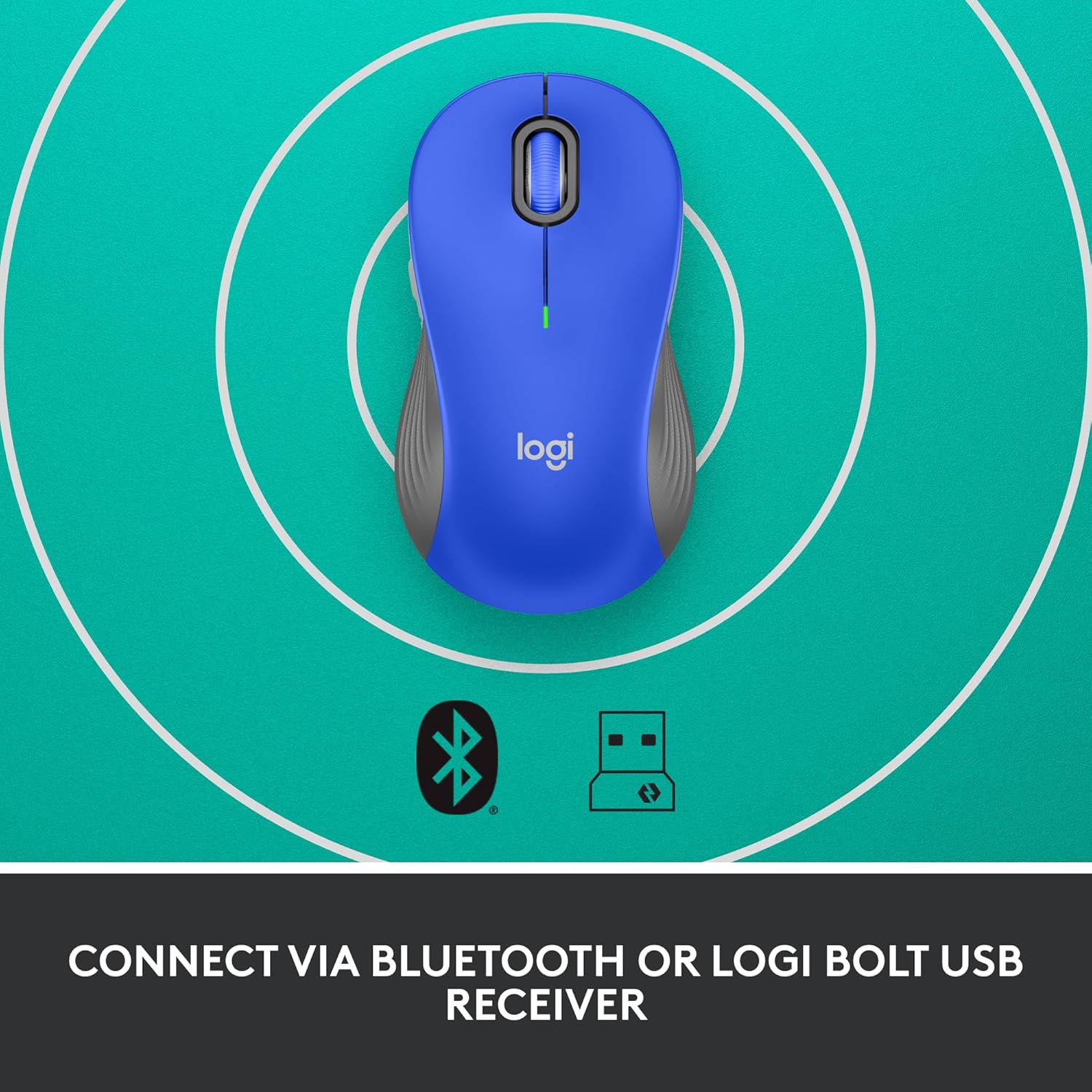
Image: The Logitech Signature M550 L mouse shown with icons representing Bluetooth and Logi Bolt USB receiver connectivity options.
Option A: Logi Bolt USB Receiver
- Locate the Logi Bolt USB receiver, typically stored inside the mouse's battery compartment.
- የLogi Bolt የዩኤስቢ መቀበያውን በኮምፒውተርዎ ላይ ወዳለው የዩኤስቢ ወደብ ይሰኩ።
- Turn on the mouse using the On/Off switch on the bottom. Your computer should automatically detect the mouse.
Option B: Bluetooth Low Energy
- ከታች ያለውን የማብሪያ/ማጥፊያ ቁልፍ በመጠቀም መዳፊቱን ያብሩ።
- Press and hold the Easy-Switch button (usually on the bottom or side, refer to product diagram if available) for 3 seconds until the LED indicator starts blinking rapidly. This indicates pairing mode.
- በኮምፒተርዎ ወይም በመሳሪያዎ ላይ የብሉቱዝ ቅንብሮችን ይክፈቱ።
- Select "Logitech M550 L" from the list of available devices and follow any on-screen prompts to complete pairing.
The mouse is compatible with Windows, macOS, Linux, Chrome OS, iPadOS, and Android operating systems.
የአሠራር መመሪያዎች
SmartWheel Scrolling
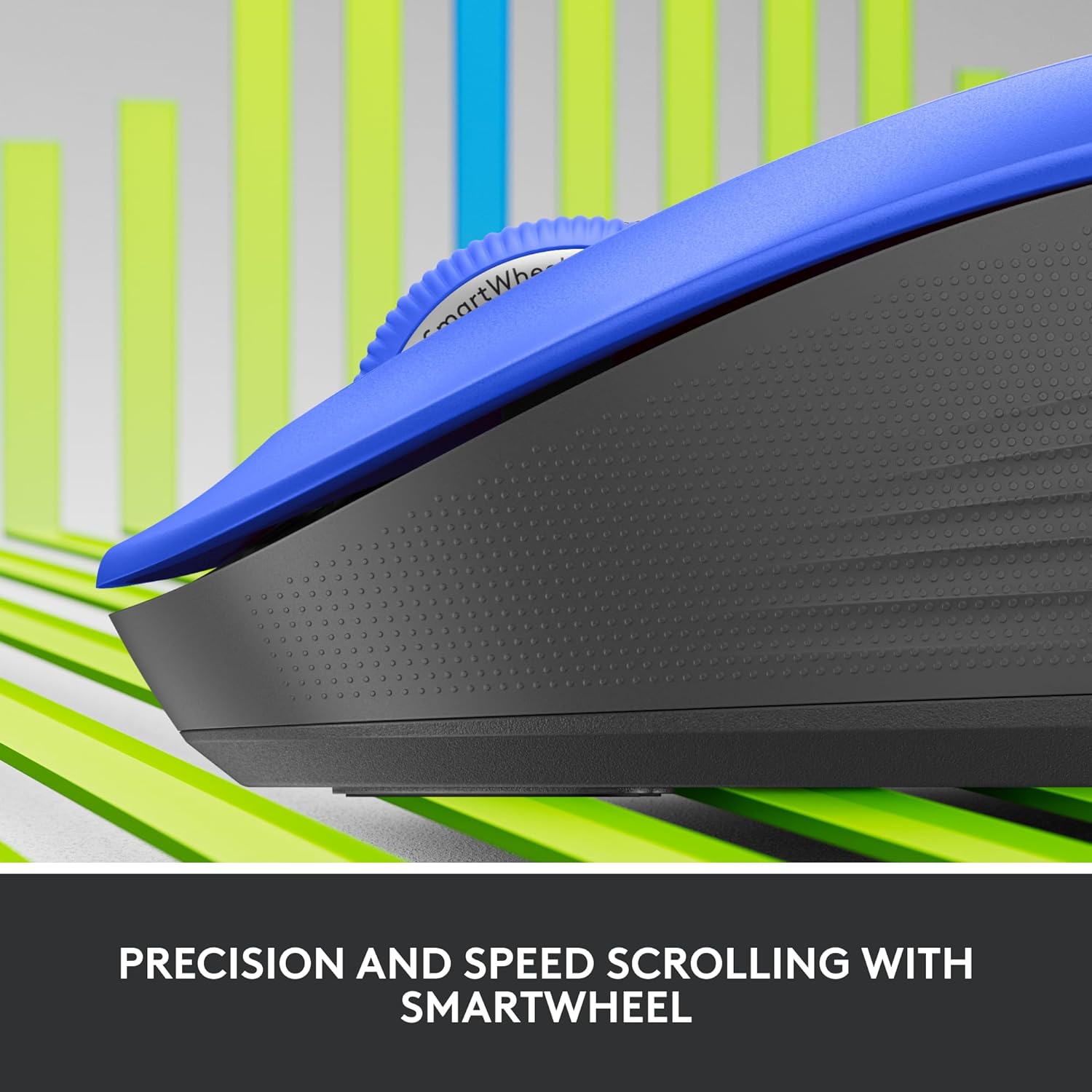
ምስል፡ መቀራረብ view of the Logitech SmartWheel, demonstrating its precision and speed scrolling capabilities.
ስማርት ዊል በሁለት ሁነታዎች መካከል በራስ-ሰር ይቀያየራል፡
- Line-by-Line Precision: Ideal for detailed work and navigating documents. Scroll slowly for precise control.
- Super-Fast Free-Spin: For quickly navigating long web pages or documents. Flick the wheel to activate.
ጸጥ ያሉ ጠቅታዎች

Image: A person using the Logitech Signature M550 L mouse at a desk, illustrating the benefit of 90% less clicking noise for a focused work environment.
The mouse features Logitech's SilentTouch technology, reducing click noise by over 90% compared to traditional mice. This allows for a quieter work environment without compromising click feel.
ባለብዙ-መሣሪያ ተኳኋኝነት
The Signature M550 L can be paired with multiple devices and switched between them using the Easy-Switch button. This feature is ideal for users who work across several computers or tablets.
ጥገና
የባትሪ መተካት
The mouse operates on a single AA battery, offering up to 24 months of battery life depending on usage. When the battery is low, the LED indicator will turn red. To replace:
- መዳፊቱን ያጥፉት.
- Open the battery compartment cover on the underside.
- Remove the old AA battery and insert a new one, observing correct polarity.
- Close the cover and turn the mouse back on.
ማጽዳት
አይጥዎን ለማጽዳት፣ ለስላሳ፣ ከላጣ ነፃ የሆነ ጨርቅ በትንሹ ይጠቀሙ።ampened with water or a mild cleaning solution. Avoid harsh chemicals or abrasive materials. Ensure no liquid enters the mouse's openings.
መላ መፈለግ
- አይጥ ምላሽ እየሰጠ አይደለም፡-
- መዳፊት መብራቱን ያረጋግጡ።
- የባትሪውን ደረጃ ይፈትሹ እና አስፈላጊ ከሆነ ይተኩ.
- If using the Logi Bolt receiver, try plugging it into a different USB port or a different computer to rule out port issues.
- ብሉቱዝን የሚጠቀሙ ከሆነ፣ ብሉቱዝ በመሳሪያዎ ላይ መንቃቱን እና መዳፊቱ በትክክል መጣመሩን ያረጋግጡ። መዳፊቱን እንደገና ለማጣመር ይሞክሩ።
- Move the mouse closer to the receiver or Bluetooth-enabled device to ensure it's within range.
- የተሳሳተ የጠቋሚ እንቅስቃሴ፦
- በመዳፊት ግርጌ ላይ ያለውን የኦፕቲካል ዳሳሽ ያጽዱ.
- መዳፊቱን ተስማሚ በሆነ ቦታ ላይ መጠቀምዎን ያረጋግጡ። በጣም አንጸባራቂ ወይም ግልጽ የሆኑ ቦታዎችን ያስወግዱ።
- Connectivity issues after system update:
- ኮምፒተርዎን እንደገና ያስጀምሩ.
- Check for updated drivers for your mouse or Bluetooth adapter.
ዝርዝሮች
| የምርት ስም | ሎጊቴክ |
| የሞዴል ቁጥር | 910-006794 |
| የግንኙነት ቴክኖሎጂ | ብሉቱዝ ዝቅተኛ ኃይል፣ ሎጊ ቦልት የዩኤስቢ ተቀባይ |
| የእንቅስቃሴ ማወቂያ | ኦፕቲካል |
| ልዩ ባህሪያት | Lightweight, Portable, Silent Clicks (SilentTouch), SmartWheel, Wireless |
| የባትሪ ዓይነት | 1 AA ባትሪ |
| የባትሪ ህይወት | እስከ 24 ወራት (እንደ አጠቃቀሙ ሊለያይ ይችላል) |
| የስርዓተ ክወና ተኳኋኝነት | ዊንዶውስ፣ ማክሮስ፣ ሊኑክስ፣ Chrome OS፣ iPadOS፣ አንድሮይድ |
| የእቃው ክብደት | 3.92 አውንስ |
| ቀለም | ሰማያዊ (ለዚህ ተለዋጭ) |
የዋስትና መረጃ
Logitech products are manufactured to high quality standards and are covered by a limited hardware warranty. For specific warranty terms and conditions applicable to your region and product, please refer to the official Logitech webከግዢዎ ጋር የተካተተው ጣቢያ ወይም የዋስትና ካርድ።
ድጋፍ
For further assistance, technical support, or to download the latest software and drivers for your Logitech Signature M550 L Wireless Mouse, please visit the official Logitech support webጣቢያ፡
እንዲሁም በድጋፍ ጣቢያው ላይ ተደጋጋሚ ጥያቄዎች እና የማህበረሰብ መድረኮችን ማግኘት ይችላሉ።