1. መግቢያ
This user manual provides comprehensive instructions for setting up, operating, and maintaining your THOMSON 10.1-inch WiFi Digital Photo Frame. Please read this manual carefully before using the device to ensure proper functionality and longevity.
2. ምርት አብቅቷልview
The THOMSON Digital Photo Frame is designed to display your cherished memories with ease. It features a high-definition IPS touchscreen and WiFi connectivity for convenient photo sharing.
ቁልፍ ባህሪዎች
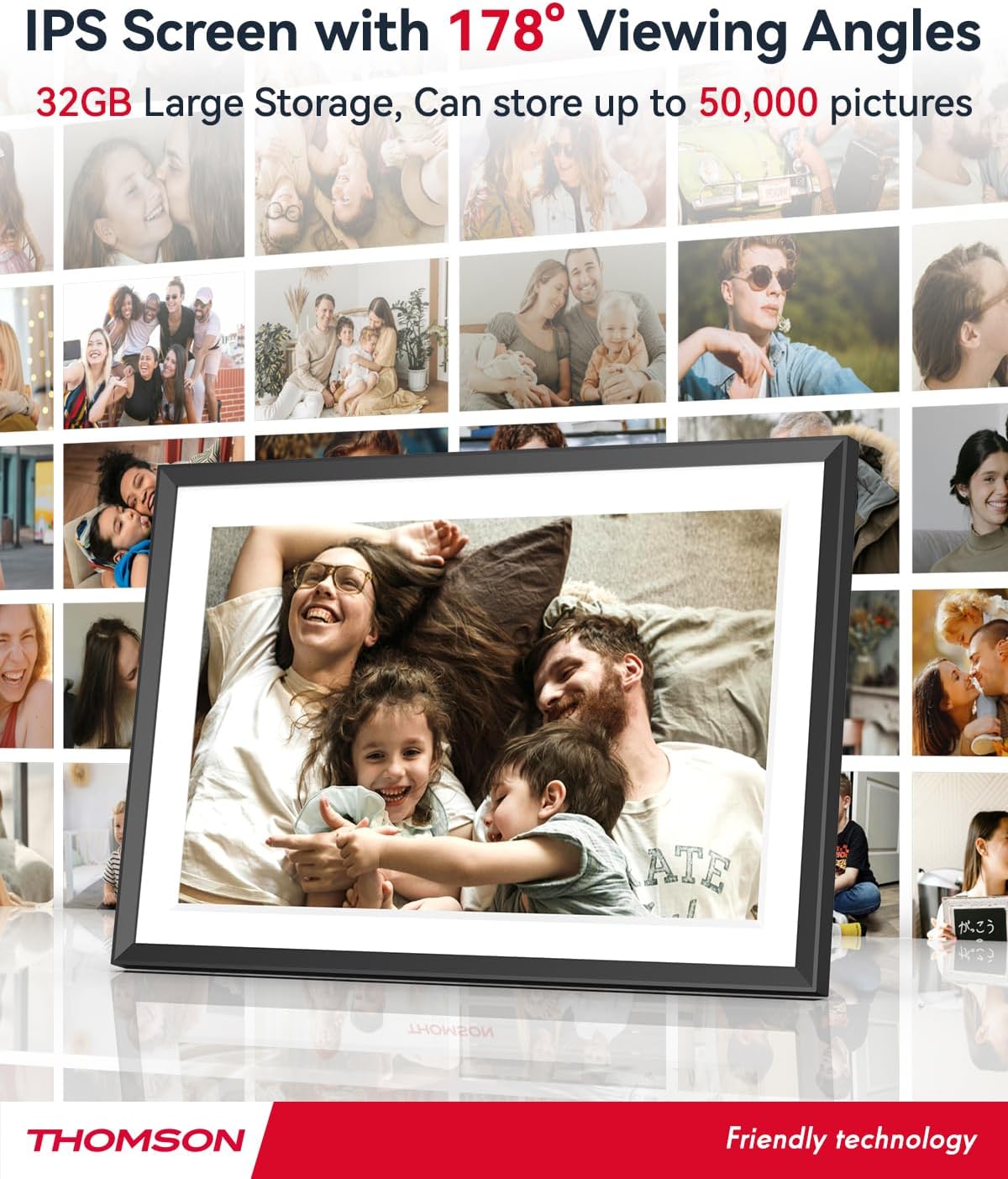
- 32GB ውስጣዊ ማህደረ ትውስታ፦ Stores approximately 50,000 photos. Supports SD Card/SDHC Card/MMC Card/USB Drive expansion up to 256GB.
- ቀላል ማዋቀር; Connects to WiFi, automatically sets local date and time.
- 10.1-inch 1280x800 HD IPS Screen: Provides clear image viewing with a 180° viewአንግል።
- በርካታ በይነገጾች፡ Supports DC-4.0, Type-C, SD, 3.5mm Jack, and USB.
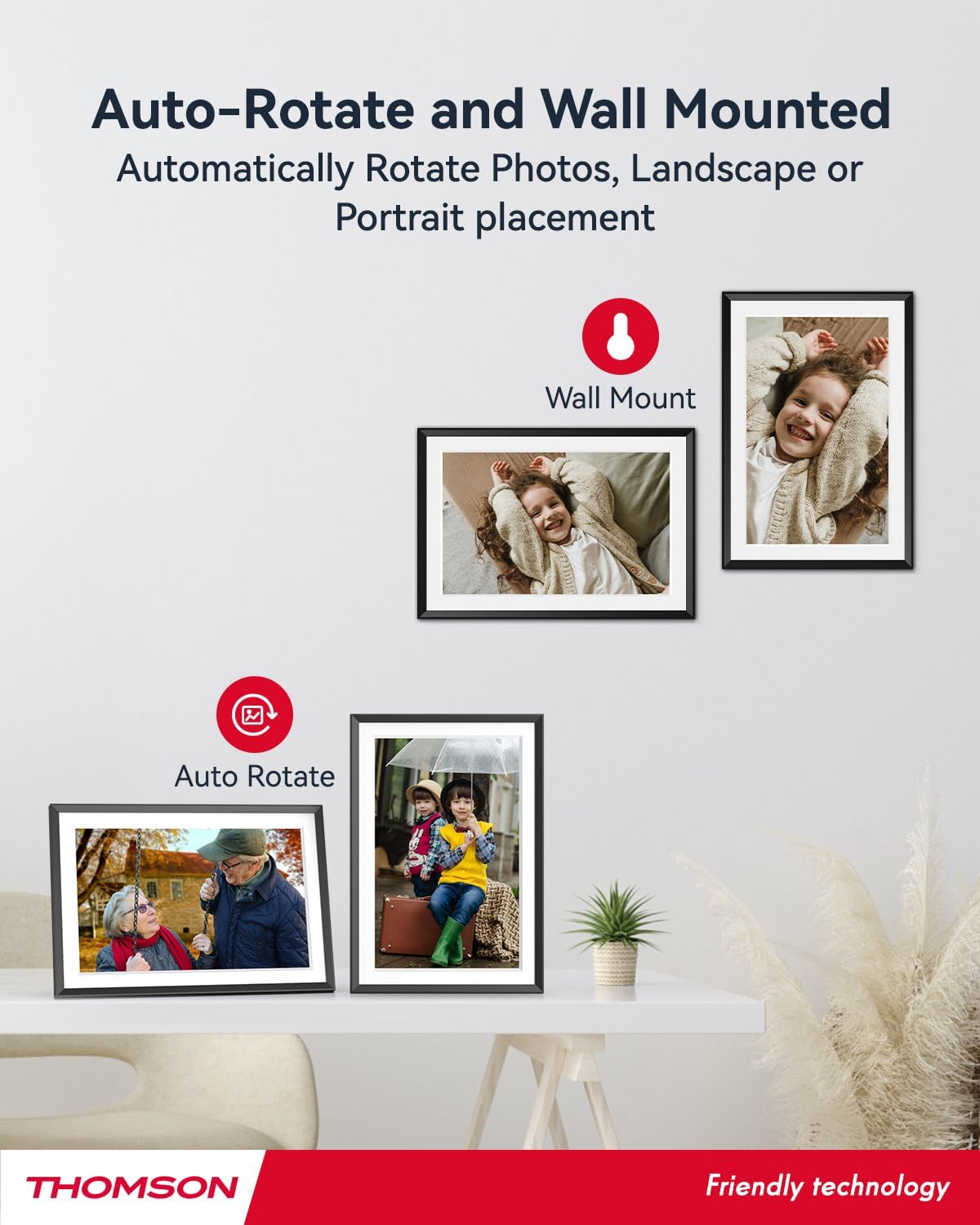
- ራስ-ሰር ማሽከርከር; Displays photos correctly in any orientation.
- ዳራ ሙዚቃ፡ Play music during slideshows.
- Google Photo Support: Send photos directly from Google Photos.




3. ማዋቀር
3.1 ማሸግ እና የመጀመሪያ ምርመራ
- ሁሉንም ንጥረ ነገሮች ከማሸጊያው ውስጥ በጥንቃቄ ያስወግዱ.
- Verify that all items listed in the 'Product Overview' section are present.
- Inspect the frame for any signs of damage. If damaged, do not proceed and contact customer support.
3.2 የኃይል ግንኙነት
- Connect the power adapter to the DC-4.0 port on the back of the photo frame.
- የኃይል አስማሚውን ወደ መደበኛ የኤሌክትሪክ ሶኬት ይሰኩት።
- The frame will power on automatically.
3.3 የአውታረ መረብ ግንኙነት (Wi-Fi)
- On the frame's touchscreen, navigate to 'Settings' or 'Wi-Fi Settings'.
- ከሚገኙት አውታረ መረቦች ዝርዝር ውስጥ የሚፈልጉትን የ Wi-Fi አውታረ መረብ ይምረጡ።
- የማያ ገጽ ላይ ቁልፍ ሰሌዳውን በመጠቀም የWi-Fi ይለፍ ቃል ያስገቡ።
- Confirm the connection. Once connected, the frame will automatically synchronize the date and time.
3.4 App Installation (Thomson Smart Frame)
To share photos wirelessly from your smartphone, download the 'Thomson Smart Frame' app:
- For Android devices, search for 'Thomson Smart Frame' on the ጎግል ፕሌይ ስቶር.
- For iOS devices, search for 'Thomson Smart Frame' on the አፕል መተግበሪያ መደብር.
- Follow the on-screen instructions within the app to pair it with your digital photo frame.
4. የአሠራር መመሪያዎች
4.1 ፎቶዎችን እና ቪዲዮዎችን ማከል
- Via Thomson Smart Frame App: Use the paired smartphone app to wirelessly send photos and videos to the frame.
- Via SD Card/USB Drive: Insert a compatible SD card or USB drive into the respective slot. The frame will detect the media, and you can import files to the internal memory or play directly.
- Via Google Photos: The frame supports integration with Google Photos for direct photo sharing. Refer to the frame's on-screen instructions for linking your Google Photos account.
4.2 የንክኪ ማያ ገጽ ዳሰሳ
The frame features an intuitive touchscreen interface. Tap to select, swipe to scroll, and pinch to zoom (if supported by the specific function).
4.3 የስላይድ ትዕይንት ቅንብሮች
Customize your photo slideshow experience:
- Slideshow Speed: እያንዳንዱ ፎቶ የሚታየውን የቆይታ ጊዜ ያስተካክሉ።
- የሽግግር ውጤቶች፡ Choose from various transition styles between photos.
- ዳራ ሙዚቃ፡ ኦዲዮ ይምረጡ files to play during the slideshow.
4.4 Automatic Rotation
The frame automatically detects its orientation (landscape or portrait) and adjusts the displayed photos accordingly. Ensure the auto-rotate function is enabled in the settings if you wish to utilize this feature.
4.5 ባለብዙ ተጠቃሚ ግንኙነት
Multiple users can connect to the same frame via the Thomson Smart Frame app, allowing family and friends to share their photos to your frame from different locations.
5. ጥገና
5.1 ማያ ገጹን ማጽዳት
- Turn off the photo frame and unplug it from the power source.
- Use a soft, lint-free cloth (e.g., microfiber cloth) to gently wipe the screen.
- ለግትር ማጭበርበሮች በትንሹ መampen the cloth with water or a screen-cleaning solution specifically designed for electronic displays. Do not spray liquid directly onto the screen.
5.2 አጠቃላይ እንክብካቤ
- Avoid exposing the frame to extreme temperatures, direct sunlight, or high humidity.
- Keep the frame away from water and other liquids.
- Do not block the ventilation openings on the frame.
- Handle the frame with care to prevent drops or impacts.
6. መላ መፈለግ
| ችግር | ሊሆን የሚችል ምክንያት | መፍትሄ |
|---|---|---|
| ፍሬም አይበራም። | የኃይል አስማሚ አልተገናኘም ወይም የተሳሳተ መውጫ። | Ensure power adapter is securely connected to the frame and a working electrical outlet. Try a different outlet. |
| ከWi-Fi ጋር መገናኘት አልተቻለም። | የተሳሳተ የይለፍ ቃል፣ ደካማ ምልክት ወይም የአውታረ መረብ ችግር። | የWi-Fi ይለፍ ቃልን ደግመው ያረጋግጡ። ፍሬሙን ወደ ራውተር ቅርብ ያድርጉት። ራውተሩን እና ፍሬሙን እንደገና ያስጀምሩ። |
| Photos not displaying. | የማይደገፍ file format, no photos loaded, or storage issue. | Ensure photos are in supported formats (e.g., JPEG, PNG). Verify photos are loaded onto the frame's internal memory or connected storage. Check storage space. |
| የንክኪ ማያ ገጽ ምላሽ አይሰጥም። | ጊዜያዊ የሶፍትዌር ችግር። | Restart the frame by unplugging and re-plugging the power adapter. |
7. ዝርዝሮች
| ባህሪ | ዝርዝር |
|---|---|
| የምርት ስም | ቶምሰን |
| የሞዴል ቁጥር | TDF-1001P |
| የስክሪን መጠን | 10.1 ኢንች |
| የማሳያ ጥራት | 1280 x 800 ኤችዲ |
| የማሳያ ዓይነት | አይፒኤስ የማያንካ |
| የውስጥ ማህደረ ትውስታ | 32 ጊባ |
| ሊሰፋ የሚችል ማህደረ ትውስታ | SD Card/SDHC Card/MMC Card/USB Drive (up to 256GB) |
| የግንኙነት ቴክኖሎጂ | ዋይ ፋይ |
| ተስማሚ መሣሪያዎች | አንድሮይድ እና አይኦኤስ ስማርትፎኖች |
| የኃይል ምንጭ | ባለገመድ ኤሌክትሪክ |
| ምጥጥነ ገጽታ | 16፡10 |
| የክፈፍ ቁሳቁስ | ፕላስቲክ |
| የምርት ልኬቶች (L x W x H) | 26.5 x 18.4 x 2.51 ሴ.ሜ |
| የምርት ክብደት | 530 ግራም |
8. ዋስትና እና ድጋፍ
For warranty information or technical support, please refer to the documentation included with your purchase or visit the official Thomson website. You may also contact Thomson customer service directly for assistance with product issues or inquiries.


