1. ምርት አብቅቷልview
The Retevis NR30D is a professional-grade DMR (Digital Mobile Radio) 2-way radio designed for robust and reliable communication in demanding environments. Featuring long-range capabilities, advanced noise-canceling technology, and IP67 waterproofing, this handheld device ensures clear and secure communication. It supports both digital and analog modes, offering compatibility with various radio systems.
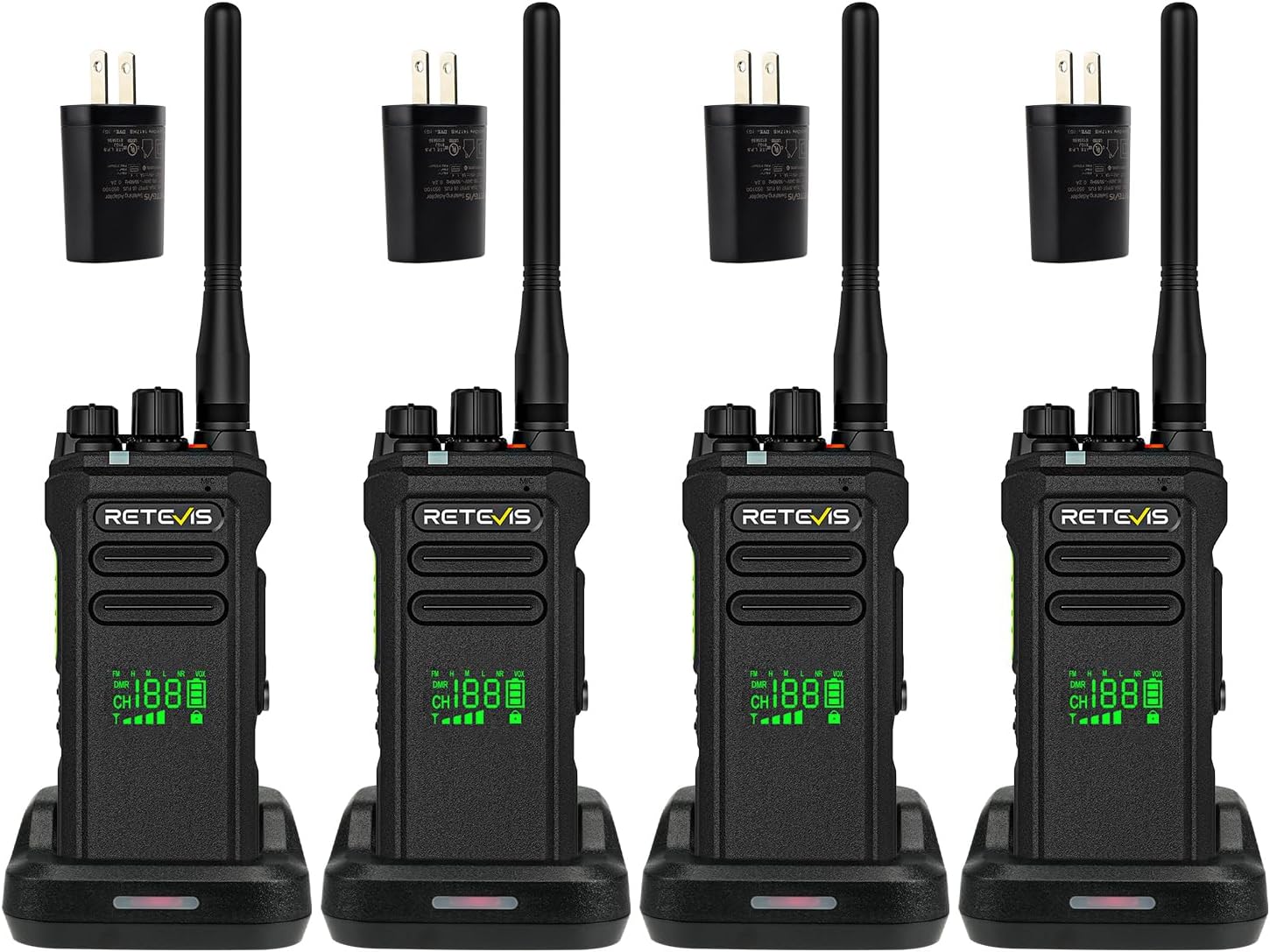
This image displays four Retevis NR30D two-way radios, each with its antenna, battery, and individual charging base. Power adapters are also visible, indicating a complete communication solution.
2. የጥቅል ይዘቶች
ከዚህ በታች የተዘረዘሩት ሁሉም እቃዎች በጥቅልዎ ውስጥ መካተታቸውን ያረጋግጡ፡-
- NR30D two way radio x4
- ባትሪ x4
- የመሙያ መሠረት x4
- የኃይል መሙያ ገመድ x4
- አስማሚ x4
- የተጠቃሚ መመሪያ x4
- ቀበቶ ቅንጥብ x4
- የእጅ ማሰሪያ x4
- የውሂብ ገመድ x1

This image illustrates the complete set of items included with the Retevis NR30D radios, neatly arranged in their packaging. It shows the radios, batteries, charging accessories, and documentation.
3. ቁልፍ ባህሪያት
3.1 Long Range and Coverage
The NR30D high-power walkie-talkie provides extensive coverage, reaching up to 700,000 square feet. Its strong penetration capabilities allow for clear communication across up to 50-story buildings, making it suitable for industrial parks and large warehouses.

The image shows a Retevis NR30D radio superimposed over a city skyline with construction sites, illustrating its capability to cover 700,000 square feet and penetrate up to 50 floors.
3.2 Noise Canceling Technology
Equipped with a built-in noise-canceling chip, the NR30D effectively filters background noise, enhancing communication clarity in noisy environments such as factories. DMR technology further improves sound quality, preventing distortion even at extended distances.
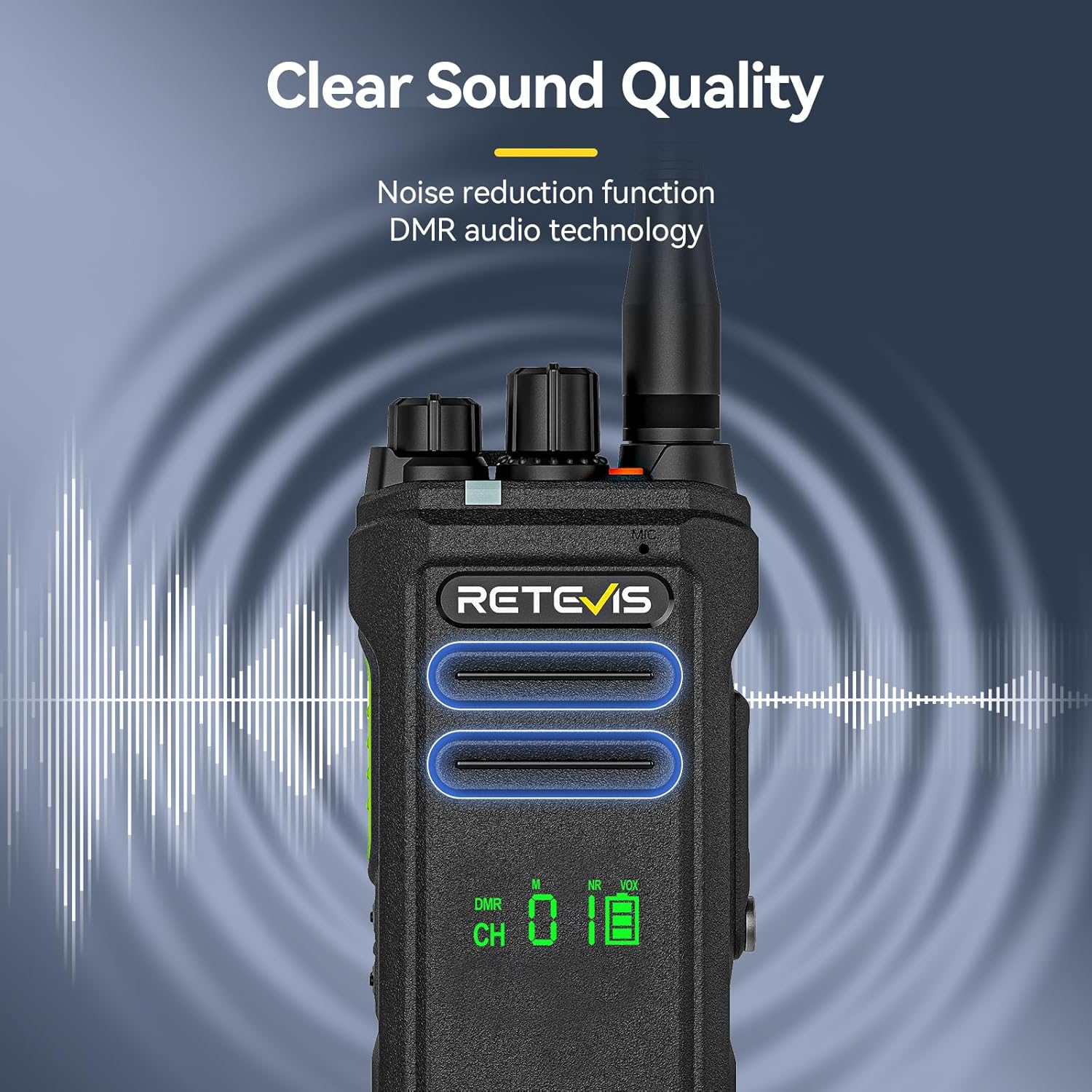
This graphic depicts a Retevis NR30D radio with sound waves emanating from its speaker, visually representing the noise reduction function and clear DMR audio technology.
3.3 Secure Communication and Compatibility
Digital walkie-talkies offer enhanced security compared to analog models, ensuring uninterrupted communication. The NR30D is compatible with R2, Motorola CP100D, and CP200D 2-way radios.

The image features a Retevis NR30D radio with a digital circuit background and text indicating AES256 encryption and strong compatibility with Motorola CP100 and CP200 walkie-talkies.
3.4 Durability: IP67 Waterproof, Dustproof, and Drop-proof
The NR30D boasts an IP67 protection level, allowing it to be immersed in 1 meter of water for 30 minutes without affecting communication. It is also dustproof and drop-proof, extending its lifespan in challenging environments like construction sites.

This graphic shows a Retevis NR30D radio being splashed with water and surrounded by dust, with icons indicating 1m depth for 30 minutes, protection against 0.1µm dust, and 1m drop resistance.
Video 1: Demonstration of the Retevis NR30D's IP67 waterproof, dustproof, and drop-proof capabilities.
3.5 Digital & Analog Dual-Mode
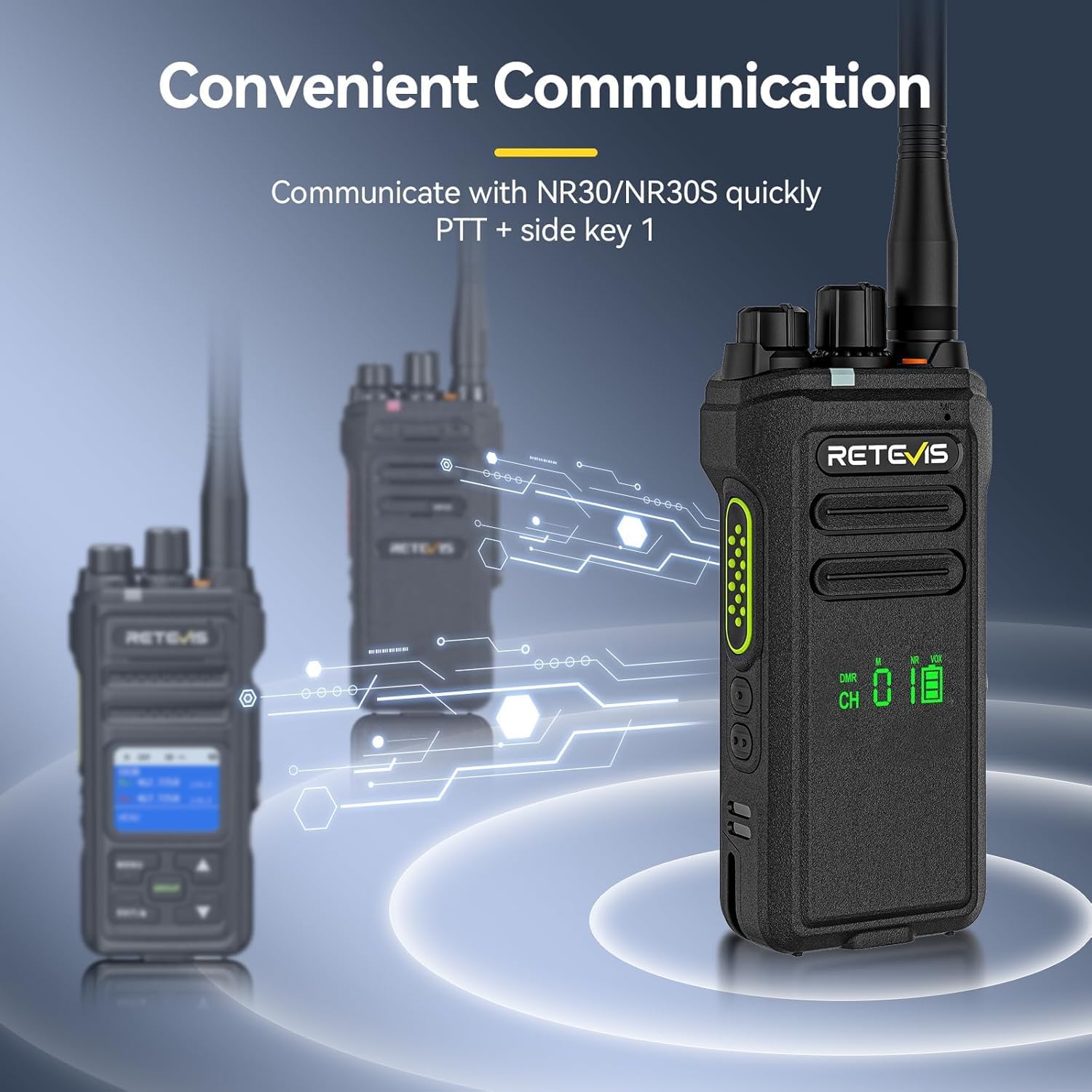
The dual-mode NR30D walkie-talkie combines the compatibility of analog radios with the powerful performance of digital radios. This offers superior sound quality and enhanced safety. It can be switched to the frequency of NR30/NR30S via a shortcut key for seamless compatibility.
ቪዲዮ 2፡ አልቋልview of the interoperability features within the Retevis walkie-talkie series.
3.6 የአደጋ ጊዜ ባህሪያት
For enhanced user safety, the NR30D includes dual alarm modes: a one-key remote alarm and lone worker protection. These features are crucial for personnel working in isolated or hazardous conditions.
This image shows a Retevis NR30D radio with red alarm signals and icons for one-key remote alarm and lone worker protection, emphasizing its emergency capabilities.
3.7 የባትሪ መረጃ
The NR30D is powered by a 2800mAh Lithium-Ion battery, providing approximately 15 hours of work time and up to 70 hours of standby time. Charging can be done via the included charging base or a Type-C connection.
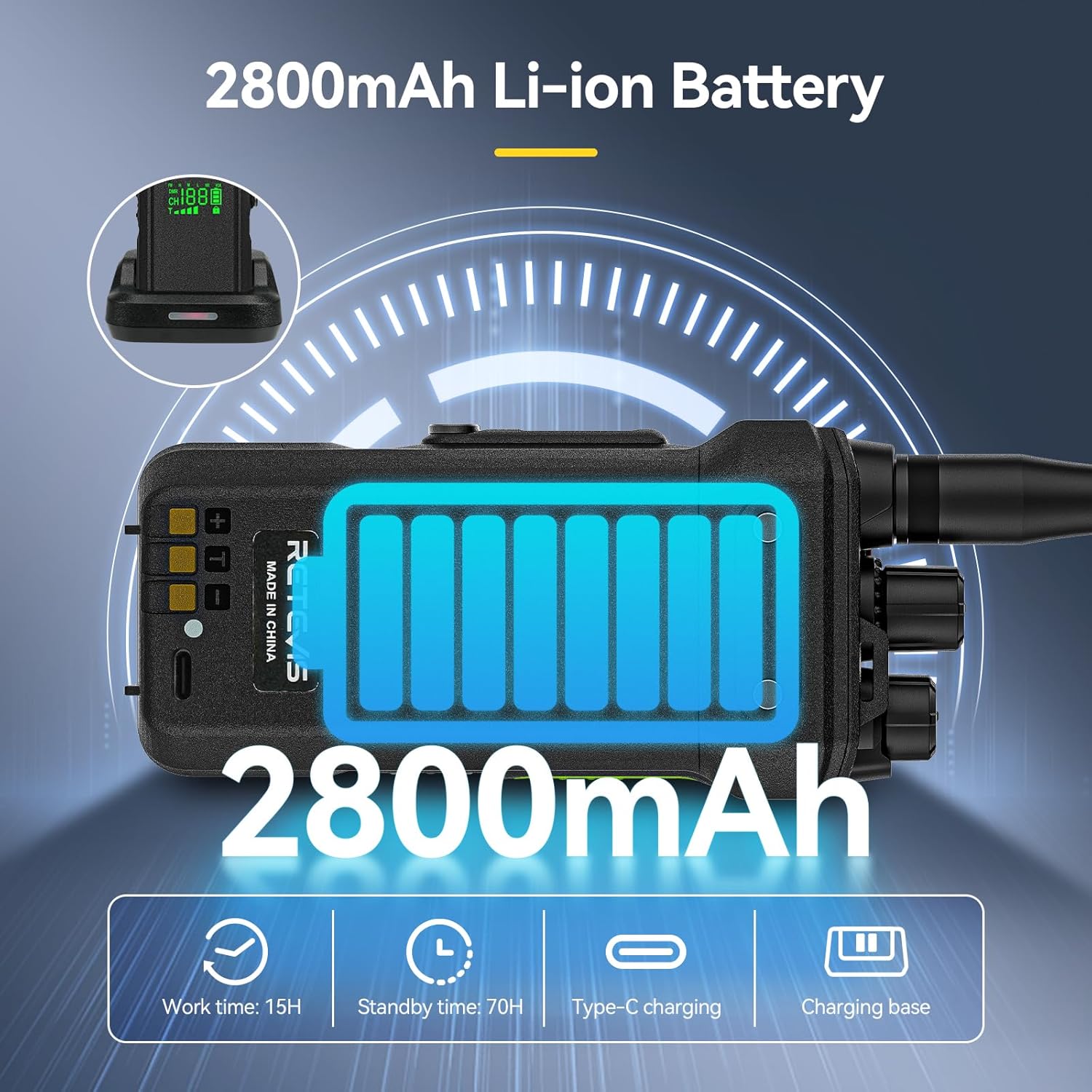
The graphic highlights the 2800mAh Li-ion battery of the Retevis NR30D, detailing its 15-hour work time, 70-hour standby time, and support for both Type-C and charging base charging.
4. ማዋቀር
4.1 የመጀመሪያ ደረጃ መሙላት
- Connect the charging cable to the adapter and plug the adapter into a power outlet.
- Place the radio into the charging base. Ensure the battery contacts align with the base contacts.
- The indicator light on the charging base will illuminate to show charging status. A full charge typically takes several hours.
4.2 የአንቴና እና ቀበቶ ክሊፕን ማያያዝ
- Screw the antenna clockwise into the antenna connector on top of the radio until it is secure. Do not overtighten.
- የቀበቶ ክሊፕን ከሬዲዮው ጀርባ ጋር በተሰጡት ዊንጮች ያያይዙት።
5. የአሠራር መመሪያዎች
5.1 የኃይል ማብሪያ / ማጥፊያ እና የድምጽ ማስተካከያ
- To power on the radio, rotate the power/volume knob clockwise. You will hear a power-on tone.
- To adjust the volume, rotate the power/volume knob. Clockwise increases volume, counter-clockwise decreases it.
- To power off the radio, rotate the power/volume knob counter-clockwise until you hear a click.
5.2 የሰርጥ ምርጫ
The NR30D features 64 channels. Use the channel selector knob on top of the radio to choose your desired channel. The display will show the current channel number.
5.3 ማስተላለፍ እና መቀበል
- ለማስተላለፍ በሬዲዮው በኩል የግፊት-ወደ-ንግግር (PTT) ቁልፍን ተጭነው ይያዙ። ወደ ማይክሮፎኑ በግልጽ ይናገሩ።
- ለመቀበል የPTT ቁልፍን ይልቀቁ።
Video 3: A guide to the basic functions and operation of the walkie-talkie.
5.4 Communication Modes (Single/Group/All Call)
The NR30D supports various call types to meet different communication needs:
- ነጠላ ጥሪ፡ ከአንድ የተወሰነ ሬዲዮ ጋር ቀጥተኛ ግንኙነት.
- የቡድን ጥሪ፡ አስቀድሞ ከተገለጹ የሬዲዮዎች ቡድን ጋር ግንኙነት።
- ሁሉም ጥሪ፡ በክልል ውስጥ ለሚገኙ ሁሉም ሬዲዮዎች መልእክት ያሰራጩ።

This graphic shows a Retevis NR30D radio with icons representing single, group, and all call functions, indicating its versatile communication modes.
5.5 CTCSS/DCS ቶኖች
CTCSS (Continuous Tone-Coded Squelch System) and DCS (Digitally Coded Squelch) tones help filter out unwanted transmissions on a channel. Refer to the video below for instructions on how to manage these tones.
Video 4: Instructions on the necessity of CTCSS/DCS and how to quickly enable or disable them.
6. ጥገና
6.1 ጽዳት
የራዲዮውን ገጽ ለስላሳ፣ መamp ጨርቅ. ኃይለኛ ኬሚካሎችን ወይም ሻካራ ማጽጃዎችን አይጠቀሙ. የኃይል መሙያ እውቂያዎች ንጹህ እና ደረቅ መሆናቸውን ያረጋግጡ።
6.2 የባትሪ እንክብካቤ
To maximize battery life, fully charge the battery before initial use. Avoid overcharging or completely draining the battery. Store the radio and battery in a cool, dry place when not in use for extended periods.
7. መላ መፈለግ
7.1 ምንም ኃይል የለም
- ባትሪው በትክክል መጫኑን እና መሙላቱን ያረጋግጡ።
- Check if the power/volume knob is turned clockwise to the ON position.
7.2 Cannot Transmit or Receive
- Verify that the radio is on the correct channel.
- Ensure the PTT button is fully pressed when transmitting and released when receiving.
- አንቴናው ደህንነቱ በተጠበቀ ሁኔታ መያያዙን ያረጋግጡ።
- Confirm that CTCSS/DCS tones are correctly configured for your group.
7.3 ደካማ የድምጽ ጥራት
- የድምጽ ደረጃውን ያስተካክሉ.
- Move closer to the other radio or to an area with fewer obstructions.
- ማይክሮፎኑ እና ድምጽ ማጉያው እንዳይደናቀፉ ያረጋግጡ።
8. ዝርዝሮች

ይህ ምስል በዝርዝር ያቀርባል view of the Retevis NR30D radio, including its textured casing, control knobs, and side buttons, along with an inset showing its dimensions and weight.
| ዝርዝር መግለጫ | ዋጋ |
|---|---|
| የሞዴል ቁጥር | NR30D |
| የምርት ስም | ሬቴቪስ |
| የእቃው ክብደት | 6.12 ፓውንድ |
| የምርት ልኬቶች | 1.54 x 2.64 x 9.13 ኢንች |
| ባትሪዎች | 4 ሊቲየም ion ባትሪዎች ያስፈልጋሉ (ተጨምሯል) |
| የሰርጦች ብዛት | 64 |
| ከፍተኛ የንግግር ክልል | 64000 ሜትር |
| ጥራዝtage | 7.4 ቮልት (ዲሲ) |
| የውሃ መቋቋም ደረጃ | IP67 የውሃ መከላከያ |
| ቀለም | ጥቁር |
9. ዋስትና እና ድጋፍ
Retevis provides comprehensive support for the NR30D radio:
- የሬዲዮ አካል 2-year support.
- መለዋወጫዎች፡ 1-year support.
- ይመልሳል፡ የ30-ቀን ያለምክንያት የመመለሻ ፖሊሲ።
Beyond the support period, maintenance services are available, with buyers responsible for associated costs. For further assistance, please contact Retevis customer service.


