1. መግቢያ
This manual provides detailed instructions for the Varmilo Sword68 Sakura 65% Hotswap Wireless RGB Mechanical Keyboard. Please read this manual thoroughly before using the product to ensure proper operation and to maximize its lifespan. This keyboard features a full 6063 aluminum CNC case, multiple connectivity options, hot-swappable switches, and customizable RGB lighting.
2. የደህንነት መረጃ
- ጉዳት እንዳይደርስ ለመከላከል የቁልፍ ሰሌዳውን ከፈሳሽ እና ከመጠን በላይ እርጥበት ያርቁ።
- የቁልፍ ሰሌዳውን ለከፍተኛ ሙቀት ከማጋለጥ ይቆጠቡ።
- የቁልፍ ሰሌዳውን ለመበተን ወይም ለማሻሻል አይሞክሩ፣ ምክንያቱም ይህ ዋስትናውን ሊያበላሽ እና ጉዳት ሊያስከትል ይችላል።
- ለኃይል መሙያ እና ለገመድ ግንኙነት የቀረበውን የዩኤስቢ-ሲ ገመድ ብቻ ይጠቀሙ።
- ልጆች በማይደርሱበት ቦታ ያስቀምጡ.
3. የጥቅል ይዘቶች
ሁሉም እቃዎች በጥቅሉ ውስጥ መኖራቸውን ያረጋግጡ፡-
- Varmilo Sword68 Mechanical Keyboard
- የ USB-C ገመድ
- የቁልፍ መያዣ (ሊካተት ይችላል)
- መቀየሪያ ፑለር (ሊካተት ይችላል)
4. ማዋቀር
4.1 የመጀመሪያ ደረጃ መሙላት
Before first use, connect the keyboard to a USB power source using the provided USB-C cable. The keyboard features a 4000mAh rechargeable battery. A full charge is recommended for optimal wireless performance.
4.2 የግንኙነት አማራጮች
The Varmilo Sword68 supports three connection modes:
- ባለገመድ (USB-C): Connect the keyboard directly to your computer using the USB-C cable. The keyboard will automatically switch to wired mode.
- ብሉቱዝ 5.0:
- Turn on the keyboard and switch to Bluetooth mode (refer to the keyboard's function keys for mode switching).
- On your device (PC, laptop, smartphone, tablet), enable Bluetooth and search for new devices.
- Select 'Varmilo Sword68' from the list of available devices to pair.
- 2.4 GHz ገመድ አልባ;
- Insert the 2.4 GHz USB receiver into an available USB port on your computer.
- Switch the keyboard to 2.4 GHz wireless mode (refer to the keyboard's function keys for mode switching). The keyboard should automatically connect to the receiver.
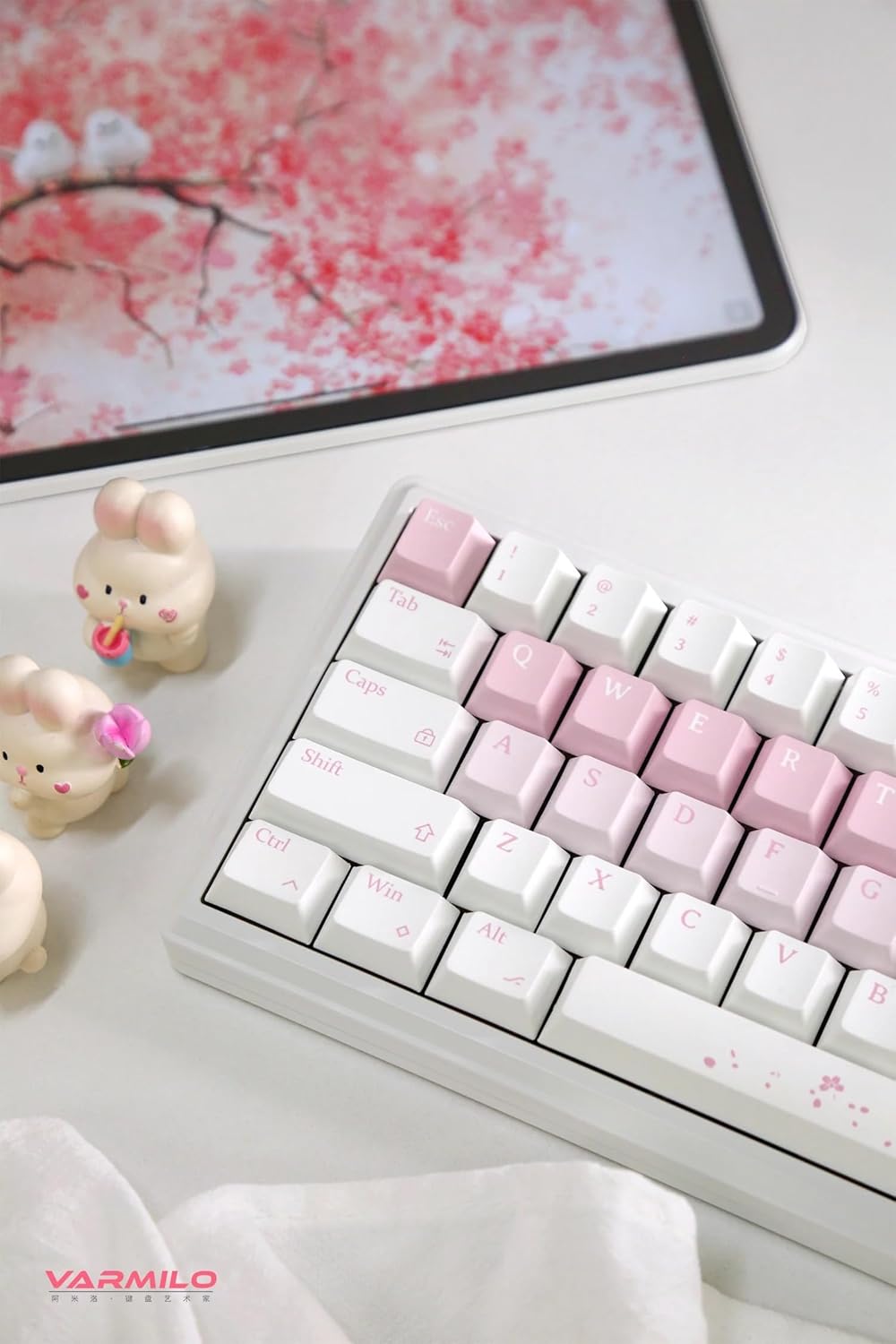
Image: The Varmilo Sword68 keyboard set up on a desk, demonstrating its compact size and aesthetic design alongside a tablet.
5. አሠራር
5.1 መሰረታዊ የቁልፍ ሰሌዳ ተግባራት
The Varmilo Sword68 functions as a standard 65% mechanical keyboard. All keys perform their labeled functions. For secondary functions (accessed via the Fn key), refer to the keycap legends or the custom software.

ምስል: ዝርዝር view of the Varmilo Sword68 keyboard's right side, highlighting the white and pink keycaps and the Sakura-themed spacebar and escape key.
5.2 አርጂቢ የጀርባ መብራት
The keyboard features RGB backlighting. Lighting effects and colors can be customized using the dedicated software. Refer to the software's instructions for detailed customization options.
5.3 Custom Layout Control
The Varmilo Sword68 supports custom layout control through its software. This allows users to remap keys, create macros, and personalize the keyboard's functionality to suit their workflow or gaming preferences.
5.4 ሙቅ-ተለዋዋጭ መቀየሪያዎች
The PCB is hot-swappable, allowing users to change mechanical switches without soldering. This feature supports both plate mount and PCB mount stabilizers. To replace a switch:
- የቁልፍ ክዳኑን በኪፕ መጎተቻ በመጠቀም ቀስ ብለው ያስወግዱት።
- Use a switch puller to carefully extract the switch from the PCB.
- የአዲሱን ማብሪያ / ማጥፊያ ፒኖች በፒሲቢ (PCB) ላይ ካሉት ቀዳዳዎች ጋር ያስተካክሉ እና እስኪጫን ድረስ በጥብቅ ይጫኑ። ፒኖቹ እንዳልታጠፉ ያረጋግጡ።

ምስል፡ መቀራረብ view of the Varmilo Sword68 keyboard, showcasing the arrangement of its white and pink keycaps and the decorative spacebar.
6. ጥገና
6.1 የቁልፍ ሰሌዳውን ማጽዳት
የቁልፍ ሰሌዳውን ገጽታ እና ተግባር ለመጠበቅ፦
- ከማጽዳትዎ በፊት የቁልፍ ሰሌዳውን ከሁሉም የኃይል ምንጮች ያላቅቁት.
- ለስላሳ፣ ከቆሸሸ ነፃ የሆነ ጨርቅ በትንሹ ተጠቀምampመቆለፊያዎቹን እና መያዣውን ለማጽዳት በውሃ ወይም በትንሽ የጽዳት መፍትሄ ተሸፍኗል።
- በአቧራ እና በቁልፍ ሰሌዳዎች መካከል ፍርስራሾች ፣ የታመቀ አየር ወይም ትንሽ ብሩሽ ይጠቀሙ።
- ኃይለኛ ኬሚካሎችን ወይም ሻካራ ቁሳቁሶችን ከመጠቀም ይቆጠቡ.
6.2 ኪፕ እና ቀይር እንክብካቤ
The Double Shot ABS keycaps are durable. If removing keycaps or switches, do so gently to avoid damaging the components or the PCB.
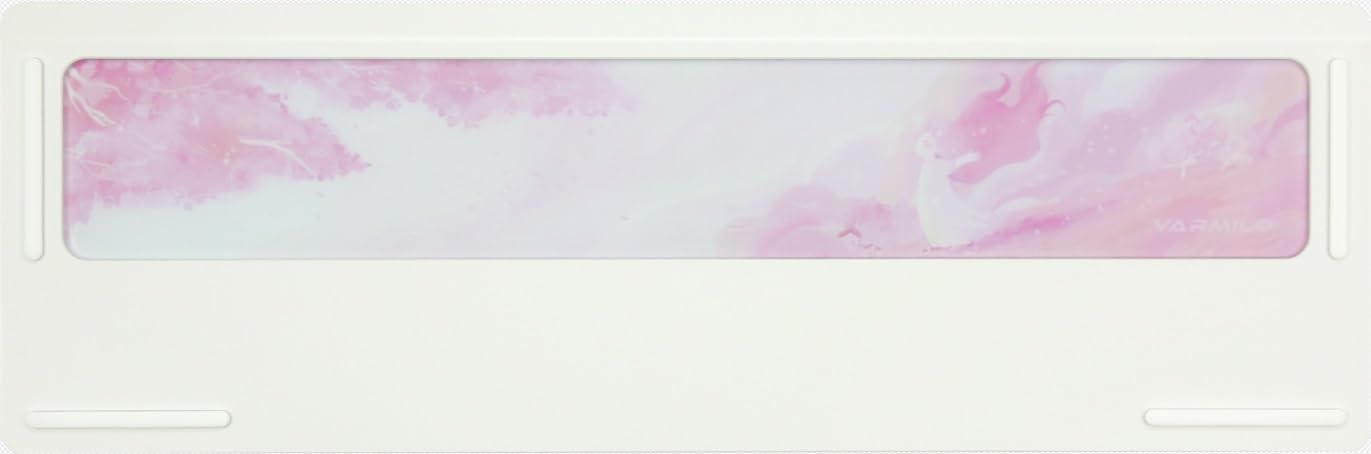
Image: The underside of the Varmilo Sword68 keyboard, revealing the frosted glass weight and rubber feet for stability.
7. መላ መፈለግ
- የቁልፍ ሰሌዳ ምላሽ አይሰጥም፡- Ensure the USB-C cable is securely connected or that the wireless receiver is properly inserted and the keyboard is in the correct mode (wired, Bluetooth, 2.4 GHz). Check battery level if in wireless mode.
- የብሉቱዝ ማጣመር ችግሮች፡ Ensure the keyboard is in pairing mode and your device's Bluetooth is enabled. Try removing previous pairings and re-pairing.
- የRGB መብራት አይሰራም፦ Check the software settings for RGB control. Ensure the keyboard is not in a low-power mode that disables lighting.
- የማይመዘገቡ ቁልፎች፡- For hot-swappable switches, ensure the switch is fully seated and its pins are not bent. Try replacing the switch if the issue persists.
- ገመድ አልባ ግንኙነት ያለማቋረጥ; Ensure the keyboard is within range of the receiver/device and there are no significant obstructions or interference sources.
8. ዝርዝሮች
| የምርት ስም | ቫርሚሎ |
| ሞዴል | Sword68 |
| ASIN | B0DMXL67WS |
| የግንኙነት ቴክኖሎጂ | ብሉቱዝ ፣ ዩኤስቢ-ሲ |
| የቁልፍ ሰሌዳ መግለጫ | መካኒካል |
| ልዩ ባህሪያት | Backlit, Hot-Swappable, Rechargeable |
| የቁልፍ ሰሌዳ የጀርባ ብርሃን ቀለም ድጋፍ | አርጂቢ |
| ቁሳቁስ | አሉሚኒየም, ፖሊካርቦኔት |
| የባትሪ አቅም | 4000mAh |
| የቁልፍ ሰሌዳዎች | ድርብ ሾት ኤቢኤስ |
| የድምፅ መምጠጥ | 3x Poron foam, 2x PET foam, 1x IXPE foam |
| የጉዳይ ቁሳቁስ | 6063 Aluminum CNC with electrophoresis finish |
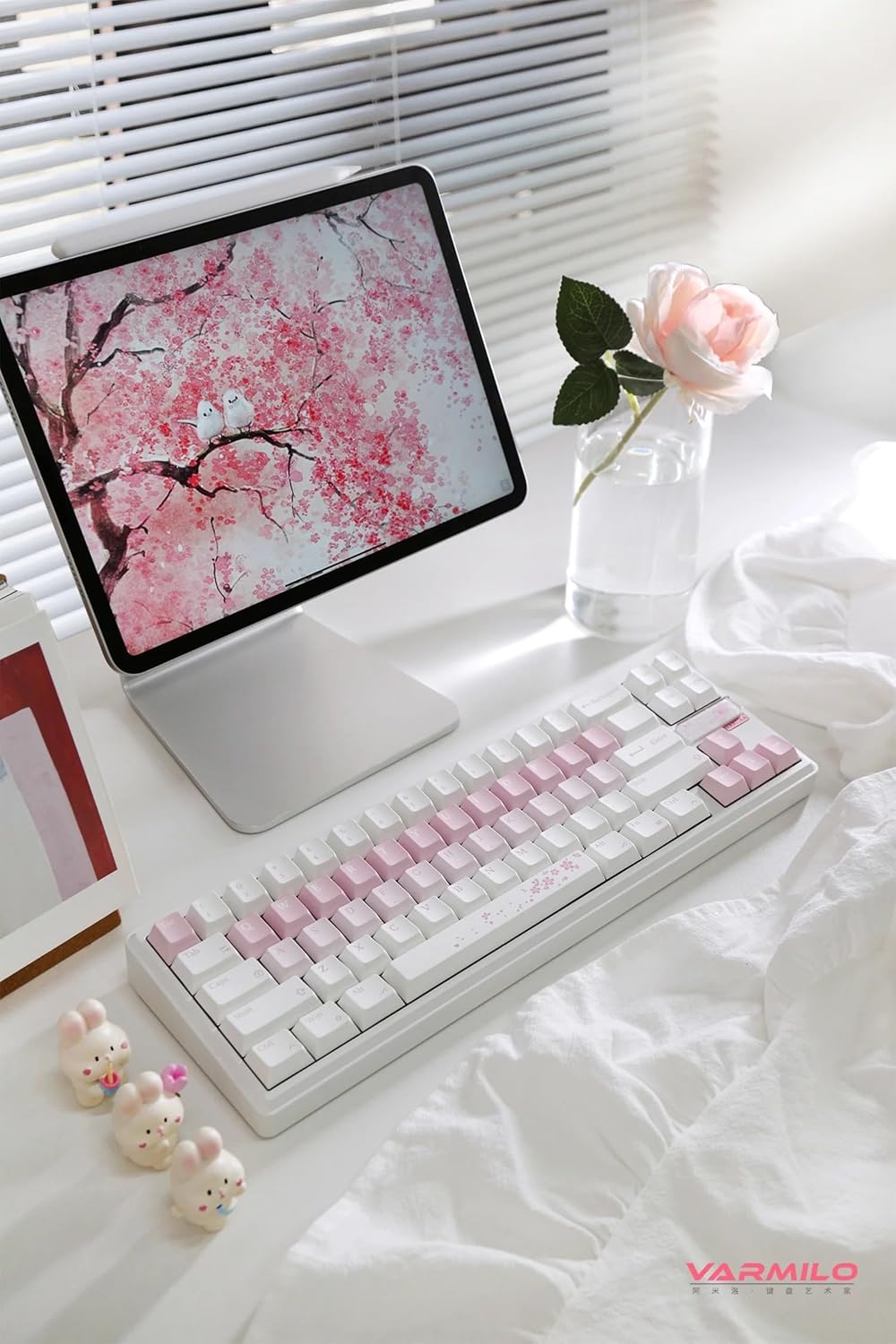
ምስል: የተሟላ view of the Varmilo Sword68 keyboard in a desk setup, showcasinውብ ዲዛይኑ እና የታመቀ የቅርጽ ሁኔታ።
9. ዋስትና እና ድጋፍ
For warranty information, technical support, or service inquiries, please refer to the official Varmilo webበቀጥታ የደንበኛ ድጋፋቸውን ያግኙ ወይም ያግኙ። የግዢ ደረሰኝዎን ለዋስትና ጥያቄዎች ያስቀምጡ።


