1. መግቢያ
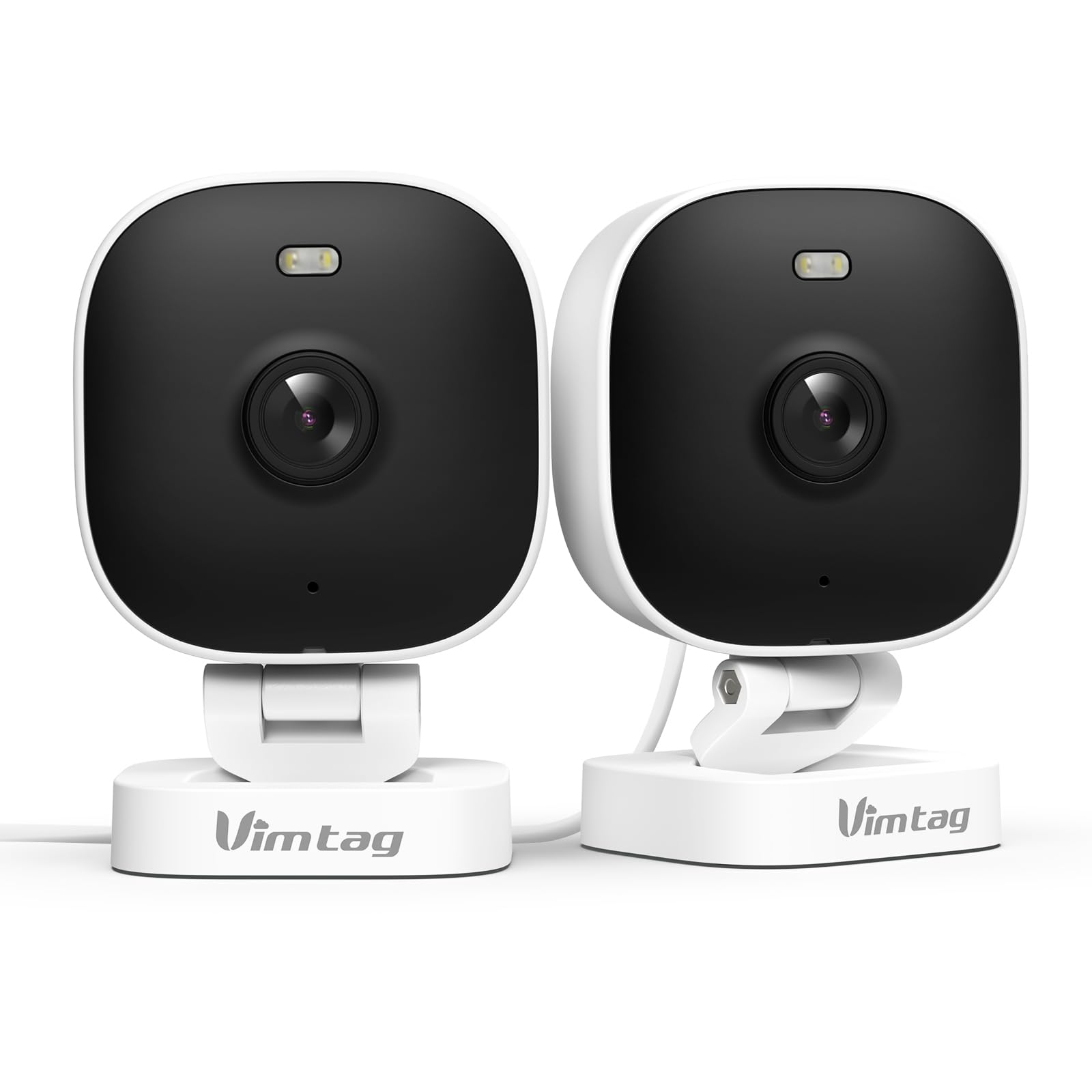
The VIMTAG 8310 2.5K Security Camera is designed to provide comprehensive surveillance for your home, pets, and loved ones. This manual provides detailed instructions for setting up, operating, and maintaining your camera to ensure optimal performance and security.
ቁልፍ ባህሪዎች
- ቀጣይነት ያለው አሰራር; The camera operates 24/7 via a plug-in power cable, eliminating the need for battery charging. It supports 2.4GHz and 5GHz dual-band WiFi, including WiFi 6 technology, for stable connections.
- ባለከፍተኛ ጥራት ቪዲዮ፡ Provides 2.5K resolution for clear day and night visibility. Features full-color night vision, enhanced by a built-in LED light, for detailed monitoring in various indoor and outdoor environments.
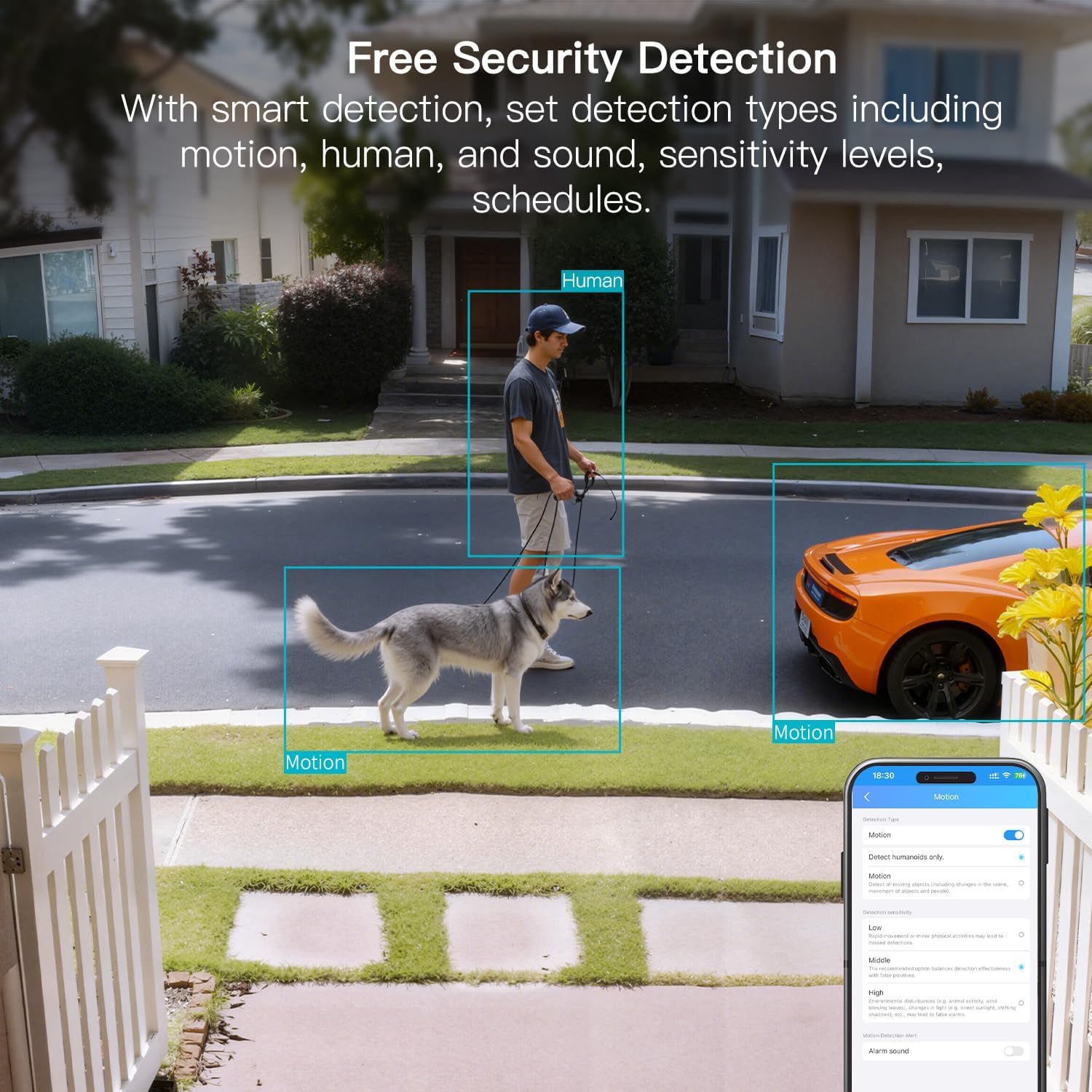
- ስማርት ማወቂያ፡- Offers advanced detection capabilities for motion, people, and sound up to 33 feet. Users receive instant alerts for detected activity.
- የአየር ሁኔታ መቋቋም; Rated IP65, the camera is designed for outdoor use and can withstand rain, snow, heat, and cold, ensuring continuous operation in various weather conditions.
- Remote Access and Two-Way Audio: The mobile app allows remote access to live video footage and recorded content. Built-in two-way audio enables real-time communication through the camera.
- የተማከለ አስተዳደር፡ Up to 32 Vimtag WiFi cameras can be managed within a single application. Features include smart cloud storage (subscription required), motion detection, and event filtering.
2. በሳጥኑ ውስጥ ያለው
ሁሉም እቃዎች መኖራቸውን ለማረጋገጥ እባክዎ የጥቅል ይዘቱን ያረጋግጡ፡-
- Camera with cable
- ማፈናጠጥ ሾጣጣ
- የኃይል አስማሚ
- የትምህርት መመሪያ (ይህ ሰነድ)
3. ማዋቀር
3.1 የመጀመሪያ ማዋቀር እና የመተግበሪያ ግንኙነት
- መተግበሪያውን ያውርዱ፡- ፈልግ "Canny Cam" in your smartphone's app store (iOS or Android) and download the application.
- መለያ ይመዝገቡ፡ Open the Canny Cam app and follow the on-screen instructions to register a new user account.
- አብራ፡ Connect the camera to the power adapter using the provided cable and plug it into an electrical outlet. The camera will power on automatically.
- መሣሪያ አክል፡ In the Canny Cam app, select the option to add a new device. Enable Bluetooth and Wi-Fi on your smartphone as prompted by the app.
- የውስጠ-መተግበሪያ መመሪያዎችን ተከተል፡- The app will guide you through the process of connecting the camera to your home Wi-Fi network. Ensure your Wi-Fi network is 2.4GHz or 5GHz compatible.
- የግንኙነት ማረጋገጫ; Once successfully connected, the app will confirm the device has been added.

Image: Visual guide showing the steps to download the Canny Cam app, enable Bluetooth and Wi-Fi, and connect the camera.
3.2 የመጫኛ አማራጮች
The VIMTAG 8310 camera offers flexible mounting options to suit various indoor and outdoor locations. Use the provided mounting screws for secure installation.
- የግድግዳ ተራራ Securely attach the camera to a wall using the mounting bracket and screws.
- የጣሪያ ተራራ; Install the camera on a ceiling for an overhead view.
- Tabletop Mount/Freestanding: Place the camera on a flat surface such as a table, shelf, or desk.
- Door Mount/Window Mount: Position the camera near doors or windows for specific entry point monitoring.

Image: A hand using a screwdriver to mount the VIMTAG camera to a surface.
ምስል፡ ዘጸamples of various mounting positions for the camera, including freestanding, wall-mounted, and ceiling-mounted.
4. ካሜራውን መስራት
4.1 ቀጥታ ስርጭት View እና መቅዳት
የቀጥታ ቪዲዮ ምግብ እና የተቀዳ foo ይድረሱtage through the Canny Cam app on your smartphone or tablet.

Image: A comparison demonstrating the enhanced detail of 2.5K QHD resolution compared to 1080p.
4.2 የቀለም የሌሊት እይታ
The camera features full-color night vision, providing clear and detailed images even in low-light conditions, unlike traditional black-and-white night vision.
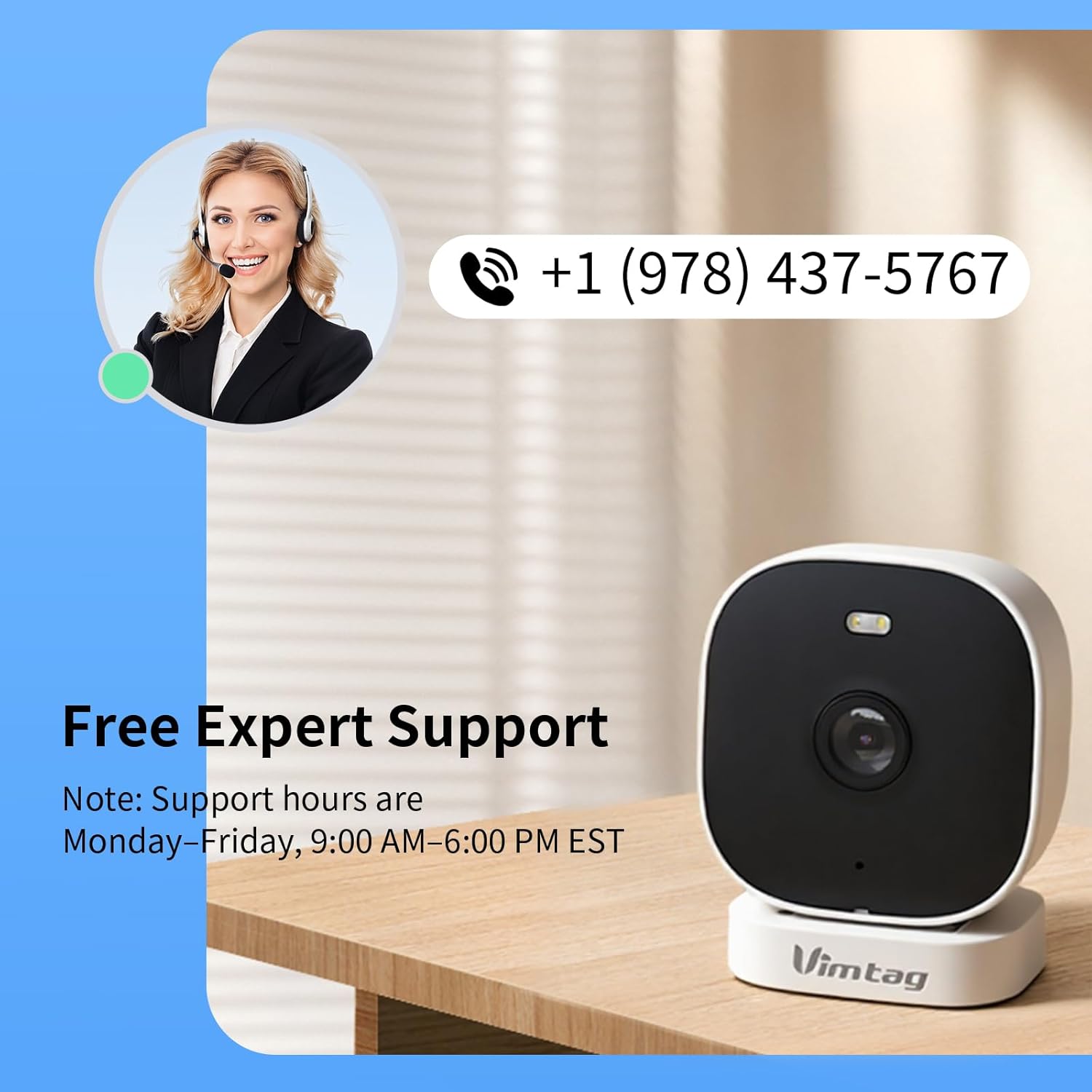
Image: A visual comparison illustrating the difference between color night vision and traditional night vision.
4.3 ባለሁለት ባንድ የዋይፋይ ግንኙነት
The camera supports both 2.4GHz and 5GHz Wi-Fi bands, offering flexibility for network connection. 2.4GHz provides a stable connection over longer distances, while 5GHz offers faster speeds for shorter ranges.

Image: Explanation of 2.4GHz and 5GHz Wi-Fi benefits for the camera's connectivity.
4.4 ስማርት ዲቴክሽን እና ማንቂያዎች
Configure motion, human, and sound detection settings within the Canny Cam app. The camera can trigger a smart sound and light alarm and send instant notifications to your smartphone upon detecting activity.

Image: Depiction of the smart sound and light alarm feature in action.

Image: App interface showing options for setting detection types and sensitivity levels.
4.5 ባለ ሁለት መንገድ ኦዲዮ
Utilize the built-in microphone and speaker for two-way communication. This allows you to speak to visitors, deter intruders, or comfort pets remotely.
ምስል፡ ዘጸample of using two-way audio to communicate through the camera.
4.6 የማከማቻ አማራጮች
The camera supports local storage via a MicroSD card (up to 512GB, sold separately) for continuous or event-triggered recording. Cloud storage is also available through a subscription service, offering event recording and multi-device playback.

Image: The camera's recording capabilities to a TF card or cloud storage.

ምስል፡ አልቋልview of Canny Cam app features, including those available with and without a cloud subscription.
4.7 የአሌክሳ ውህደት
The VIMTAG 8310 camera is compatible with Alexa, allowing for hands-free control and live streaming to compatible Alexa-enabled devices.

ምስል፡ ዘጸampአሌክሳን ለመጠቀም view የካሜራ ምግብ.
5. ጥገና
To ensure the longevity and optimal performance of your VIMTAG 8310 camera, follow these maintenance guidelines:
- ማጽዳት፡ Regularly wipe the camera lens and body with a soft, dry cloth to remove dust and smudges. Avoid using harsh chemicals or abrasive materials.
- የጽኑዌር ዝማኔዎች ፦ Check the Canny Cam app periodically for available firmware updates. Keeping your camera's firmware up-to-date ensures you have the latest features and security enhancements.
- የኃይል አቅርቦት; Ensure the camera is connected to a stable power source. Avoid using damaged cables or adapters.
- የአካባቢ ጥበቃ; While the camera is IP65-rated for weather resistance, avoid direct exposure to extreme conditions or prolonged submersion in water.
6. መላ መፈለግ
If you encounter any issues with your VIMTAG 8310 camera, please refer to the following common troubleshooting tips or contact support:
- ኃይል የለም፡ Ensure the power adapter is securely connected to both the camera and a working electrical outlet.
- የWi-Fi ግንኙነት ችግሮች፡- Verify your Wi-Fi network is active and the camera is within range. Try restarting your router and the camera. Ensure you are connecting to the correct 2.4GHz or 5GHz network as supported by your router and camera settings.
- የመተግበሪያ ግንኙነት ችግሮች፡- Check if your smartphone has a stable internet connection. Ensure the Canny Cam app is updated to the latest version. Try restarting the app or your phone.
- ደካማ የቪዲዮ ጥራት፡ Check your internet speed. A slow connection can affect streaming quality. Ensure the camera lens is clean.
- የእንቅስቃሴ ማወቂያ አይሰራም፡ Review the motion detection settings in the Canny Cam app to ensure they are configured correctly and sensitivity levels are appropriate.
Note: No relevant product videos with 'creator_type: Seller' were found in the provided data to include in this section.
7. ዝርዝሮች
| ባህሪ | ዝርዝር |
|---|---|
| የቤት ውስጥ / የውጭ አጠቃቀም | የቤት ውስጥ ፣ ከቤት ውጭ |
| ተስማሚ መሣሪያዎች | Smartphone, iPhone, iPad, Android Phone, Android Pad |
| የኃይል ምንጭ | ባለገመድ ኤሌክትሪክ |
| የግንኙነት ፕሮቶኮል | ዋይ ፋይ |
| የመቆጣጠሪያ አይነት | APP |
| የመጫኛ አይነት | Wall mount, Ceiling mount, Tabletop Mount, Freestanding, Door mount, Window mount |
| የቪዲዮ ቀረጻ ጥራት | 1440 ፒ (2.5ኬ) |
| ቀለም | ነጭ |
| የእቃዎች ብዛት | 2 |
| የሰርጦች ብዛት | 2 |
| ገመድ አልባ የመገናኛ ቴክኖሎጂ | ዋይ ፋይ |
| የቅጽ ምክንያት | ኩብ |
| ውጤታማ የቪዲዮ ጥራት | 4 ሜፒ |
| Viewማእዘን | 130 ዲግሪዎች |
| የምሽት ራዕይ ክልል | 33 ጫማ |
| የፍሬም መጠን | በሰከንድ 25 ፍሬሞች |
| ቁሳቁስ | ፕላስቲክ |
| ጥራዝtage | 5 ቮልት |
| ዋትtage | 5 ዋት |
| የንጥል መጠኖች L x W x H | 2.28 x 1.85 x 2.8 ኢንች |
| የውሃ መቋቋም ደረጃ | ውሃ የማይገባ (IP65) |
| ባትሪዎች ያስፈልጋሉ? | አይ |
| የፍላሽ ማህደረ ትውስታ አይነት | ማይክሮ ኤስዲ |
| የእቃው ክብደት | 0.19 ኪሎግራም (6.7 አውንስ) |
| የቪዲዮ ምስጠራ | ኤች.264 እና ኤች.265 |
| ቅርጽ | አራት ማዕዘን |
| የትኩረት አይነት | ራስ-ሰር ትኩረት |
| ዝቅተኛ ብርሃን ቴክኖሎጂ | የምሽት ቀለም |
| የማጉላት ዓይነት | ዲጂታል ማጉላት |
| አጉላ ሬቲዮ | 8 |
| የማንቂያ ዓይነት | ኦዲዮ እና እንቅስቃሴ |
| የብርሃን ምንጭ ዓይነት | LED, IR |
| የቪዲዮ ቀረጻ ቅርጸት | MPEG-4 |
| የፎቶ ዳሳሽ ቴክኖሎጂ | CMOS |
| ውጤታማ አሁንም ጥራት | 4 ሜፒ |
| የአለም አቀፍ ጥበቃ ደረጃ | IP66 |
| ከፍተኛ Webየካሜራ ምስል ጥራት | 4 ሜፒ |
| የመቆጣጠሪያ ዘዴ | መተግበሪያ ፣ የርቀት መቆጣጠሪያ |
| የ IR LEDs ብዛት | 2 |
| የፍላሽ ማህደረ ትውስታ የሚደገፍ ከፍተኛ መጠን | 512 ጊባ |
| የምርት ደረጃ | የመኖሪያ አካባቢ |
| የስማርት ቤት ተኳኋኝነት | Smart Home Compatible |
| ሴሉላር ቴክኖሎጂ | 2.4ጂ 5ጂ |
| የድምጽ ቪዥዋል ቀረጻ ችሎታዎች | Audio, Still Image, Video |
| ድግግሞሽ ባንድ ክፍል | ባለሁለት ባንድ |

Image: Product dimensions of the VIMTAG 8310 camera.
8. ዋስትና እና ድጋፍ
For expert support with setting up and optimizing your VIMTAG cameras, please contact our support team:
- የስልክ ድጋፍ፡ +1 (978) 437-5767
- ተገኝነት፡- Monday to Friday, 9:00 AM - 6:00 PM (ET)
ቪኤምTAG is committed to providing lifetime technical support for its products. For any inquiries or assistance, please reach out to our dedicated support channels.

Image: VIMTAG Free Expert Support contact information.


