1. መግቢያ
The Frigga S0 4G Cellular & WiFi Temperature Humidity Monitor is designed to provide real-time environmental data and alerts for various applications, including RVs, vacation homes, pet safety, and greenhouses. This device offers dual connectivity via 4G cellular and Wi-Fi, ensuring continuous monitoring even in remote locations or during internet outages. It features a clear display, an intuitive mobile application, and customizable alert notifications.
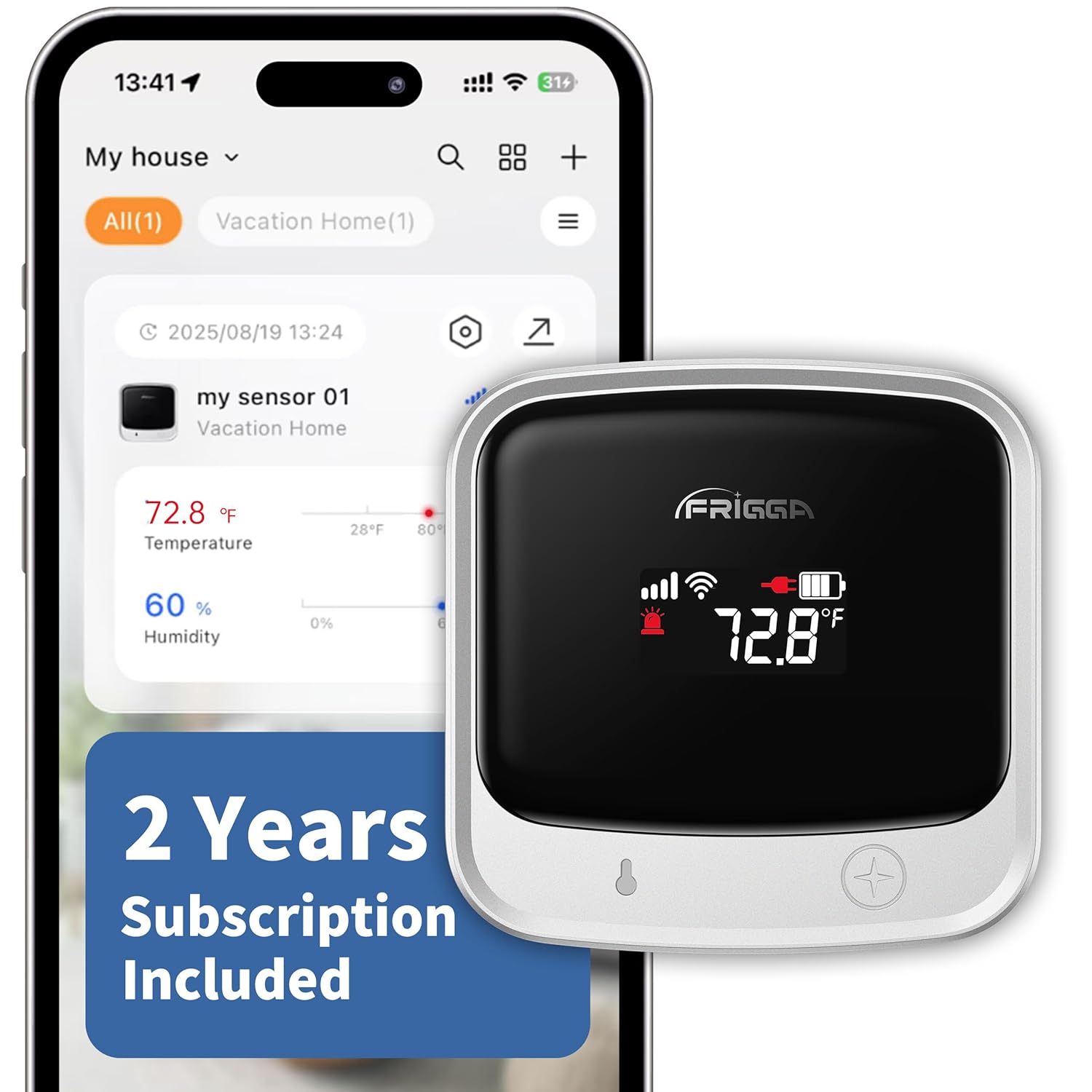
Image 1: Frigga S0 Temperature Humidity Monitor displaying temperature and humidity, alongside a smartphone showing the companion app interface.
2. በሳጥኑ ውስጥ ያለው
- 1x Frigga S0 Temperature Humidity Monitor
- 1x የኃይል መሙያ
- 1 x የዩኤስቢ-ሲ ገመድ
- 1 x የተጠቃሚ መመሪያ
3. ቁልፍ ባህሪያት
- Dual 4G + Wi-Fi Monitoring: Supports both 2.4 GHz and 5 GHz Wi-Fi networks and 4G cellular connectivity for uninterrupted monitoring. The device automatically switches networks to maintain connection.
- Global SIM Card with 2 Years Cellular Service: Includes a preloaded global SIM card with two years of cellular service for worldwide monitoring without additional fees.
- Multi-Channel Alerts: Receive instant notifications via app push, email, and on-device voice alarms for temperature/humidity changes, power failures, disconnections, or drops. Customizable thresholds are available.
- Easy-to-Use App with Sharing: Monitor real-time data, adjust limits, and share access with others through an intuitive mobile application. Data is reported every 10/30 minutes and stored securely for two years, with CSV export options.
- Rechargeable 7-Day Battery: Features a built-in high-capacity rechargeable battery providing up to a week of continuous monitoring.
- Clear Auto-Dimming Display: The LCD display refreshes every 5 seconds and adjusts brightness automatically.
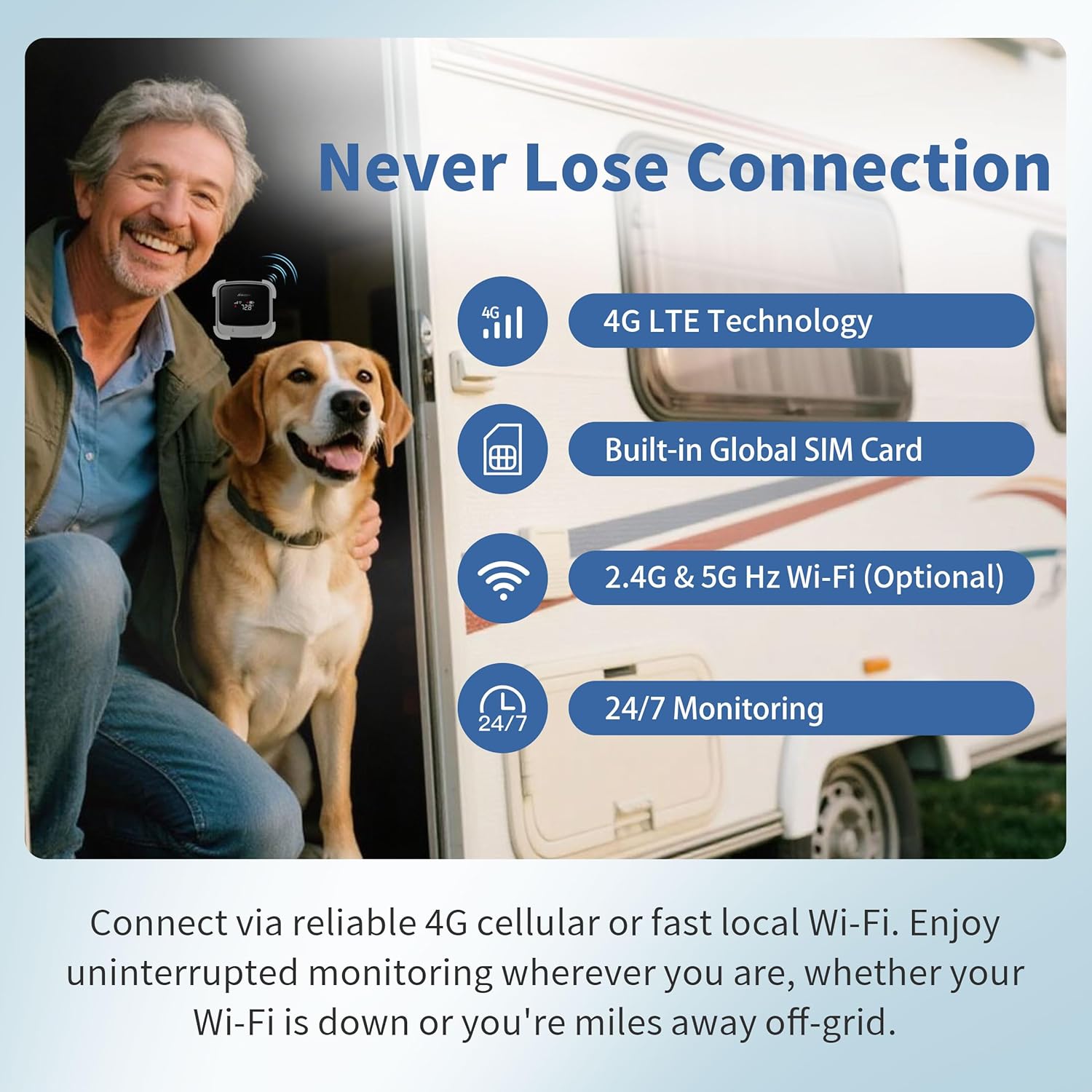
Image 2: The Frigga S0 monitor in an RV setting, highlighting its dual 4G and Wi-Fi connectivity for continuous monitoring.
4. የማዋቀር መመሪያዎች
4.1 የመነሻ ኃይል በማብራት እና በመሙላት ላይ
Before first use, fully charge the device using the provided USB-C cable and power charger. The device features a built-in rechargeable battery.
4.2 መተግበሪያ አውርድ እና መሳሪያ ማጣመር
- Download the 'Frigga SmartLife' app from your smartphone's app store (iOS or Android).
- መተግበሪያውን ይክፈቱ እና መለያ ይፍጠሩ ወይም ይግቡ።
- Ensure your device is in pairing mode. This is typically achieved by holding the power button for 5 seconds until a voice prompt is heard.
- In the app, tap the '+' icon in the upper-right corner to add a new device.
- Select your Frigga S0 device from the search results.
- Follow the on-screen instructions to set up the room and give your device a name.
- If Wi-Fi is desired (optional), select your Wi-Fi network and enter the password to complete the connection.
Video 1: Step-by-step guide on how to start the device and connect it to the Frigga SmartLife app.
4.3 የመጫኛ አማራጮች
The Frigga S0 monitor can be mounted using various methods:
- የማጣበቂያ ፓድ፡ Use the provided adhesive pad to stick the device to a clean, flat surface.
- ብሎኖች For a more secure installation, use the provided screws to mount the device's bracket to a wall.
- የእጅ ማንጠልጠያ; The device also includes a wrist strap for portable use or hanging.
5. የአሠራር መመሪያዎች
5.1 Device Display
The device's LCD display shows real-time temperature and humidity readings, battery level, and connectivity status. The display automatically dims for optimal visibility.
5.2 Mobile Application Usage
The Frigga SmartLife app provides comprehensive control and monitoring capabilities:
- የእውነተኛ ጊዜ ክትትል; View current temperature and humidity data from anywhere.
- ታሪካዊ መረጃ፡ Access graphs and logs of past temperature and humidity readings, stored for up to two years. Data can be exported in CSV format.
- ሊበጁ የሚችሉ ማንቂያዎች፡ Set specific thresholds for temperature and humidity. Receive alerts if readings fall outside these limits.
- የማንቂያ ዓይነቶች፡- Notifications are sent via app push, email, and on-device voice alarms. Alerts can also be configured for power failures, disconnections, or physical drops.
- መሳሪያ መጋራት፡ Share access to your device's data and settings with family members or teammates.
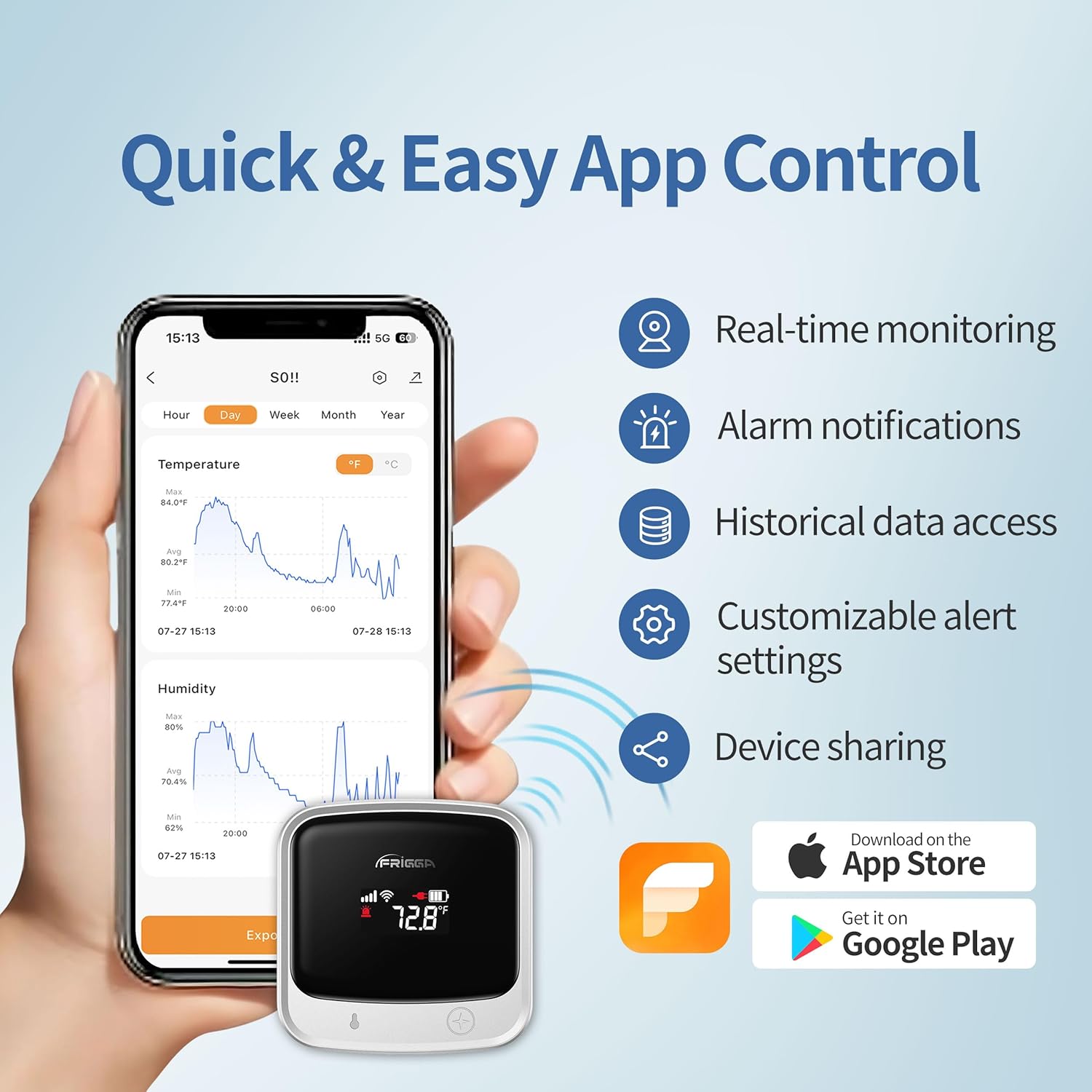
Image 3: The Frigga SmartLife app interface on a smartphone, showing real-time data and historical graphs for temperature and humidity.
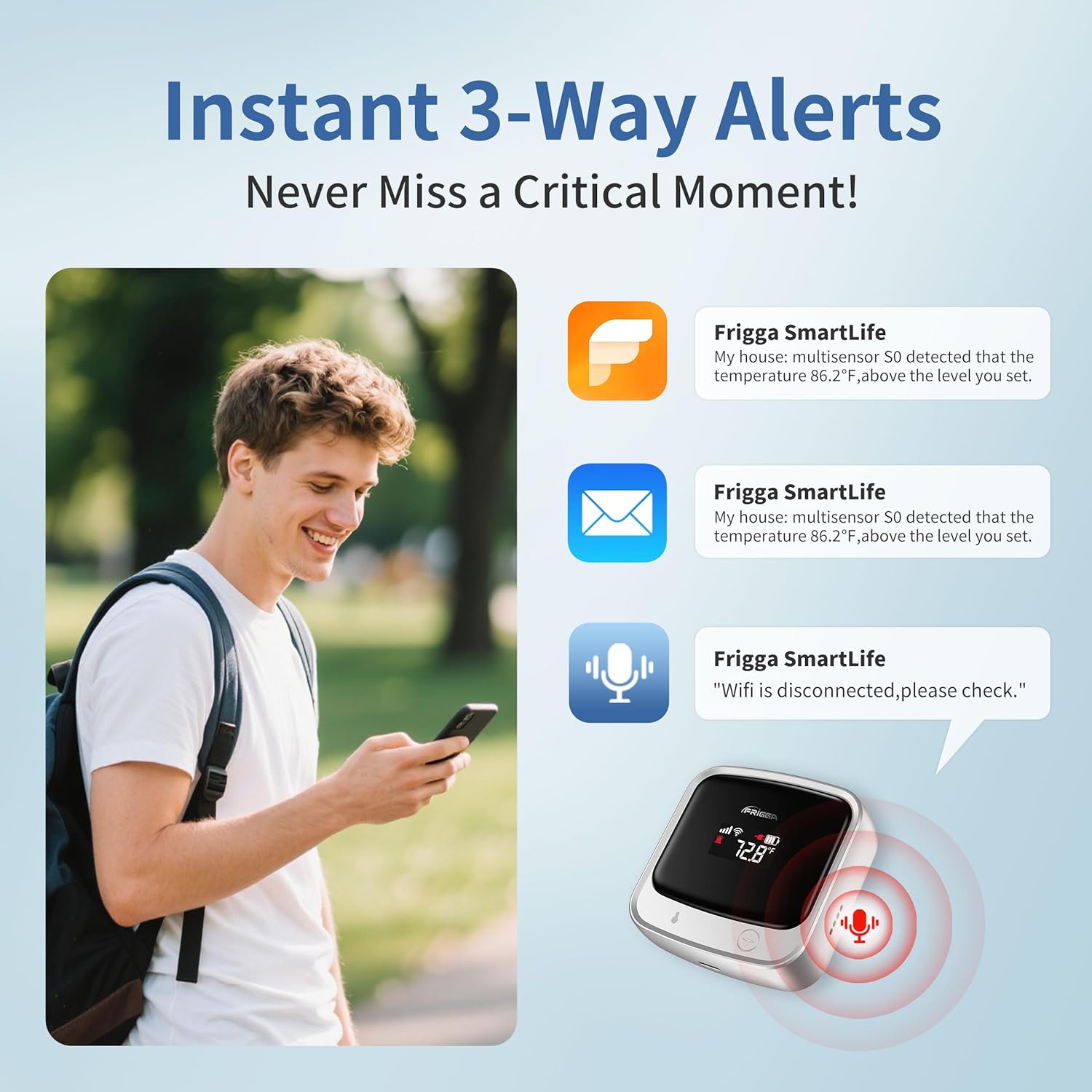
Image 4: Illustration of the multi-channel alert system, including app notifications, email alerts, and on-device voice prompts.
ቪዲዮ 2: አልቋልview of the Frigga Remote Temperature Monitor's features and benefits for various monitoring needs.
6. ጥገና
The Frigga S0 monitor is designed for low maintenance. Ensure the device is regularly charged to maintain its 7-day battery life. Keep the device clean and free from dust or debris to ensure accurate readings. Avoid exposing the device to extreme physical shock or moisture beyond its intended use.
7. መላ መፈለግ
If you encounter any issues with your Frigga S0 monitor, please refer to the following general troubleshooting steps:
- ምንም ኃይል/ማሳያ የለም፡ Ensure the device is fully charged. Connect it to the power charger and check if the display turns on.
- የግንኙነት ጉዳዮች፡- Verify that your Wi-Fi network is active and within range. If using 4G, ensure cellular service is available in your area. The device should automatically switch between networks.
- ትክክል ያልሆኑ ንባቦች; Ensure the device is placed in an appropriate location, away from direct heat sources, drafts, or excessive moisture.
- ምላሽ የማይሰጥ መተግበሪያ፡- Close and restart the Frigga SmartLife app. Check for app updates in your app store.
For persistent issues, please contact Frigga customer support.
8. ዝርዝሮች
| ባህሪ | ዝርዝር መግለጫ |
|---|---|
| የሞዴል ቁጥር | S0 |
| ግንኙነት | 4G Cellular, Wi-Fi (2.4 GHz & 5 GHz) |
| የባትሪ ህይወት | Up to 7 days (rechargeable) |
| የእቃው ክብደት | 11.2 አውንስ |
| የምርት ልኬቶች | 2.63" ዋ x 2.63" ኤች |
| የባትሪ ዓይነት | 1 C battery (Lithium, included) |
| መጀመሪያ የሚገኝ ቀን | ሴፕቴምበር 18፣ 2025 |
9. ጉዳዮችን ተጠቀም
The Frigga S0 monitor is versatile and can be used in various environments:
- RV Monitoring: Keep track of conditions for pets or sensitive items while traveling or away from your RV.
- Vacation Homes: Monitor temperature and humidity remotely to prevent issues like freezing pipes or excessive moisture.
- የቤት እንስሳት ደህንነት; Ensure a comfortable and safe environment for pets left at home or in vehicles.
- የግሪን ሃውስ Maintain optimal conditions for sensitive plants.
- የወይን ማስቀመጫዎች; Monitor temperature and humidity to preserve wine quality.
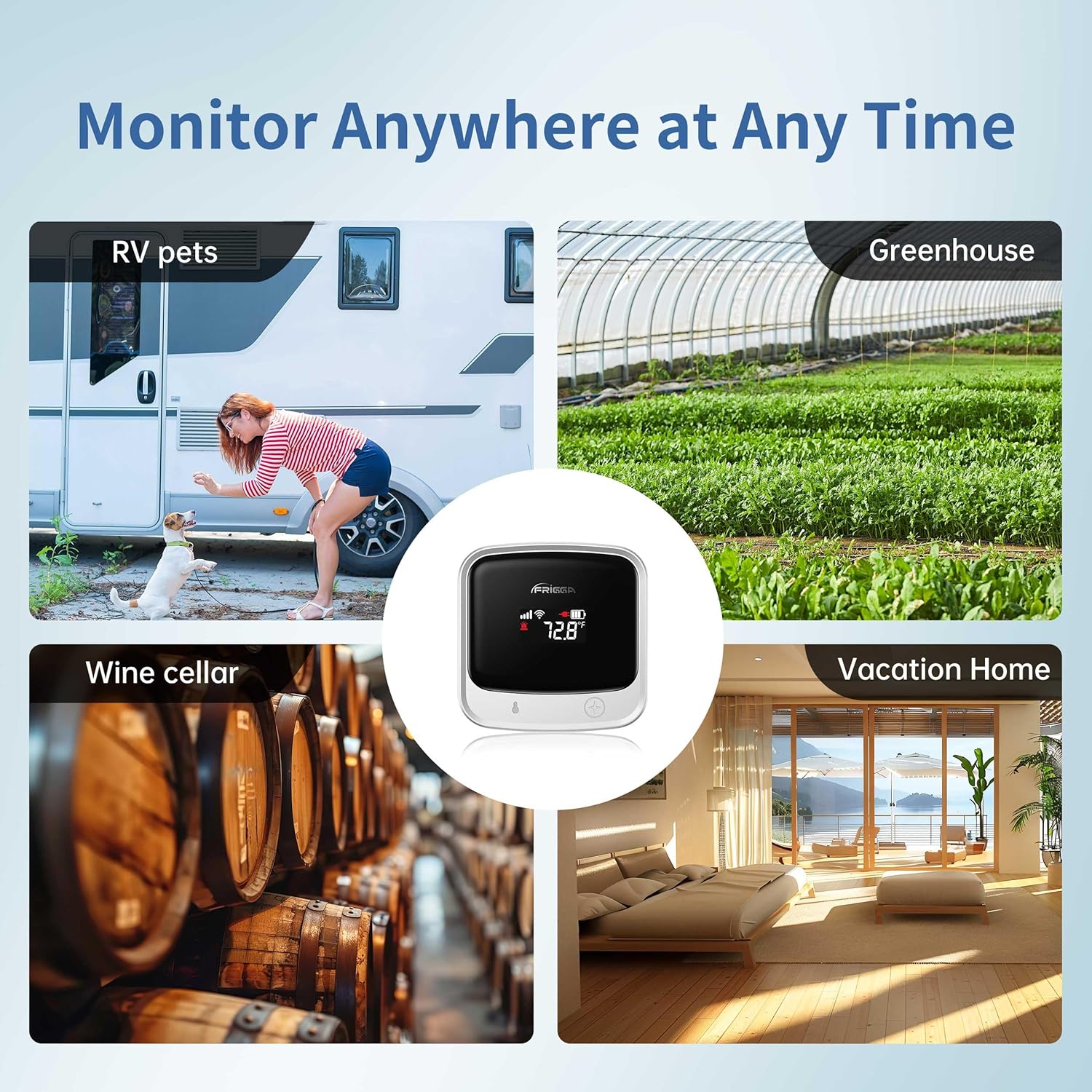
ምስል 5፡ ዘጸamples of diverse scenarios where the Frigga S0 monitor can be effectively utilized.
Video 3: Demonstrates the utility of the remote temperature monitor for RVs and vacation homes.
10. ዋስትና እና ድጋፍ
For detailed warranty information and customer support, please refer to the official Frigga website or contact their customer service directly. The product includes a 2-year cellular service subscription, which can be renewed after the initial period.


