መግቢያ
This manual provides essential information for setting up, operating, maintaining, and troubleshooting your HP 15 Laptop. Please read this guide thoroughly to ensure proper use and to maximize the performance and longevity of your device.

ምስል፡ አልቋልview of the HP 15 Laptop highlighting its main components and features.
ማዋቀር
1. Initial Power-On and Windows 11 Pro Setup
- Connect the provided AC power adapter to the laptop and a power outlet.
- የላፕቶፑን ክዳን ይክፈቱ እና የኃይል አዝራሩን ይጫኑ.
- የዊንዶውስ 11 ፕሮ ማዋቀርን ለማጠናቀቅ የማያ ገጽ ላይ መመሪያዎችን ይከተሉ። ይህም ክልልዎን መምረጥ፣ ቋንቋዎን፣ ከዋይፋይ አውታረ መረብ ጋር መገናኘት እና የተጠቃሚ መለያ መፍጠርን ያካትታል።
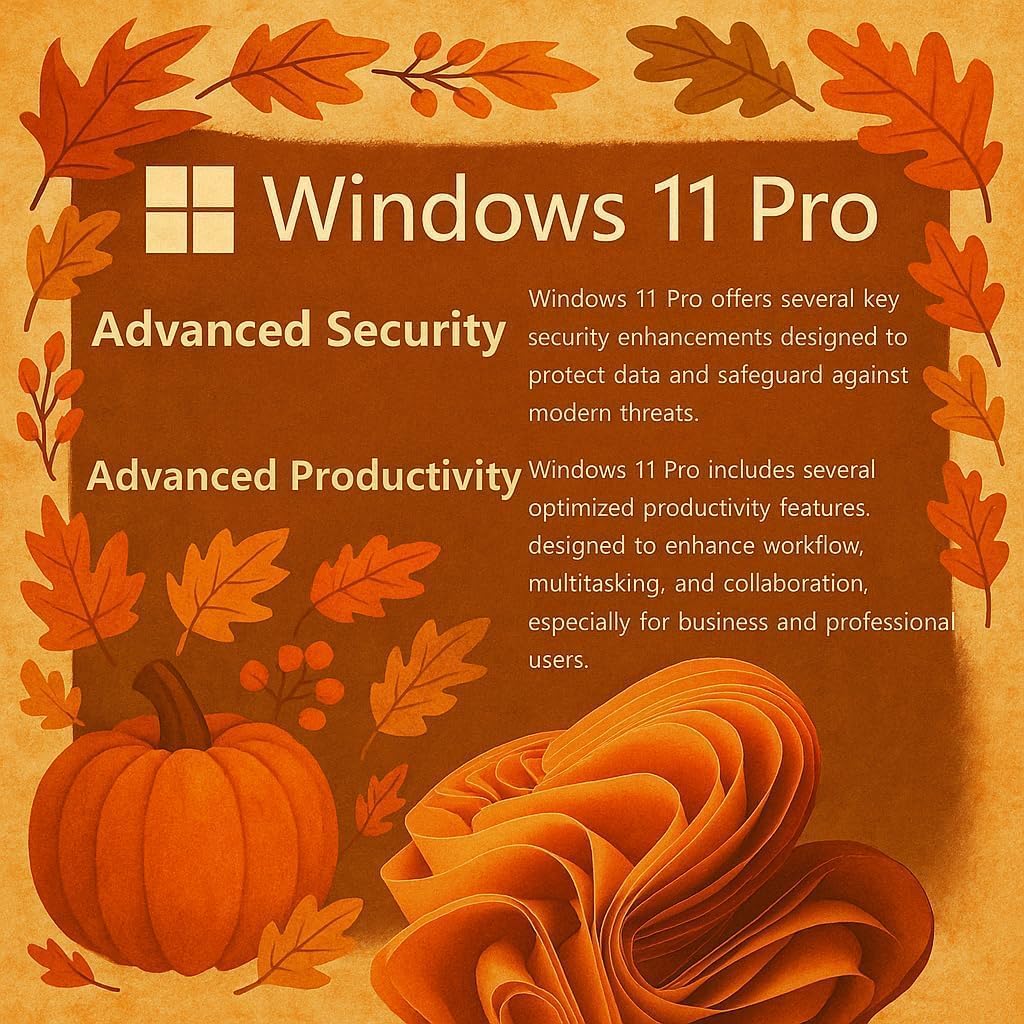
Image: Visual representation of Windows 11 Pro features, emphasizing security and productivity.
2. ማይክሮሶፍት ኦፊስ 365 ማግበር
Your laptop includes Microsoft Office 365. To activate it:
- Locate the instructions included in your package for redeeming your Microsoft Office license key.
- Follow the provided steps to install and activate Word, Excel, PowerPoint, Outlook, and other Office applications.
3. ፐርፌራሎችን እና ውጫዊ መሳሪያዎችን ማገናኘት
The HP 15 Laptop offers various ports for connectivity:
- የዩኤስቢ ዓይነት-ሲ (5Gbps)፦ ለዘመናዊ የዩኤስቢ-ሲ መሳሪያዎች እና የውሂብ ዝውውር።
- የዩኤስቢ ዓይነት-ኤ (5Gbps)፦ Two ports for standard USB devices like mice, keyboards, or external drives.
- HDMI 1.4b፡ ከውጭ ማሳያዎች ወይም ፕሮጀክተሮች ጋር ይገናኙ.
- የኤስዲ ሚዲያ ካርድ አንባቢ፦ ለማስተላለፍ fileከኤስዲ ካርዶች።
- Headphone / Microphone Combo Jack: ለድምጽ ግብአት/ውፅዓት።
- የኤሲ ኃይል ወደብ፡- የኃይል አስማሚውን ለማገናኘት.

ምስል፡ ዝርዝር view of the laptop's side profiles, indicating the location and type of each port and slot.
የእርስዎን የHP 15 ላፕቶፕ በመጠቀም ላይ
1. የማሳያ ባህሪያት
The 15.6-inch Full HD (1920 x 1080) IPS display features narrow bezels and an anti-glare coating for comfortable viewing. It provides clear and vibrant visuals for various tasks.

Image: Visual comparison demonstrating the superior clarity of the 1080p Full HD display.
2. አፈጻጸም እና ባለብዙ ተግባር
Your HP 15 Laptop is equipped with an Intel N4120 Quad-Core Processor, capable of turbo boosting up to 2.6 GHz, and Intel UHD Graphics. With 16GB DDR4 RAM and a 512GB SSD, it delivers responsive performance for daily computing tasks, multitasking, and quick application loading.

ምስል፡ ዝርዝር view of the Intel Celeron N4120 Processor specifications.
3. Using Copilot AI
The laptop is Copilot AI-ready, integrating an AI assistant within Windows and Microsoft 365. Copilot helps streamline tasks, generate content, and enhance productivity. Access it through the Windows interface to utilize its features.

Image: The Copilot AI interface on the Windows desktop.
4. የገመድ አልባ ግንኙነት
The laptop supports Realtek RTL8822CE 802.11ac (2x2) Wi-Fi for internet access and Bluetooth 5.0 for connecting wireless peripherals like headphones or speakers.
ጥገና
1. ላፕቶፕዎን ማጽዳት
- ለስላሳ፣ ከቆሸሸ ነፃ የሆነ ጨርቅ በትንሹ ተጠቀምampማሳያውን ለማፅዳት በውሃ ወይም በስክሪን ማጽጃ የታሸገ።
- ለቁልፍ ሰሌዳ እና ለሻሲ, ለስላሳ ጨርቅ ይጠቀሙ. ኃይለኛ ኬሚካሎችን ወይም ገላጭ ቁሳቁሶችን ያስወግዱ.
- ከማጽዳትዎ በፊት ላፕቶፑ መብራቱን እና መሰካቱን ያረጋግጡ።
2. የባትሪ እንክብካቤ
- የባትሪ ዕድሜን ለማራዘም ከፍተኛ ሙቀትን ያስወግዱ።
- Periodically allow the battery to discharge to around 20% before recharging.
- ላፕቶፑን ለረጅም ጊዜ ካስቀመጠ ባትሪው ወደ 50% ገደማ መሙላቱን ያረጋግጡ.
3. የሶፍትዌር ዝመናዎች
ስርዓትዎ የቅርብ ጊዜዎቹ የደህንነት መጠገኛዎች እና የአፈጻጸም ማሻሻያዎች እንዳሉት ለማረጋገጥ በየጊዜው የዊንዶውስ ዝመናዎችን ይፈልጉ እና ይጫኑ። ወደ ሂድ ቅንብሮች> የዊንዶውስ ዝመና ዝመናዎችን ለማስተዳደር.
መላ መፈለግ
የተለመዱ ጉዳዮች እና መፍትሄዎች
- ላፕቶፕ አይበራም፦ Ensure the AC adapter is securely connected and the power outlet is functional. Try a different outlet. If using battery, ensure it has sufficient charge.
- የማሳያ ችግሮች (ምስል የለም፣ ብልጭ ድርግም የሚል) ላፕቶፑን እንደገና ያስጀምሩ. ከውጭ መቆጣጠሪያ ጋር ከተገናኘ ግንኙነቱን ለማቋረጥ ይሞክሩ። በዊንዶውስ ውስጥ የማሳያ ቅንብሮችን ያረጋግጡ.
- ምንም የWi-Fi ግንኙነት የለም፡ Verify Wi-Fi is enabled in Windows settings. Restart your router and modem. Check for updated Wi-Fi drivers.
- ዝቅተኛ አፈጻጸም; Close unnecessary applications. Check Task Manager for resource-intensive processes. Ensure sufficient free space on the SSD. Run a disk cleanup.
For more detailed troubleshooting or issues not covered here, please refer to the official HP support webጣቢያ ወይም የ HP የደንበኞች አገልግሎትን ያነጋግሩ።
ዝርዝሮች
| ባህሪ | ዝርዝር |
|---|---|
| የምርት ስም | HP |
| የሞዴል ስም | G9 |
| የስክሪን መጠን | 15.6 ኢንች |
| የማያ ጥራት | 1920 x 1080 ፒክሰሎች (ሙሉ ኤችዲ) |
| ፕሮሰሰር | Intel N4120 (2.6 GHz Celeron, 4 Cores) |
| ራም | 16 ጊባ DDR4 |
| ሃርድ ድራይቭ | 512 ጊባ SSD (PCIE x 4) |
| ግራፊክስ ኮፕሮሰሰር | ኢንቴል ዩኤችዲ ግራፊክስ (የተዋሃደ) |
| ስርዓተ ክወና | ዊንዶውስ 11 ፕሮ |
| የገመድ አልባ አይነት | 802.11ac፣ ብሉቱዝ 5.0 |
| የዩኤስቢ ወደቦች | 1 x ዩኤስቢ ዓይነት-ሲ፣ 2 x ዩኤስቢ ዓይነት-ኤ |
| HDMI ወደብ | 1 x HDMI 1.4b |
| ካርድ አንባቢ | SD Media Card Reader |
| ልዩ ባህሪያት | Anti Glare Coating, HD Audio, Memory Card Slot, Numeric Keypad |
| ቀለም | ብር |
| የእቃው ክብደት | 6 ፓውንድ |
| የምርት ልኬቶች | 14.09 x 0.78 x 9.53 ኢንች |
ዋስትና እና ድጋፍ
1. የምርት ዋስትና
Your HP 15 Laptop is covered by a standard manufacturer's warranty. Please refer to the warranty documentation included with your product for specific terms, conditions, and duration. Keep your proof of purchase for warranty claims.
2. የቴክኒክ ድጋፍ
ለቴክኒካል ድጋፍ፣ ለአሽከርካሪ ማውረዶች ወይም ለተጨማሪ ድጋፍ እባክዎን ኦፊሴላዊውን የ HP ድጋፍ ይጎብኙ website. You may need your product's serial number, typically found on a label on the bottom of the laptop or in the system information within Windows.
የ HP ድጋፍ Webጣቢያ፡ ድጋፍ.hp.com