1. መግቢያ
This manual provides essential information for setting up, operating, maintaining, and troubleshooting your vivo Y31 5G smartphone. Please read this manual carefully before using your device to ensure proper functionality and safety.
2. ማዋቀር
2.1. Unboxing እና ጥቅል ይዘቶች
ሁሉም እቃዎች በምርት ጥቅልዎ ውስጥ መኖራቸውን ያረጋግጡ፡-
- vivo Y31 5G Smartphone
- የኃይል አስማሚ
- የዩኤስቢ ገመድ
- የሲም ትሪ ኤጀክተር
- የስልክ መያዣ
- Screen Protector (Pre-applied)
2.2. ሲም ካርድ እና ማይክሮ ኤስዲ ካርድ መጫን
- የሲም ካርዱን ትሪ ከስልክዎ ጎን ያግኙት።
- የሲም ትሪ ማስወጫ መሳሪያውን ከትሪው ቀጥሎ ባለው ትንሽ ቀዳዳ ውስጥ ያስገቡ እና ትሪው ብቅ እስኪል ድረስ በቀስታ ይጫኑ።
- Place your Nano-SIM card(s) and/or microSD card into the designated slots on the tray. Ensure the gold contacts face downwards. The vivo Y31 5G supports Dual SIM functionality.
- ትሪውን ወደ ስልኩ ጠቅ እስኪያደርጉ ድረስ በጥንቃቄ ያስገቡት።
2.3. የመነሻ ኃይል ማብራት እና ማዋቀር
- Press and hold the Power button (located on the right side) until the vivo logo appears.
- Follow the on-screen instructions to select your language, connect to a Wi-Fi network, set up your Google account, and configure security settings (fingerprint, face unlock, PIN/pattern).
3. መሳሪያዎን ማስኬድ
3.1. መሰረታዊ ዳሰሳ
The vivo Y31 5G operates on Funtouch OS 15. Use touch gestures for navigation:
- መታ ያድርጉ፡ አንድ ንጥል ይምረጡ ወይም መተግበሪያ ይክፈቱ።
- ያንሸራትቱ በስክሪኖች ወይም ዝርዝሮች ውስጥ ይሸብልሉ.
- መቆንጠጥ ፎቶዎችን አሳንስ ወይም አሳንስ እና web ገጾች.
- የኃይል ቁልፍ፡- Press to wake/sleep the screen, long-press to power off or restart.
- የድምጽ አዝራሮች፡- የሚዲያ መጠን፣ የጥሪ ድምጽ ወይም የጥሪ ድምጽ መጠን ያስተካክሉ።
3.2. የካሜራ ባህሪያት
መሣሪያው ሁለገብ የካሜራ ስርዓት አለው፡
- የኋላ ካሜራ; 50 MP main camera for high-resolution photos, complemented by a 0.08 MP secondary lens.
- የፊት ካሜራ፡ 8 MP selfie camera for clear self-portraits.
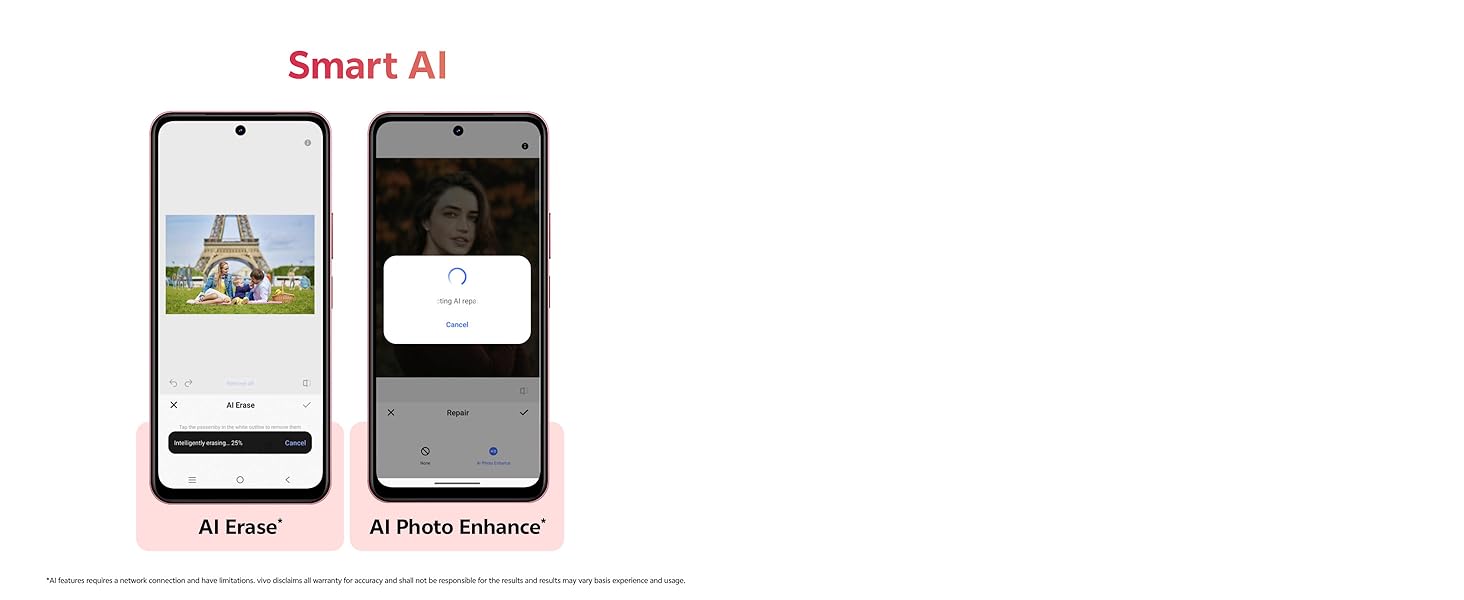
Image showing the 50MP AI Camera setup with 8MP HD Portrait Camera and 50MP HD Main Camera.
3.3. Smart AI Features
Enhance your photos with built-in AI capabilities:
- የAI ማጥፋት፡ Intelligently remove unwanted objects or people from your photos.
- AI Photo Enhance: Automatically optimize image quality for better colors, contrast, and detail.
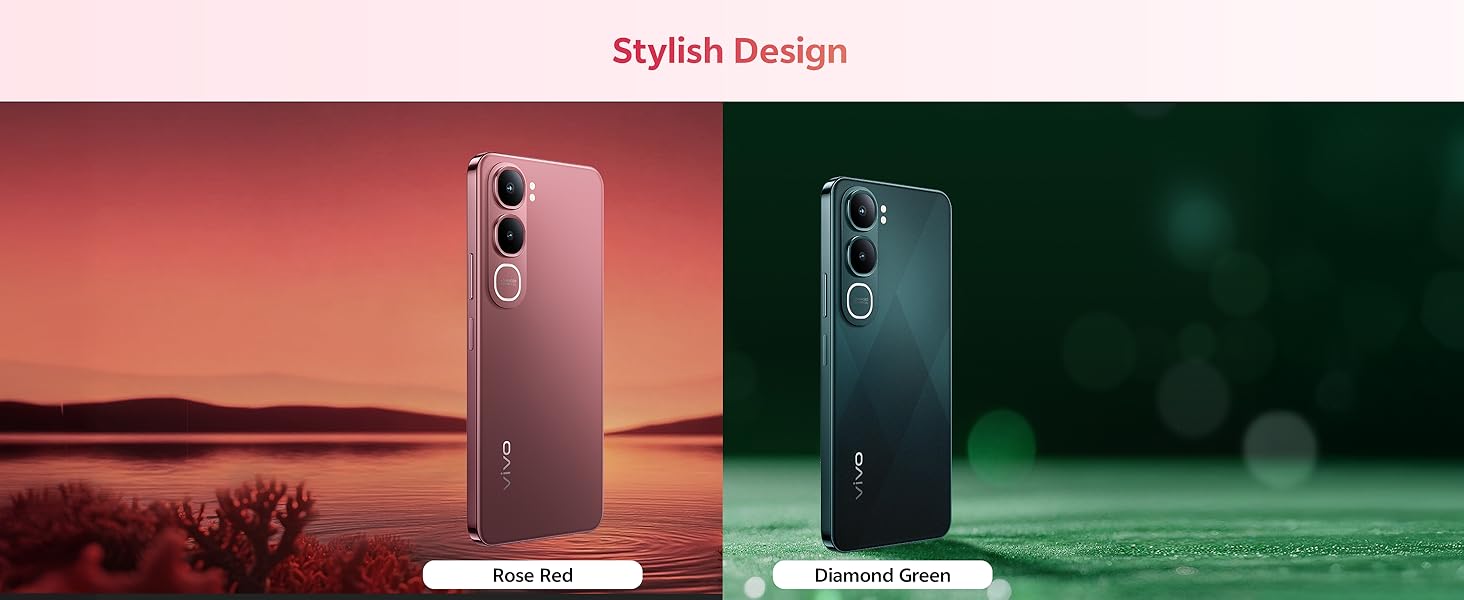
Diagram illustrating the Smart AI features, including AI Erase and AI Photo Enhance, on the vivo Y31 5G.
3.4. ባትሪ እና ባትሪ መሙላት
The vivo Y31 5G features a large 6500 mAh battery with 44W fast charging support. Use the provided power adapter and USB cable for optimal charging performance.
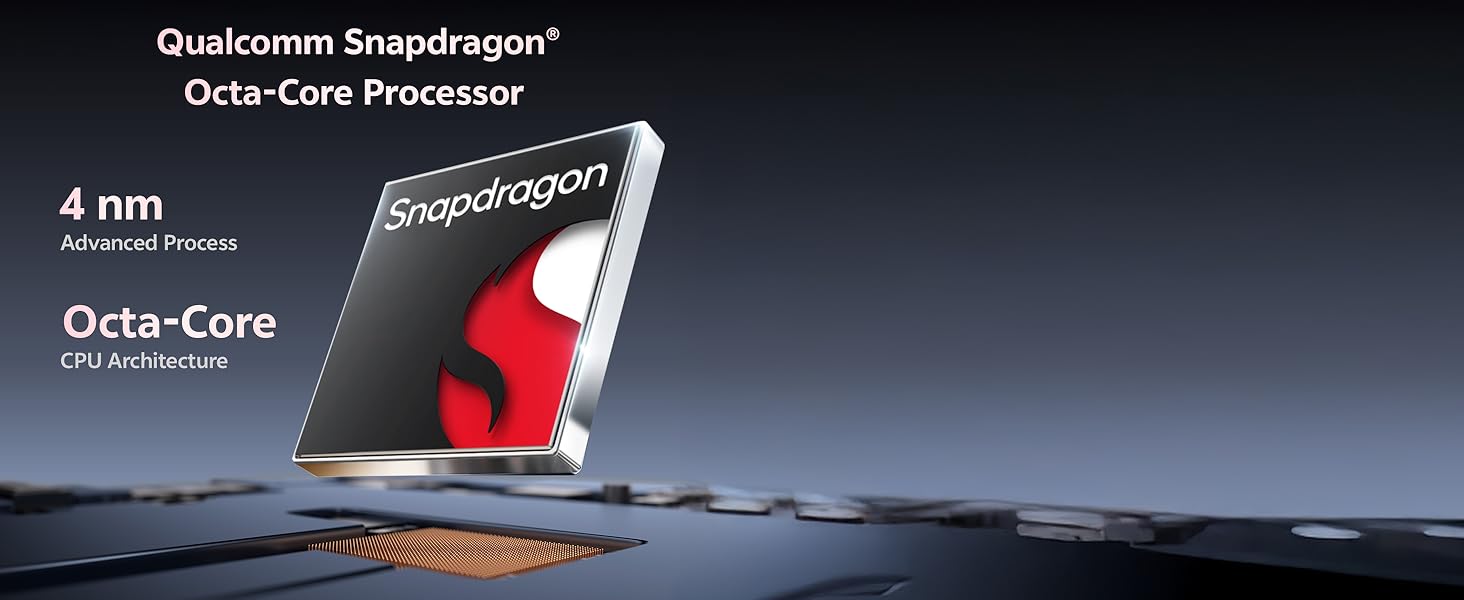
Illustration of the 6500 mAh battery and 44W FlashCharge capability of the vivo Y31 5G.
3.5. ማሳያ
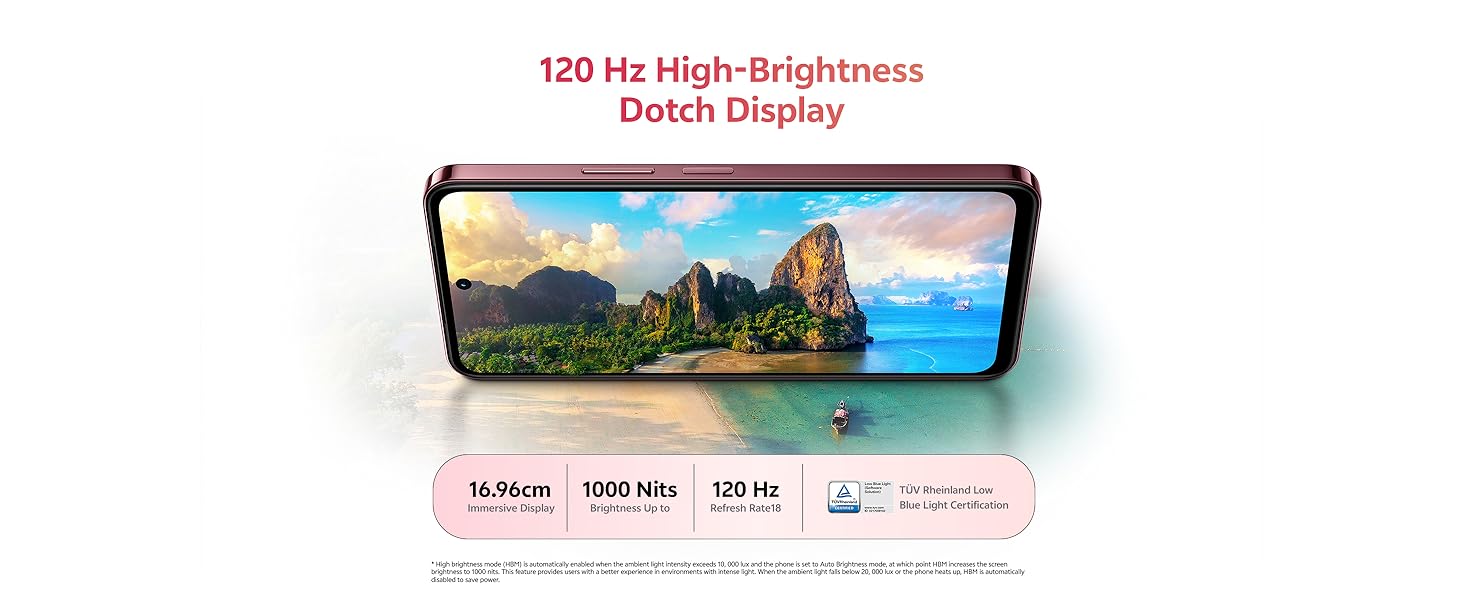
Enjoy an immersive visual experience with the 16.96 cm (6.68 inch) 120 Hz High-Brightness Dotch Display, offering up to 1000 Nits brightness and TÜV Rheinland Low Blue Light Certification for eye comfort.
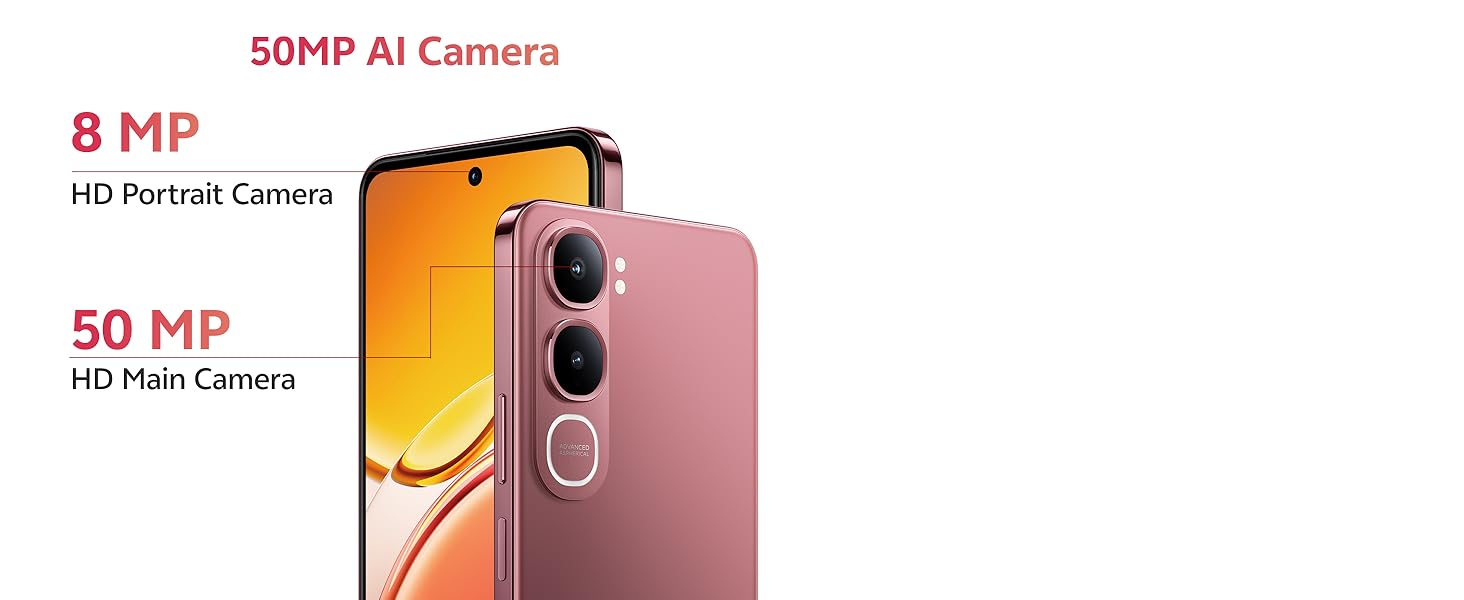
Image highlighting the 120 Hz High-Brightness Dotch Display of the vivo Y31 5G.
3.6. ኦውዲዮ
The device features Dual Speakers with 400% volume capability and Hi-Res Audio Certification for an enhanced audio experience.
Visual representation of the Dual Speaker system and Hi-Res Audio certification on the vivo Y31 5G.
3.7. ግንኙነት
The vivo Y31 5G supports Bluetooth for wireless accessory connection and GPS for navigation services.
4. ጥገና
4.1. መሳሪያዎን ማጽዳት
- የስልኩን ስክሪን እና አካል ለማፅዳት ለስላሳ፣ ከጥጥ ነጻ የሆነ ጨርቅ ይጠቀሙ።
- ኃይለኛ ኬሚካሎችን፣ ሻካራ ማጽጃዎችን ወይም የታመቀ አየርን ከመጠቀም ይቆጠቡ።
4.2. የባትሪ እንክብካቤ
- ስልኩን ለከፍተኛ ሙቀት ከማጋለጥ ይቆጠቡ።
- በተደጋጋሚ ባትሪውን ሙሉ በሙሉ አያድርጉ.
- Use only original vivo chargers and cables.
4.3. የሶፍትዌር ዝመናዎች
ጥሩ አፈጻጸምን፣ ደህንነትን እና የአዳዲስ ባህሪያትን ተደራሽነት ለማረጋገጥ የሶፍትዌር ማሻሻያዎችን በመደበኛነት ያረጋግጡ እና ይጫኑ። ወደ ሂድ Settings > System update ያሉትን ዝመናዎች ለመፈተሽ።
4.4. የመቆየት ባህሪያት
The vivo Y31 5G is designed with enhanced durability:
- IP68/69 Rating: Provides protection against dust and water ingress. The device can withstand submersion in fresh water up to 1.5 meters for up to 30 minutes. It also features Wet-Hand Touch Technology for smooth control even with wet hands, and One-Tap Water Ejection.
- SGS Gold Label Five-Star Drop Resistance Certification: Indicates enhanced resistance to accidental drops.
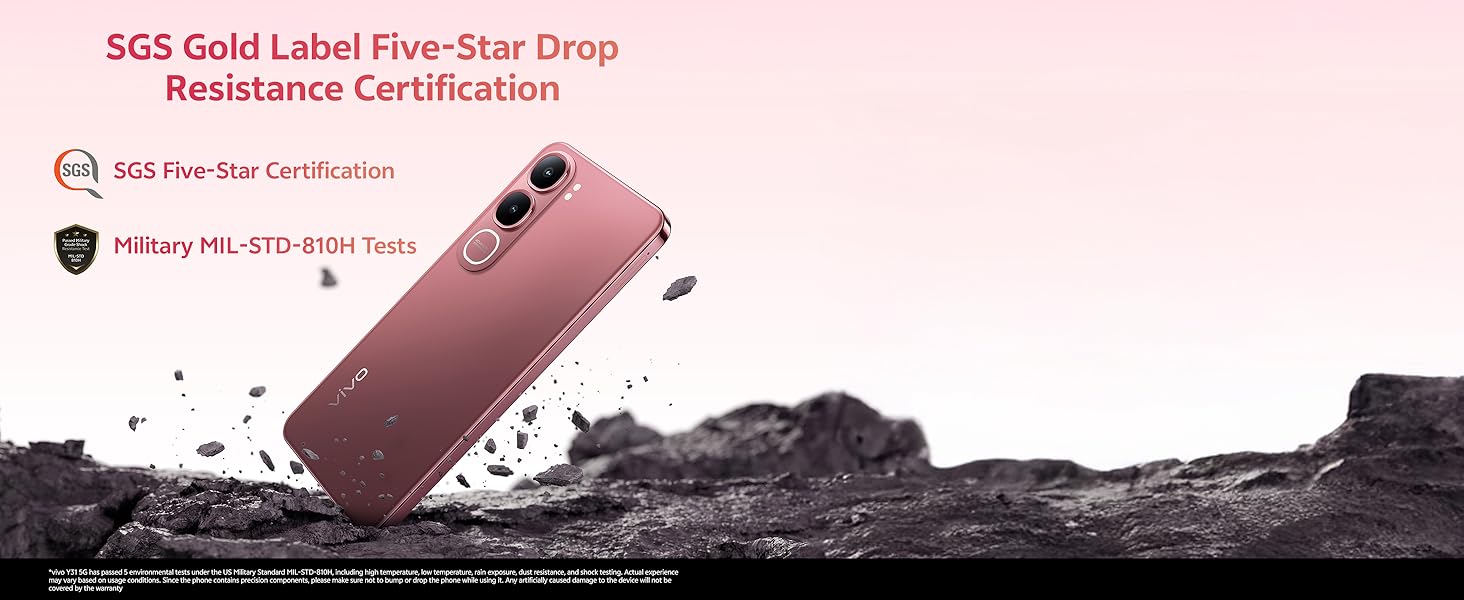
Image illustrating the IP68/69 water and dust resistance rating, Wet-Hand Touch technology, and One-Tap Water Ejection feature of the vivo Y31 5G.
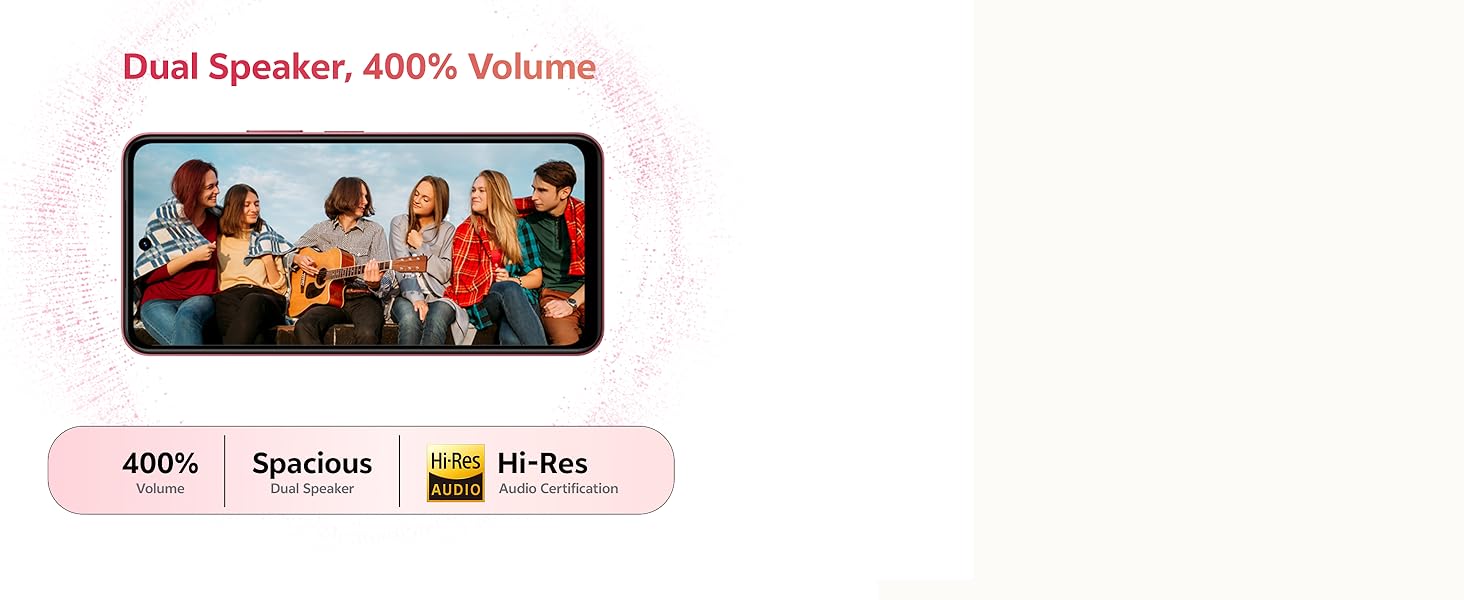
Image showing the SGS Gold Label Five-Star Drop Resistance Certification for the vivo Y31 5G.
5. መላ መፈለግ
This section addresses common issues you might encounter with your vivo Y31 5G.
5.1. ስልክ አይበራም።
- ባትሪው መሙላቱን ያረጋግጡ። ስልኩን ከቻርጀሩ ጋር ቢያንስ ለ15 ደቂቃዎች ያገናኙት።
- እንደገና እንዲጀመር ለማስገደድ የኃይል ቁልፉን ለ10-15 ሰከንድ ተጭነው ይቆዩ።
5.2. ደካማ የባትሪ ህይወት
- የስክሪን ብሩህነት ቀንስ።
- ከበስተጀርባ የሚሰሩ ጥቅም ላይ ያልዋሉ መተግበሪያዎችን ዝጋ።
- በማይጠቀሙበት ጊዜ Wi-Fiን፣ ብሉቱዝን ወይም ጂፒኤስን ያሰናክሉ።
- የባትሪ አጠቃቀምን ያረጋግጡ ቅንብሮች > ባትሪ የኃይል ፍላጎት ያላቸውን መተግበሪያዎች ለመለየት.
5.3. Connectivity Issues (Wi-Fi/Bluetooth)
- Wi-Fi ወይም ብሉቱዝን ያጥፉ እና ያብሩ።
- ስልክዎን እንደገና ያስጀምሩት።
- ለWi-Fi፣ አውታረ መረቡን ይረሱ እና እንደገና ያገናኙ።
5.4. መተግበሪያዎች እየተበላሹ ወይም እየቀዘቀዙ
- Force close the app (swipe up from the bottom and swipe the app away).
- የመተግበሪያውን መሸጎጫ እና ውሂቡን ያጽዱ መቼቶች > መተግበሪያዎች > [የመተግበሪያ ስም] > ማከማቻ.
- መተግበሪያውን ከጎግል ፕሌይ ስቶር ወደ አዲሱ ስሪት ያዘምኑት።
5.5. የፋብሪካ ዳግም ማስጀመር
ችግሮች ከቀጠሉ የፋብሪካ ዳግም ማስጀመር ሊያስቡበት ይችላሉ። ማስጠንቀቂያ፡ ይህ በስልክዎ ላይ ያለውን ሁሉንም ውሂብ ይሰርዛል። ከመቀጠልዎ በፊት አስፈላጊ ውሂብን ያስቀምጡ።
- ወደ ሂድ ቅንብሮች > ስርዓት > አማራጮችን ዳግም አስጀምር.
- ይምረጡ ሁሉንም ውሂብ አጥፋ (የፋብሪካ ዳግም ማስጀመር).
- ውሳኔዎን ያረጋግጡ እና ከተጠየቁ የእርስዎን ፒን/ንድፍ ያስገቡ።
6. ዝርዝሮች
Key technical specifications for the vivo Y31 5G smartphone:
| ባህሪ | ዝርዝር መግለጫ |
|---|---|
| የሞዴል ቁጥር | Y31 |
| ስርዓተ ክወና | Funtouch OS 15 |
| ፕሮሰሰር | Qualcomm Snapdragon Octa-Core (2.2 GHz CPU Speed) |
| ራም | 4 ጊባ |
| የውስጥ ማከማቻ | 128 ጊባ |
| የማሳያ መጠን | 16.96 ሴሜ (6.68 ኢንች) |
| የማሳያ ጥራት | 1608 x 720 |
| የኋላ ካሜራ | 50 ሜፒ + 0.08 ሜፒ |
| የፊት ካሜራ | 8 ሜፒ |
| የባትሪ አቅም | 6500 ሚአሰ |
| በመሙላት ላይ | 44 ዋ ፈጣን ባትሪ መሙላት |
| ግንኙነት | ብሉቱዝ ፣ ጂፒኤስ |
| ልዩ ባህሪያት | Basic Phone, Bluetooth Enabled, Built-In GPS, Camera, Dual SIM |
| ልኬቶች (LxWxH) | 16.6 x 7.7 x 0.8 ሴ.ሜ |
| የእቃው ክብደት | 209 ግ |
| ቀለም | Diamond Green |
| የውሃ / አቧራ መቋቋም | IP68/69 Rating |
| ተቃውሞን ጣል | SGS Gold Label Five-Star Certified |
7. ዋስትና እና ድጋፍ
7.1. የዋስትና መረጃ
Your vivo Y31 5G smartphone comes with a standard manufacturer's warranty. Please refer to the warranty card included in your package for specific terms, conditions, and duration. Keep your proof of purchase for warranty claims.
7.2. የደንበኛ ድጋፍ
For technical assistance, service, or further inquiries, please contact vivo customer support. You can find contact details on the official vivo webጣቢያ ወይም ከመሳሪያዎ ጋር በቀረበው ሰነድ ውስጥ።
አምራች፡ vivo Mobile India Pvt Ltd Plot No 08, Sector 24, Yamuna Expressway Area, Gautam Buddha Nagar, Uttar Pradesh, 201310


