1. መግቢያ
This manual provides detailed instructions for the installation, operation, and maintenance of your CP PLUS EZ-P34Q 3MP Smart Wi-Fi CCTV Camera. Please read this manual thoroughly before using the product to ensure proper functionality and safety. Keep this manual for future reference.
2. ምርት አብቅቷልview
The CP PLUS EZ-P34Q is a 3MP Smart Wi-Fi CCTV Camera designed for indoor home surveillance. It features 360° pan and 60° tilt capabilities, providing comprehensive coverage. The camera supports 2K clarity video recording with H.265 compression, ensuring clear footage and efficient storage. Advanced features include motion detection, human body detection, motion tracking, sound alerts, dual-vision night mode, two-way communication, and cloud recording options. It is equipped with CTC Cyber Secure Tech for data privacy.

Figure 2.1: CP PLUS EZ-P34Q Camera with highlighted features.
3. በሳጥኑ ውስጥ ያለው
ሁሉም የሚከተሉት ንጥሎች በጥቅልዎ ውስጥ መካተታቸውን ያረጋግጡ፡-
- CP PLUS EZ-P34Q Camera Unit
- የኃይል አስማሚ
- የኃይል መሙያ ገመድ (ዩኤስቢ ዓይነት-ሲ)
- መመሪያ መመሪያ
- ማፈናጠጥ ብሎኖች
4. ማዋቀር
4.1 አካላዊ ጭነት
The camera is designed for indoor use and tabletop mounting. Ensure the camera is placed on a stable, flat surface with a clear view of the area you wish to monitor. For wall or ceiling mounting, use the provided mounting screws and follow the instructions in the separate mounting guide (if applicable).
- Choose a suitable indoor location for the camera.
- Connect the charging cable to the camera's USB Type-C port and the power adapter.
- የኃይል አስማሚውን ወደ መደበኛ የኤሌክትሪክ ሶኬት ይሰኩ። ካሜራው ያበራል እና የመነሻ ቅደም ተከተሉን ይጀምራል።
4.2 መተግበሪያ መጫን እና ማጣመር
To operate the camera and access its features, you need to download and install the compatible mobile application on your smartphone.
- Download the official CP PLUS mobile application from your device's app store (e.g., Google Play Store or Apple App Store).
- ለአዲስ መለያ ይመዝገቡ ወይም አስቀድመው ካለዎት ይግቡ።
- Follow the in-app instructions to add your new EZ-P34Q camera. This typically involves scanning a QR code on the camera or manually entering its device ID.
- Connect the camera to your Wi-Fi network as prompted by the application. Ensure your Wi-Fi network is 2.4GHz for optimal compatibility.
- አንዴ በተሳካ ሁኔታ ከተጣመሩ በኋላ፣ ይችላሉ view the live feed and configure camera settings through the app.
5. ኦፕሬሽን
5.1 የፓን እና ዘንበል መቆጣጠሪያ
The camera offers a 360° horizontal pan and 60° vertical tilt range, allowing you to adjust the viewing angle remotely via the mobile application.
- የቀጥታ ስርጭትን ይክፈቱ view በሞባይል መተግበሪያ ውስጥ.
- Use the directional controls (usually an on-screen joystick or arrows) to move the camera lens horizontally (pan) and vertically (tilt).

Figure 5.1: Illustrates the 360° pan and tilt capability for comprehensive coverage.
5.2 Smart Detection Suite
The camera is equipped with advanced detection features to enhance security and reduce false alarms.
- እንቅስቃሴ ማወቂያ፡- ካሜራው በሜዳው ውስጥ ያለውን እንቅስቃሴ ያውቃል view.
- Human Body Detection: Specifically identifies human shapes, minimizing alerts from pets or inanimate objects.
- እንቅስቃሴን መከታተል When motion is detected, the camera can automatically track the moving object.
- የድምፅ ማንቂያዎች፡- The camera can detect unusual sounds and send notifications.
- ገባሪ መከላከያ፡ Features a built-in siren and warm LED flash light that can be activated automatically upon detection of unexpected motion to deter intruders.
Configure these settings in the mobile application's detection settings menu to receive instant notifications on your smartphone.

Figure 5.2: Motion tracking feature in action, following movement.
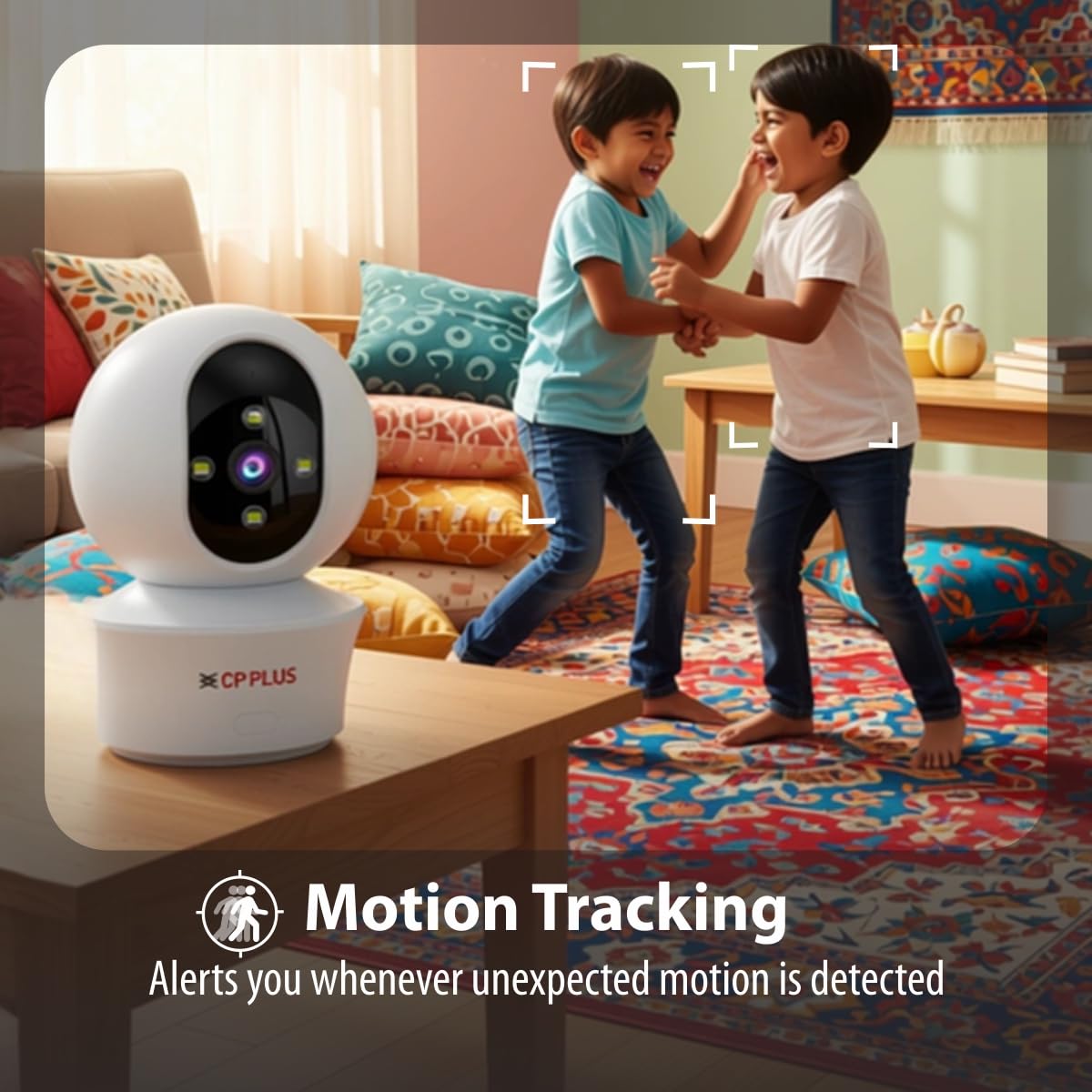
Figure 5.3: Human body detection providing real-time alerts.

Figure 5.4: Active deterrence using siren and LED flash light.
5.3 የምሽት ራዕይ
The camera offers dual-vision night mode for clear surveillance in low-light conditions.
- የኢንፍራሬድ (IR) የሌሊት እይታ፡ ግልጽ የሆነ ጥቁር እና ነጭ ፉ ያቀርባልtage up to 20-30 meters in complete darkness.
- White LED Color Night Vision: Utilizes built-in white LEDs to deliver full-color video up to 15-20 meters at night, also serving as a deterrent.
You can switch between these modes or set them to activate automatically based on ambient light conditions through the app.

Figure 5.5: Full-color night vision capturing details in low light.
5.4 የሁለትዮሽ ግንኙነት
The built-in microphone and speaker allow for two-way audio communication.
- ከቀጥታ view in the mobile app, tap the microphone icon to speak through the camera's speaker.
- The camera's microphone will pick up audio from the monitored area, which you can hear through your smartphone.
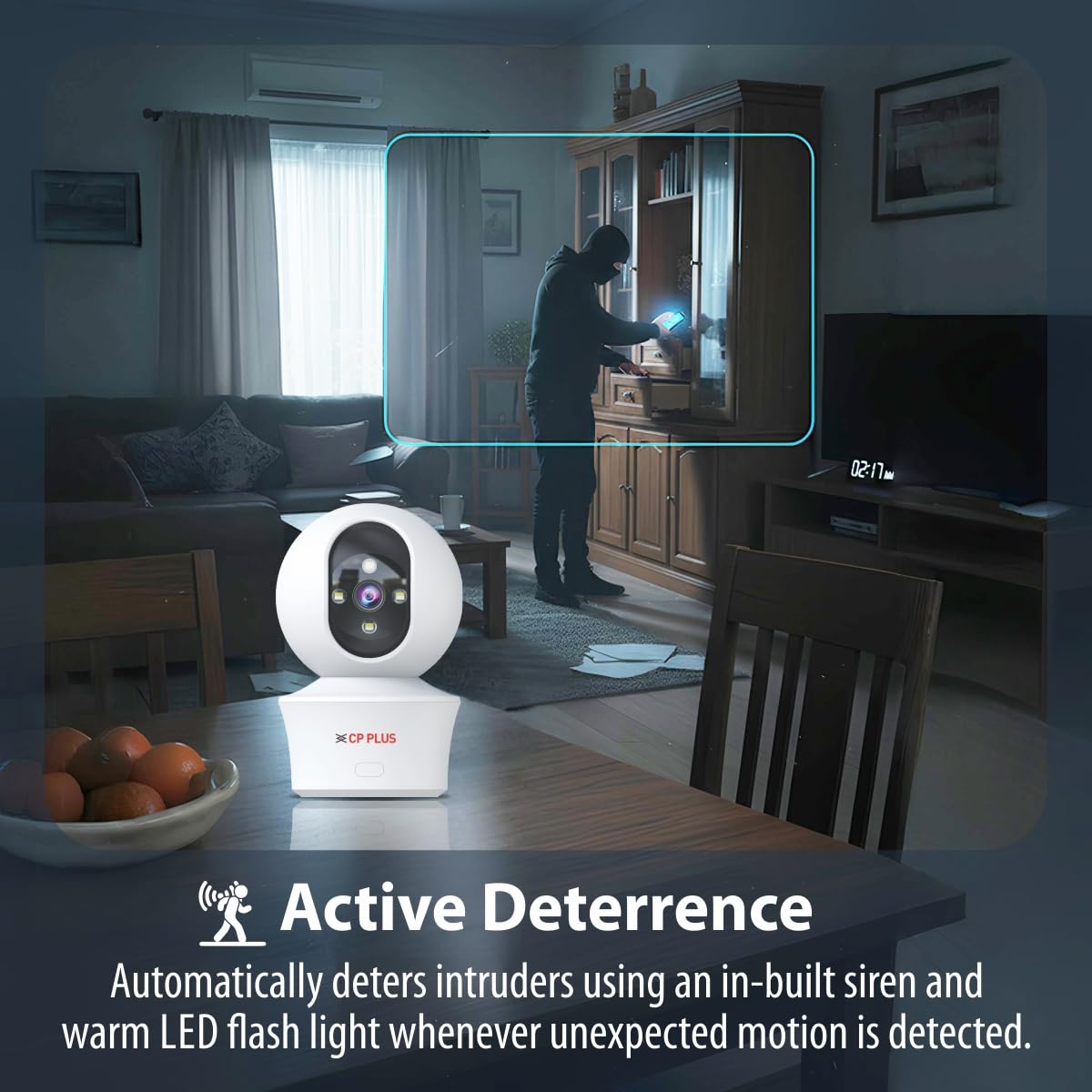
Figure 5.6: Two-way communication feature for interacting with the monitored area.
5.5 የቪዲዮ ቀረጻ እና ማከማቻ
The camera supports both local and cloud storage options for your video recordings.
- የማይክሮ ኤስዲ ካርድ ማከማቻ፡ Insert a MicroSD card (up to 256GB, not included) into the designated slot on the camera for local storage. Recordings will be saved directly to the card.
- የደመና ቀረጻ፡ The camera supports cloud recording services (subscription may be required). Refer to the mobile application for details on activating and managing cloud storage.
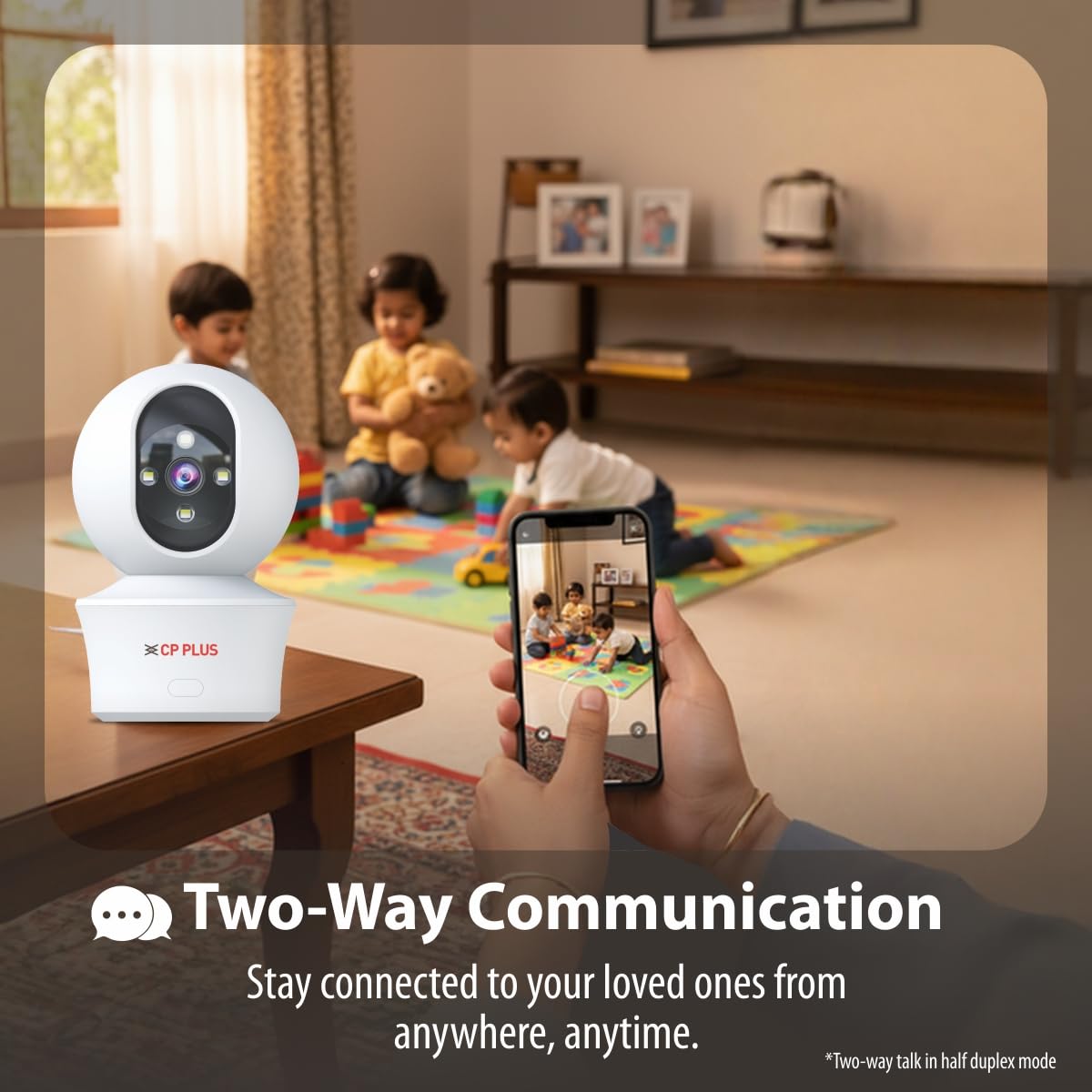
Figure 5.7: Cloud recording feature for remote access to footage.
5.6 CTC Cyber Secure Tech
Your CP PLUS camera incorporates CTC Cyber Secure Tech to ensure your video data remains encrypted, private, and protected from cyber threats.
6. ዝርዝሮች
| ባህሪ | ዝርዝር መግለጫ |
|---|---|
| የሞዴል ቁጥር | EZ-P34Q |
| ጥራት | 3 ሜፒ (2304x1296) |
| የቪዲዮ መጭመቂያ | ህ.265 |
| የፓናል ክልል | 360° |
| የማዘንበል ክልል | 60° |
| IR የሌሊት ራዕይ ክልል | 20-30 ሜትር |
| White LED Night Vision Range | 15-20 meters (Full Color) |
| የፍሬም መጠን | በሰከንድ 20 ፍሬሞች |
| ማከማቻ | MicroSD card (up to 256GB), Cloud Storage |
| ግንኙነት | ዋይ ፋይ (2.4GHz) |
| የኃይል ግቤት | 5V ዩኤስቢ ዓይነት-ሲ |
| ልኬቶች (LxWxH) | 7.7 x 7.7 x 10.9 ሴ.ሜ |
| ክብደት | 330 ግራም |
| የቤት ውስጥ / የውጭ አጠቃቀም | የቤት ውስጥ ብቻ |
| ልዩ ባህሪያት | 2-Way Audio, Motion Sensor, Night Vision, Human Detection, Auto Tracking, Built-in Siren |
7. መላ መፈለግ
በካሜራዎ ላይ ችግሮች ካጋጠሙዎት የሚከተሉትን የተለመዱ ችግሮች እና መፍትሄዎች ይመልከቱ፡
- ካሜራ ከWi-Fi ጋር አልተገናኘም፡-
- የWi-Fi አውታረ መረብዎ 2.4GHz መሆኑን ያረጋግጡ።
- የካሜራው ቦታ ላይ የWi-Fi ምልክት ጥንካሬን ያረጋግጡ።
- በመተግበሪያው ውስጥ ትክክለኛውን የWi-Fi ይለፍ ቃል ግቤት ያረጋግጡ።
- የእርስዎን Wi-Fi ራውተር እና ካሜራውን እንደገና ያስጀምሩ።
- ደካማ የቪዲዮ ጥራት;
- የበይነመረብ ግንኙነትዎን ፍጥነት ያረጋግጡ።
- የካሜራ ሌንስ ንጹህ መሆኑን ያረጋግጡ።
- Adjust video resolution settings in the app if your network bandwidth is limited.
- ምንም የእንቅስቃሴ ማወቂያ ማንቂያዎች የሉም
- Verify motion detection and notification settings are enabled in the app.
- Check the detection sensitivity settings.
- ካሜራውን ያረጋግጡ view አይደናቀፍም.
- ባለሁለት መንገድ ኦዲዮ አይሰራም፡-
- በስልክዎ ላይ ያለውን የመተግበሪያ የማይክሮፎን እና የድምጽ ማጉያ ፈቃዶችን ያረጋግጡ።
- Ensure volume levels are adjusted correctly in the app and on your phone.
8. የደህንነት መረጃ
- ይህ ካሜራ የተዘጋጀው ለ የቤት ውስጥ አጠቃቀም ብቻለውሃ፣ ለእርጥበት ወይም ለከፍተኛ የሙቀት መጠን አያጋልጡት።
- Use only the provided power adapter and charging cable. Using unauthorized accessories may damage the product and void the warranty.
- ካሜራውን እና መለዋወጫዎችን ልጆች በማይደርሱበት ቦታ ያቆዩት።
- ካሜራውን እራስዎ ለመበተን ወይም ለመጠገን አይሞክሩ። ለእርዳታ የደንበኛ ድጋፍን ያነጋግሩ።
- ከመጠን በላይ ሙቀትን ለመከላከል በካሜራው ዙሪያ ትክክለኛውን አየር ማናፈሻን ያረጋግጡ።
9. የምርት ቪዲዮ በላይview
ይህንን አጭር ቪዲዮ በፍጥነት ይመልከቱview of the CP PLUS EZ-P34Q camera's features and capabilities.
Video 9.1: A brief introduction to the CP PLUS 3MP Camera features.
10. ዋስትና እና ድጋፍ
For warranty information, technical support, or service inquiries, please refer to the official CP PLUS webጣቢያ ወይም የደንበኛ አገልግሎታቸውን ያነጋግሩ። የግዢ ደረሰኝህን እንደ ግዢ ማረጋገጫ አቆይ።


