1. መግቢያ
ስለገዙ እናመሰግናለንasing the PUSOKEI Mini Projector. This compact and portable device is designed to provide a high-quality viewing experience for home theater, outdoor activities, and entertainment. It supports 1080P HD resolution, features auto keystone correction, and offers versatile connectivity options including wired and wireless screen mirroring.
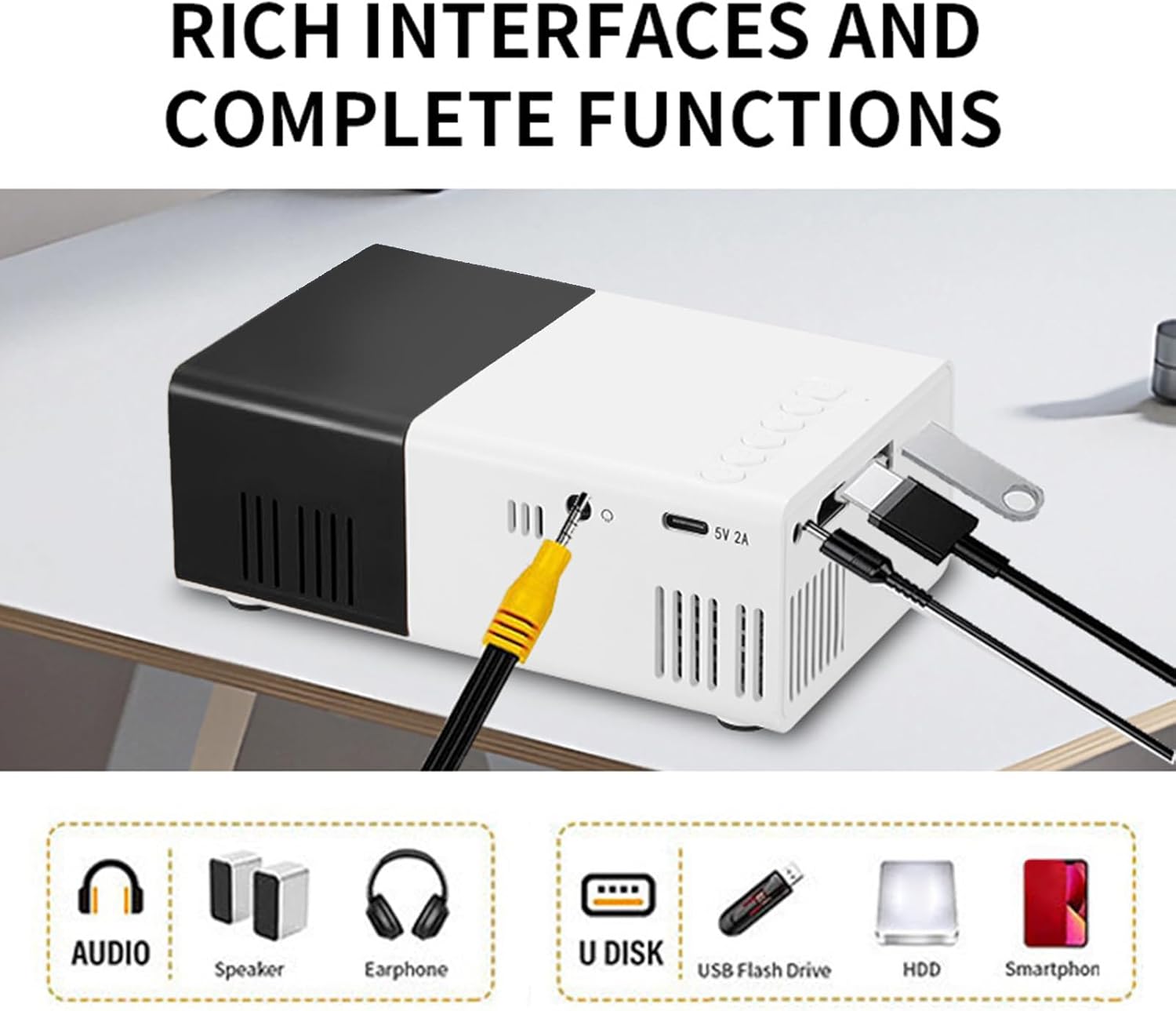
Image: The PUSOKEI Mini Projector used in different settings such as home theater, outdoor camping, gatherings with friends, and for entertainment games.
2. ምርት አብቅቷልview
2.1 የጥቅል ይዘቶች
ሁሉም እቃዎች በጥቅሉ ውስጥ መኖራቸውን ያረጋግጡ፡-
- 1 x PUSOKEI Mini Projector
- 1 x የዩኤስቢ ገመድ
- 1 x የተጠቃሚ መመሪያ (ይህ ሰነድ)
- 1 x የርቀት መቆጣጠሪያ
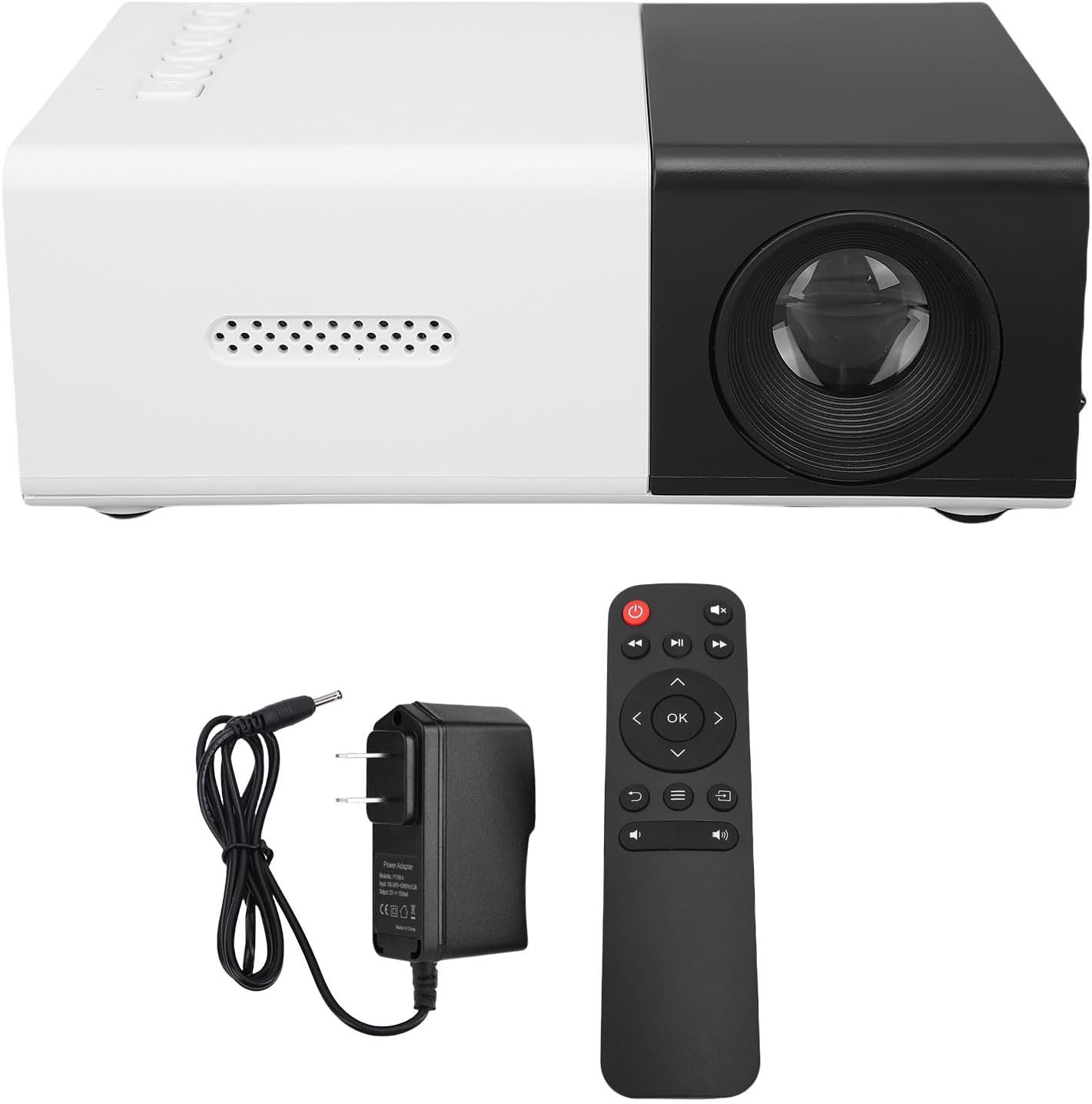
Image: The PUSOKEI Mini Projector displayed alongside its power adapter and remote control.
2.2 ዝርዝሮች
| ባህሪ | መግለጫ |
|---|---|
| የማሳያ ቴክኖሎጂ | 2 ኢንች LCD |
| የፕሮጀክት ብርሃን ምንጭ | LED |
| አካላዊ ጥራት | 320x240, 50Hz, 60Hz |
| የሚደገፍ ውሳኔ | 1920x1080, 60Hz |
| ብሩህነት | 100ANSI 6000LM |
| የንፅፅር ሬሾ | 10000፡1 |
| ትኩረት | መመሪያ |
| እርማት | Keystone Correction (Automatic) |
| ተናጋሪ | Built-in BOX Speakers 4Ω 2W |
| የኃይል በይነገጽ | ዲሲ፣ ዓይነት ሲ |
| ተጨማሪ በይነገጾች | HD Multimedia Interface x 1, USB 2.0 x 1, Standard 3.5 Sound Interface x 1 |
| ስክሪን ማንጸባረቅ | Wired or Cordless Data Cable Mirroring for iOS and Android, Wireless Screen Mirroring |
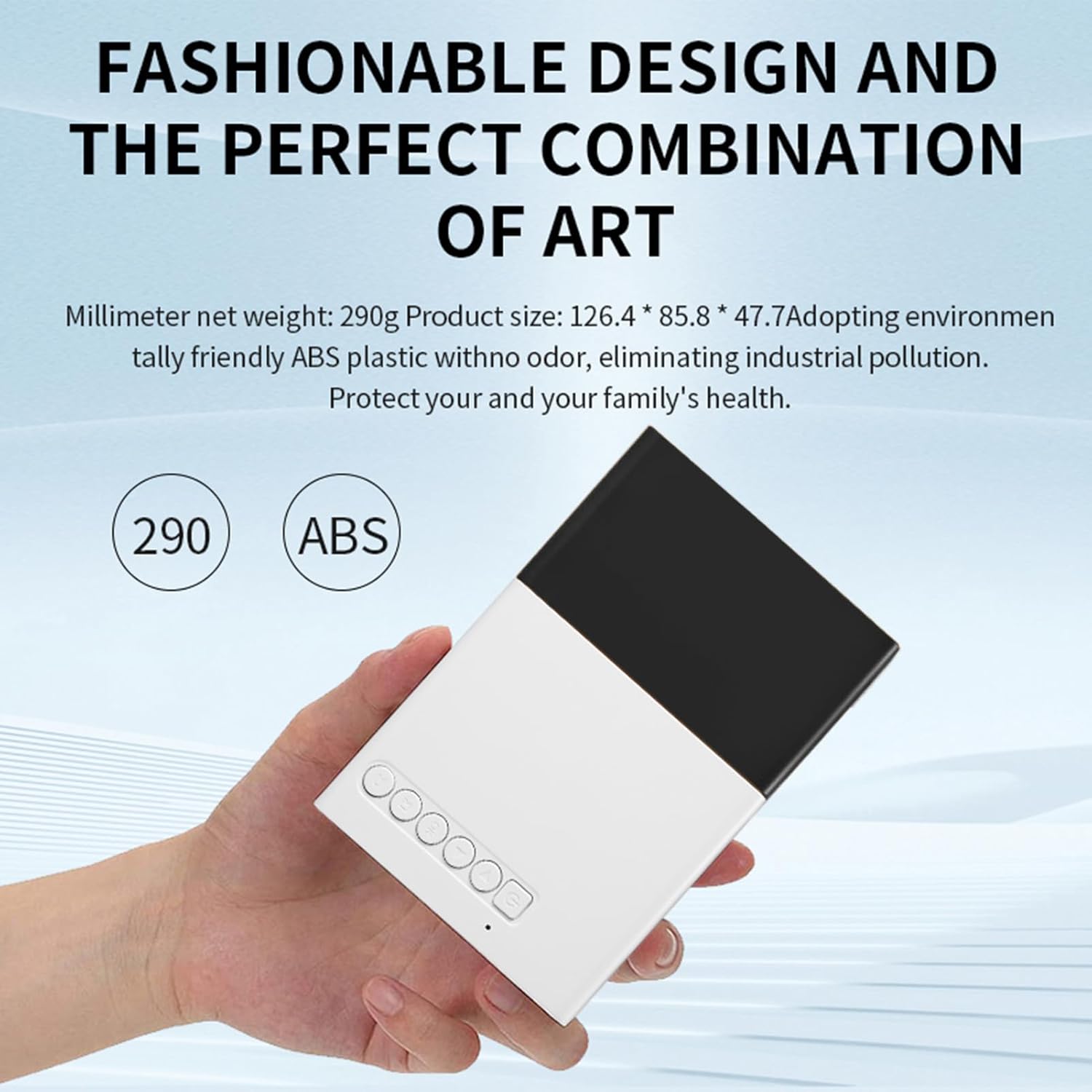
| የምርት መጠን | Approx. 12.5x8.5x4.5cm / 4.92x3.35x1.77in |
| የእቃው ክብደት | Approx. 0.5 pounds (15.6 ounces) |

Image: The compact design of the PUSOKEI Mini Projector, highlighting its small size and lightweight construction.
ምስል: ዝርዝር view of the PUSOKEI Mini Projector's rich interfaces, including audio, speaker, earphone, U disk, USB flash drive, HDD, and smartphone connections.
3. ማዋቀር
3.1 የመነሻ ኃይል በርቷል
- Connect the projector to a power source using the provided USB cable and a compatible power adapter (not included, or use the DC power interface).
- እሱን ለማብራት በፕሮጀክተሩ ወይም በርቀት መቆጣጠሪያው ላይ ያለውን የኃይል ቁልፍ ይጫኑ።
- The projector will display the startup screen.
3.2 ምስሉን ማተኮር
To ensure a clear image, manual focus adjustment is required:
- Place the projector at the desired distance from the projection surface (wall or screen).
- Rotate the focus ring located around the lens until the projected image appears sharp and clear.

ምስል: ፊት ለፊት view of the PUSOKEI Mini Projector, highlighting the projection lens and the manual focus adjustment ring.
4. የአሠራር መመሪያዎች
4.1 መሠረታዊ አሠራር
- Use the remote control or the buttons on the projector to navigate the menu and select input sources.
- Adjust volume using the dedicated volume buttons on the remote control.
4.2 የቁልፍ ድንጋይ ማረም
The projector features automatic keystone correction to prevent image distortion when the projector is not perfectly perpendicular to the screen. If further adjustment is needed for side projections, access the settings menu.
4.3 Zoom Adjustment
Manual zoom functionality is available for fine-tuning the projected image size without moving the projector. This can be adjusted via the projector's menu settings.

Image: A diagram illustrating the optimal playback sizes (20-60 inches) and corresponding projection distances (0.8m-1.6m) for the projector.
5. ግንኙነት
5.1 ባለገመድ ግንኙነቶች
The projector offers multiple wired input options:
- የኤችዲ መልቲሚዲያ በይነገጽ (ኤችዲኤምአይ)፡ Connect to laptops, PCs, TV sticks, gaming consoles, and other HDMI-enabled devices.
- ዩኤስቢ 2.0 ወደብ የሚዲያ መልሶ ማጫወት የዩኤስቢ አንጻፊዎችን ያገናኙ።
- 3.5mm Sound Interface: ለተሻሻለ ኦዲዮ ውጫዊ ድምጽ ማጉያዎችን ወይም የጆሮ ማዳመጫዎችን ያገናኙ።
5.2 ስክሪን ማንጸባረቅ
The projector supports both wired and wireless screen mirroring for iOS and Android mobile phones.
- Wired Mirroring: Connect your smartphone using a compatible data cable to the projector's USB port. Follow on-screen prompts for connection.
- ገመድ አልባ ማንጸባረቅ; Access the screen mirroring function from the projector's menu. Ensure your smartphone and the projector are connected to the same Wi-Fi network (if applicable) or follow the direct wireless connection instructions provided on the projector screen.
Video: A short demonstration of the PUSOKEI Mini Projector's screen mirroring capability, showing a smartphone's display projected onto a large screen.

Image: The PUSOKEI Mini Projector projecting an image of hot air balloons from a smartphone onto a wall, demonstrating wireless screen sharing.
6. ጥገና
6.1 ጽዳት
- የፕሮጀክተሩን ውጫዊ ክፍል ለማጽዳት ለስላሳ እና ደረቅ ጨርቅ ይጠቀሙ።
- For the lens, use a specialized lens cleaning cloth and solution to avoid scratches. Do not use abrasive cleaners.
6.2 የማቀዝቀዣ ዘዴ
The projector is equipped with an efficient cooling fan system. To ensure optimal performance and longevity:
- Ensure the ventilation vents are not blocked during operation.
- ፕሮጀክተሩን በደንብ በሚተነፍሰው ቦታ ላይ ያድርጉት።
7. መላ መፈለግ
ለጋራ ጉዳዮች እና መፍትሄዎቻቸው ከዚህ በታች ያለውን ሰንጠረዥ ይመልከቱ።
| ችግር | ሊሆን የሚችል ምክንያት | መፍትሄ |
|---|---|---|
| የደበዘዘ ምስል | የተሳሳተ የትኩረት ማስተካከያ | ምስሉ ግልጽ እስኪሆን ድረስ በእጅ የሚሰራውን የትኩረት ቀለበት ያስተካክሉ። |
| ምስል የለም | ኃይል የለም፤ የተሳሳተ የግቤት ምንጭ፤ ልቅ የኬብል ግንኙነት | Check power connection; Select correct input source (HDMI, USB); Ensure cables are securely connected. |
| ድምጽ የለም | Volume too low; External speakers not connected; Audio settings issue | Increase volume; Connect external speakers if desired; Check audio output settings. |
| ምስል የተዛባ ነው (ትራፔዞይድ ቅርጽ) | ፕሮጀክተር ወደ ማያ ገጽ ቀጥ ያለ አይደለም። | Automatic keystone correction should adjust. If needed, manually adjust side projections in settings. |
| የስክሪን መስታወት አለመሳካት | Incorrect connection method; Network issues | Ensure correct wired/wireless mirroring steps are followed; Check Wi-Fi connection for wireless mirroring. |
8. ዋስትና እና ድጋፍ
የዋስትና መረጃ ወይም የቴክኒክ ድጋፍ ለማግኘት፣ በግዢው ጊዜ የቀረቡትን ሰነዶች ይመልከቱ ወይም ቸርቻሪዎን ያነጋግሩ። የግዢ ደረሰኝዎን እንደ ግዢ ማረጋገጫ ያስቀምጡ።


