Introduction to the OPPO Find X9 Series
This manual provides a detailed guide to understanding and utilizing the full capabilities of your OPPO Find X9 Series smartphone, including the Find X9 and Find X9 Pro models. It covers essential functions, advanced features, and practical tips to enhance your user experience. The goal is to help you navigate your device efficiently and securely.
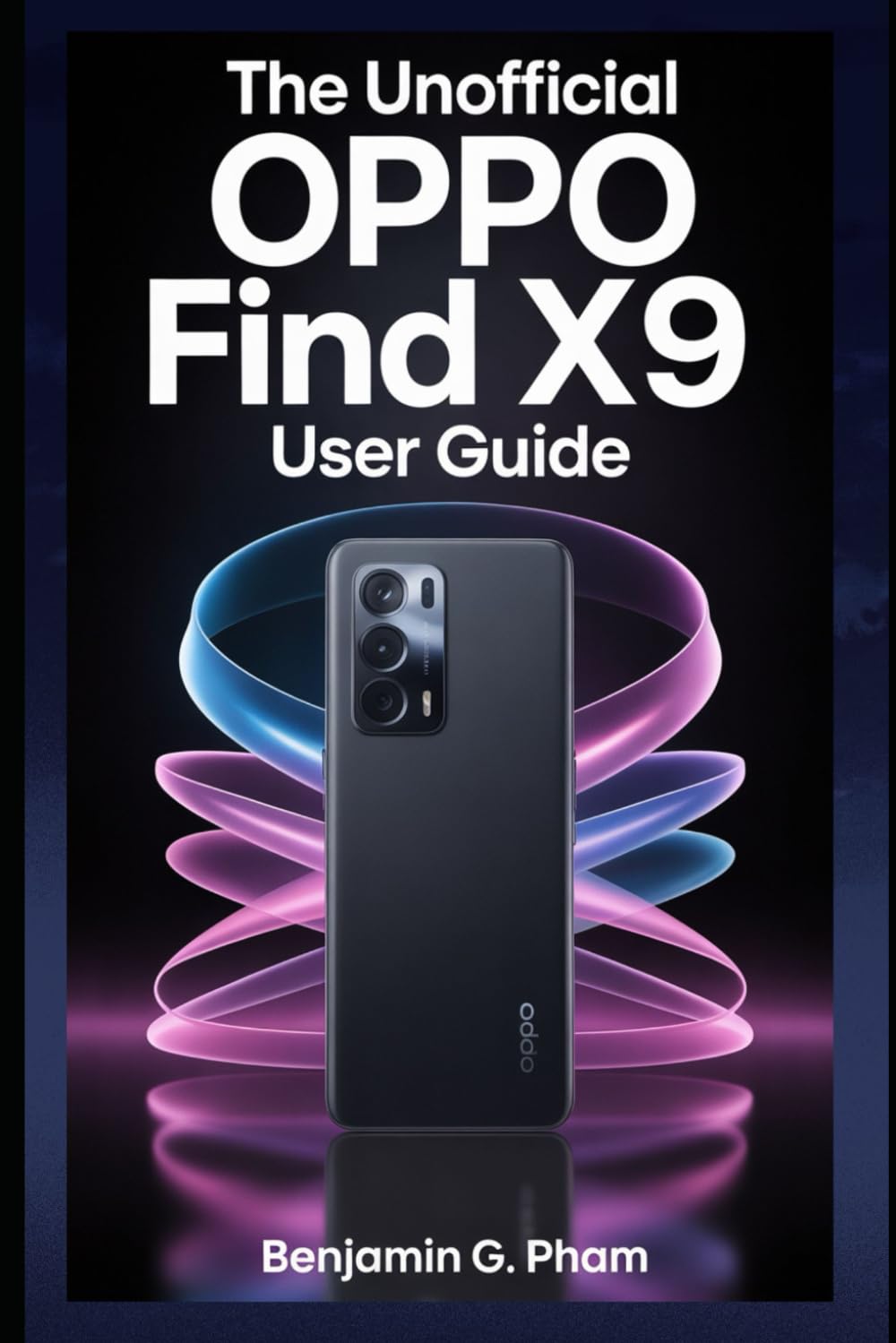
Image: Front cover of the user manual for the OPPO Find X9 Series, displaying the title and design.
1. የመጀመሪያ ደረጃ ማዋቀር እና ማዋቀር
Upon first powering on your OPPO Find X9 Series device, you will be guided through a series of steps to set up your phone. This section outlines the process for initial configuration.
- አብራ፡ Press and hold the power button until the OPPO logo appears.
- የቋንቋ ምርጫ፡- ከዝርዝሩ ውስጥ የእርስዎን ተመራጭ ቋንቋ ይምረጡ።
- የክልል ምርጫ፡- Select your geographical region.
- የWi-Fi ግንኙነት፡- Connect to a stable Wi-Fi network to download necessary updates and complete setup.
- የጎግል መለያ ማዋቀር፡- በጉግል መለያዎ ይግቡ ወይም አዲስ ይፍጠሩ። ይህ ጎግል ፕሌይ ስቶርን እና ሌሎች የጎግል አገልግሎቶችን ለማግኘት አስፈላጊ ነው።
- የውሂብ ማስተላለፍ (ከተፈለገ) Follow prompts to transfer data from an old device if desired.
- የደህንነት ቅንብር፡ Configure screen lock methods such as PIN, pattern, password, fingerprint, or facial recognition.
- Review and Finish: Accept terms and conditions, and complete the setup process.
2. መሰረታዊ ክዋኔ እና አሰሳ
Familiarize yourself with the fundamental operations and navigation gestures of your OPPO Find X9 Series device.
- መነሻ ስክሪን፡ Access apps, widgets, and notifications. Swipe left or right to navigate between home screens.
- የመተግበሪያ መሳቢያ፡ ሁሉንም የተጫኑ መተግበሪያዎች ለመድረስ ከማያ ገጹ ግርጌ ወደ ላይ ያንሸራትቱ።
- የማሳወቂያ ፓነል፡- ከማያ ገጹ አናት ወደ ታች ያንሸራትቱ view ማሳወቂያዎች እና ፈጣን ቅንብሮች.
- የቅርብ ጊዜ መተግበሪያዎች፡- Swipe up and hold from the bottom of the screen (or tap the recent apps button) to view እና በቅርብ ጊዜ ጥቅም ላይ የዋሉ መተግበሪያዎችን ያስተዳድሩ።
- የእጅ ምልክቶች፡ Customize navigation gestures in Settings > System Settings > System Navigation.
3. Camera Features and Photography
The OPPO Find X9 Series offers advanced camera capabilities. This section guides you through various camera modes and settings to capture high-quality photos and videos.
- የካሜራ ሁነታዎች Explore modes such as Photo, Video, Portrait, Night, Pro, Panorama, and Slow-motion.
- ቅንብሮች፡- Adjust resolution, aspect ratio, timer, grid lines, and advanced camera parameters.
- የአይአይ ማሻሻያዎች፡ Utilize AI Scene Enhancement for optimized photo quality based on detected subjects.
- የባለሙያ ምክሮች፡- Learn about composition, lighting, and focus techniques for improved photography.
4. AI Tools and Smart Settings
Discover the integrated AI features and smart settings designed to personalize and optimize your device's performance and user experience.
- ብልህ የጎን አሞሌ፡ Access frequently used apps and tools quickly.
- Flexible Windows: Utilize split-screen and floating windows for enhanced multitasking.
- AI System Booster: Optimize system performance and app launch speeds.
- ግላዊነት ማላበስ፡ Customize themes, wallpapers, always-on display, and icon styles.
5. Productivity Tools and Connectivity
Enhance your productivity with various built-in tools and seamless connectivity options.
- File ማጋራት፡ Use Nearby Share or OPPO Share for quick file በመሳሪያዎች መካከል ማስተላለፎች.
- Multi-Screen Connect: Mirror your phone screen to a PC or tablet for a larger workspace.
- ዲጂታል ደህንነት፡ Monitor and manage your screen time and app usage.
- የደመና አገልግሎቶች Sync data and back up your device using Google Drive or OPPO Cloud.
6. ደህንነት እና ግላዊነት
Protect your personal data and maintain your privacy with the security features available on your OPPO Find X9 Series device.
- የባዮሜትሪክ ደህንነት; Configure and manage fingerprint and facial recognition for secure unlocking and app access.
- የመተግበሪያ መቆለፊያ Protect individual applications with a password or biometric authentication.
- የግል ደህንነት; Securely store private photos, videos, and documents.
- የፈቃድ አስተዳዳሪ፡ Control which apps have access to your device's features and data.
- የግላዊነት ዳሽቦርድ፡ Monitor app access to sensitive permissions.
7. የመሣሪያ ጥገና
Regular maintenance helps ensure optimal performance and longevity of your OPPO Find X9 Series smartphone.
- የሶፍትዌር ማሻሻያ የስርዓት ዝመናዎችን በመደበኛነት ያረጋግጡ እና ይጫኑ ቅንብሮች > ስለ መሣሪያ > ወቅታዊ.
- የባትሪ ማትባት፡ Manage battery usage in ቅንብሮች > ባትሪ የባትሪ ዕድሜን ለማራዘም.
- የማከማቻ አስተዳደር፡ አላስፈላጊ አጽዳ files and cache to free up storage space.
- ማጽዳት፡ Use a soft, lint-free cloth to clean the screen and device body. Avoid harsh chemicals.
8. የተለመዱ ጉዳዮችን መላ መፈለግ
ይህ ክፍል ሊያጋጥሙዎት የሚችሉ የተለመዱ ጉዳዮችን ይመለከታል እና መፍትሄዎችን ይሰጣል።
| ጉዳይ | መፍትሄ |
|---|---|
| መሣሪያው እየበራ አይደለም። | Ensure the battery is charged. Press and hold the power button for at least 10 seconds. |
| መተግበሪያዎች እየተበላሹ ወይም እየቀዘቀዙ | የመተግበሪያውን መሸጎጫ ያጽዱ (ቅንብሮች > መተግበሪያዎች > የመተግበሪያ አስተዳደር > [የመተግበሪያ ስም] > የማከማቻ አጠቃቀም > መሸጎጫ ያጽዱ). መሣሪያውን እንደገና ያስጀምሩ. |
| ደካማ የባትሪ ህይወት | Check battery usage in settings to identify power-hungry apps. Reduce screen brightness. Disable unnecessary features like GPS or Bluetooth when not in use. |
| Network connectivity problems | የWi-Fi/የሞባይል ዳታ አጥፋ እና አብራ። መሣሪያውን እንደገና ያስጀምሩ. የአውታረ መረብ ቅንብሮችን ዳግም ያስጀምሩ (ቅንብሮች > የስርዓት ቅንብሮች > ምትኬ አስቀምጥ እና ዳግም አስጀምር > ስልክን ዳግም አስጀምር > የአውታረ መረብ ቅንብሮችን ዳግም አስጀምር). |
9. Product Specifications (OPPO Find X9 Series)
This manual details the specifications of the OPPO Find X9 and Find X9 Pro models. For precise technical specifications, please refer to the official OPPO website or the packaging of your specific device model.
Note: As this document is a general guide, specific hardware details such as processor type, RAM, storage, and camera sensor models are covered within the guide's content rather than listed here.
ISBN for this user guide: 979-8270541873

Image: Back cover of the user manual, showing the ISBN barcode and additional details.
10. ዋስትና እና ድጋፍ
For information regarding your device's warranty, please refer to the warranty card included with your OPPO Find X9 Series smartphone or visit the official OPPO support website. For technical assistance, contact OPPO customer service through their official channels.
- ኦፊሴላዊ ኦፒኦ Webጣቢያ፡ For product information, FAQs, and support resources.
- የደንበኛ አገልግሎት፡ Contact details for phone, chat, or email support can be found on the official webጣቢያ.