መግቢያ
This manual provides essential information for setting up, operating, and maintaining your Acer Nitro KG240Y W3biip 23.8-inch Full HD 240Hz IPS Gaming Monitor. Please read these instructions carefully before using your monitor to ensure optimal performance and safety.
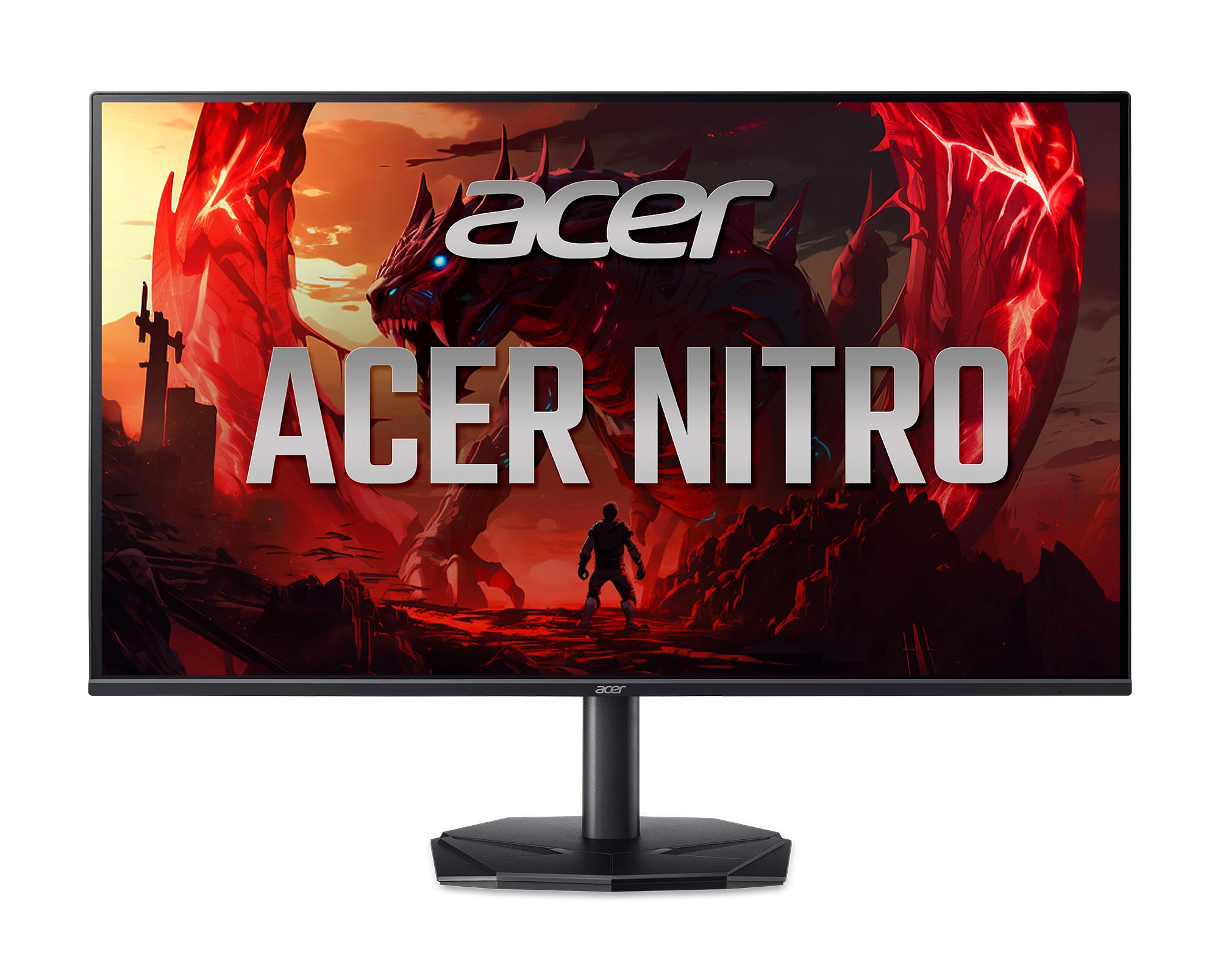
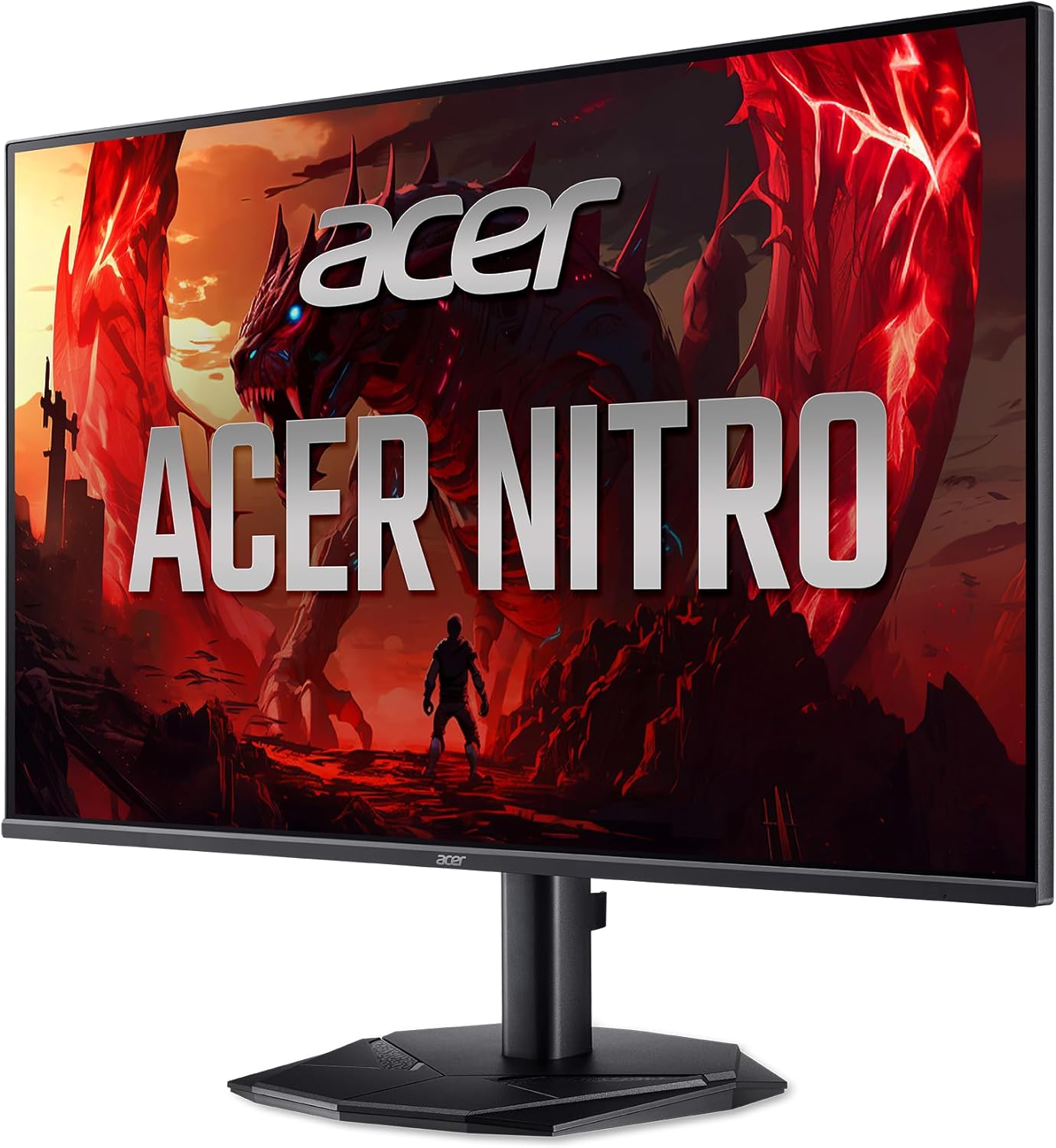
ፊት ለፊት view of the Acer Nitro KG240Y W3biip 23.8-inch Gaming Monitor.
በሣጥኑ ውስጥ ያለው
ሁሉም ክፍሎች በጥቅሉ ውስጥ መገኘታቸውን ያረጋግጡ፡-
- የማሳያ ክፍል
- መቆሚያ (መሠረት እና አንገት) ተቆጣጠር
- የኃይል ገመድ
- HDMI ገመድ
የማዋቀር መመሪያዎች
1. የክትትል መቆሚያውን ማገጣጠም
- መቆጣጠሪያውን በጥንቃቄ ያስወግዱ እና ከማሸጊያው ውስጥ ክፍሎችን ይቁሙ.
- Attach the stand base to the stand neck. Secure with the captive screw, if present.
- Align the stand assembly with the mounting points on the back of the monitor. Gently push until it clicks into place or secure with screws as per the included quick start guide.
2. ገመዶችን ማገናኘት
ማንኛውንም ግንኙነት ከመጀመርዎ በፊት ሞኒተሩ እና ኮምፒውተርዎ መብራታቸውን ያረጋግጡ።
- የኃይል ግንኙነት; የኤሌክትሪክ ገመዱን ወደ ተቆጣጣሪው የኃይል ግብዓት እና ከዚያ ከኃይል ማሰራጫ ጋር ያገናኙ።
- የቪዲዮ ግንኙነት፡-
- For optimal performance, connect the included HDMI cable from your computer's graphics card to one of the HDMI 2.0 ports on the monitor.
- Alternatively, use a DisplayPort 1.2 cable to connect your computer to the monitor's DisplayPort input.
የኋላ view of the monitor displaying the power and video input ports (HDMI, DisplayPort).
3. የመጀመሪያ ኃይል-በ
- የኃይል ገመዱን ወደ ግድግዳ መውጫ ይሰኩት.
- በመቆጣጠሪያው ላይ የኃይል አዝራሩን ይጫኑ.
- Power on your computer. The monitor should automatically detect the input signal. If not, you may need to manually select the input source using the OSD menu.
የአሠራር መመሪያዎች
የማያ ገጽ ላይ ማሳያ (OSD) ምናሌ
The OSD menu allows you to adjust various monitor settings. The control buttons are typically located on the back or bottom right side of the monitor.
- የኃይል ቁልፍ፡- ማሳያውን ያበራል ወይም ያጠፋል.
- የምናሌ አዝራር፡- የ OSD ምናሌን ይከፍታል።
- የማውጫ ቁልፎች: የምናሌ አማራጮችን ለማሰስ እና እሴቶችን ለማስተካከል ይጠቅማል።
- የግቤት መምረጫ ቁልፍ Quickly switches between available video input sources (HDMI 1, HDMI 2, DisplayPort).
የተለመዱ የ OSD ቅንብሮች
- ምስል፡ Adjust brightness, contrast, gamma, and color temperature.
- ቀለም፡ Fine-tune color settings, including sRGB mode.
- ጨዋታ፡ Enable/disable AMD FreeSync Premium, adjust overdrive, and set refresh rate.
- ግቤት፡ Manually select the active video input source.
- ስርዓት፡ Language, OSD timeout, and factory reset options.
Enabling AMD FreeSync Premium
To utilize AMD FreeSync Premium, ensure your graphics card supports it and that the feature is enabled in both your graphics card control panel and the monitor's OSD menu (usually under the "Gaming" section).
የማደስ ደረጃን በማቀናበር ላይ
To achieve the 240Hz refresh rate, ensure your graphics card and cable (DisplayPort or HDMI 2.0) support it. Set the refresh rate in your operating system's display settings (e.g., Windows Display Settings > Advanced display settings > Display adapter properties).
ቁልፍ ባህሪያት
The Acer Nitro KG240Y W3biip monitor offers several features designed to enhance your viewየመጫወት እና የመጫወት ልምድ;
Full HD (1920x1080) Resolution
Experience sharp, high-quality images with excellent detail on the 23.8-inch IPS panel. The 16:9 aspect ratio is ideal for both productivity and entertainment. The zero-frame design maximizes screen space for an immersive view.

Visual comparison demonstrating the clarity of Full HD (1080p) resolution.
AMD FreeSync ፕሪሚየም ቴክኖሎጂ
Enjoy tear-free and stutter-free gaming. AMD FreeSync Premium synchronizes the monitor's refresh rate with your graphics card's frame rate, providing a smooth and fluid gaming experience.

Illustration of AMD FreeSync Premium eliminating screen tearing during fast-paced action.
240Hz አድስ ተመን
Experience ultra-smooth 2D motion scenes with a rapid refresh rate of up to 240Hz. This significantly shortens frame rendering time and lowers input lag, providing a competitive edge in fast-paced games.

Visual representation of the smoothness provided by a 240Hz refresh rate compared to lower rates.
Up to 0.5ms GTG (Gray to Gray) Response Time
Enjoy clearer, more immersive images without blurring. The rapid 0.5ms GTG response time ensures that fast-moving action and dramatic transitions are rendered smoothly, free from smearing or ghosting effects.

Demonstration of reduced motion blur with a 0.5ms GTG response time.
HDR10 Support and sRGB 99% Color Accuracy
The monitor supports HDR10, providing enhanced contrasts and a wider color palette for more realistic and natural images. With 99% sRGB color accuracy, it is suitable for color-critical tasks such as graphic design and photo editing.

Visual representation of improved contrast and color depth with HDR10 support.
ጥገና
- ማያ ገጹን ማጽዳት; ስክሪኑን በቀስታ ለስላሳ እና ከተሸፈነ ጨርቅ ይጥረጉ። ግትር ለሆኑ ምልክቶች፣ መampen the cloth with a small amount of water or a specialized screen cleaner. Avoid using harsh chemicals or abrasive materials.
- ሲን ማጽዳትasing: መቆጣጠሪያውን ለማጽዳት ለስላሳ ደረቅ ጨርቅ ይጠቀሙ ሐasing.
- የአየር ማናፈሻ; ከመጠን በላይ ሙቀትን ለመከላከል በመቆጣጠሪያው ላይ የአየር ማናፈሻ ክፍተቶች አለመዘጋታቸውን ያረጋግጡ።
- ኃይል ዝጋ: ረዘም ላለ ጊዜ ጥቅም ላይ በማይውልበት ጊዜ ሁልጊዜ መቆጣጠሪያውን ያጥፉት።
መላ መፈለግ
| ችግር | ሊሆን የሚችል መፍትሄ |
|---|---|
| በማያ ገጹ ላይ ምንም ምስል የለም |
|
| ምስል ብልጭ ድርግም የሚል ወይም ያልተረጋጋ |
|
| ቀለሞች የተሳሳቱ ናቸው |
|
ዝርዝሮች
| ባህሪ | ዝርዝር |
|---|---|
| የምርት ስም | Acer |
| የሞዴል ቁጥር | KG240Y W3biip |
| የስክሪን መጠን | 23.8 ኢንች |
| የፓነል ዓይነት | አይፒኤስ |
| ጥራት | 1920 x 1080 (ሙሉ ኤችዲ) |
| ምጥጥነ ገጽታ | 16፡9 |
| ከፍተኛ የማደሻ መጠን | 240Hz |
| የምላሽ ጊዜ | Up to 0.5ms GTG |
| ቀለም ጋሙት | ኤስ.አር.ቢ. 99% |
| የኤችዲአር ድጋፍ | HDR10 |
| አስማሚ የማመሳሰል ቴክኖሎጂ | AMD FreeSync ፕሪሚየም |
| የቪዲዮ ግብዓቶች | 1 x ፖርትፎሊዮ 1.2፣ 2 x ኤችዲኤምአይ 2.0 |
| የእቃው ክብደት | 9.79 ፓውንድ |
| የምርት ልኬቶች (LxWxH) | 8.28 x 24.08 x 18.12 ኢንች |
| ቀለም | ጥቁር |
ዋስትና እና ድጋፍ
የዋስትና መረጃ እና የቴክኒክ ድጋፍ ለማግኘት፣ እባክዎን ከምርትዎ ጋር የተካተተውን የዋስትና ካርድ ይመልከቱ ወይም ኦፊሴላዊውን የAcer ድጋፍ ይጎብኙ webጣቢያ. ለደንበኛ አገልግሎት በተለምዶ ሾፌሮችን፣ ተደጋጋሚ ጥያቄዎችን እና የእውቂያ መረጃን እዚያ ማግኘት ይችላሉ።
Acer ድጋፍ Webጣቢያ፡ www.acer.com/support


