1. መግቢያ
The Brother DCP-L2640DW is a compact, high-performance monochrome laser all-in-one printer designed for home offices and small workgroups. This manual provides essential information for setting up, operating, maintaining, and troubleshooting your printer to ensure optimal performance.
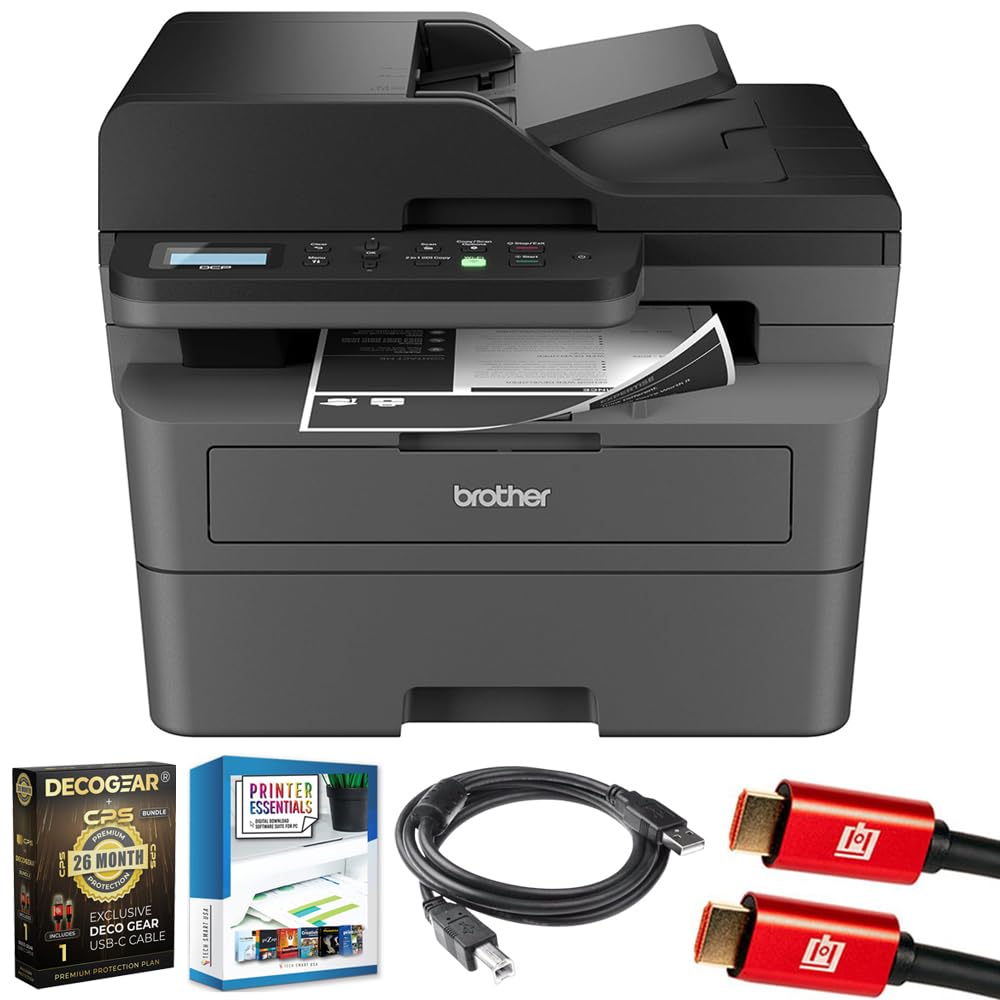
Image 1.1: Brother DCP-L2640DW Compact Monochrome Laser Printer
2. ቁልፍ ባህሪያት
- 3-በ-1 ተግባራዊነት፡- Print, copy, and scan capabilities in a compact design.
- ፈጣን የህትመት ፍጥነት; Delivers up to 36 pages per minute for efficient task completion.
- አውቶማቲክ የዱፕሌክስ ህትመት; Built-in two-sided printing to save time and paper.
- 50-ሉህ አውቶማቲክ የሰነድ መጋቢ (ADF)፦ ባለብዙ ገጽ ቅኝት እና ቅጂን ውጤታማ ለማድረግ።
- High-Capacity Paper Handling: 250-sheet paper tray plus a manual feed slot for diverse media types.
- ተለዋዋጭ የግንኙነት አማራጮች Dual-band Wi-Fi, Ethernet, USB, and mobile printing via Brother Mobile Connect, AirPrint, Mopria, and Wi-Fi Direct.
- የላቀ የአውታረ መረብ ደህንነት፡ Features like TLS/SSL, SNMP v3, and IP filtering for secure operation.

ምስል 2.1፡ አልቋልview of the Brother DCP-L2640DW's key features including print speed, connectivity, and compact design.
3. በሳጥኑ ውስጥ ያለው
- ወንድም DCP-L2640DW ሞኖክሮም ሌዘር አታሚ
- Starter Black Toner Cartridge (approx. 700 pages)
- Brother DR830 Drum Unit (approx. 15,000 pages)
- የ AC ኃይል ገመድ
- Documentation (Quick Setup Guide, Product Safety and Protection Information)
4. ማዋቀር
4.1. ማሸግ
- ማተሚያውን ከማሸጊያው በጥንቃቄ ያስወግዱት.
- ሁሉንም የመከላከያ ካሴቶች እና የማሸጊያ ቁሳቁሶችን ከአታሚው ውጫዊ እና ውስጣዊ ያስወግዱ.
4.2. Toner Cartridge and Drum Unit Installation
- የአታሚውን የፊት ሽፋን ይክፈቱ.
- Remove the toner cartridge and drum unit assembly from the printer.
- Unpack the new toner cartridge and drum unit.
- የቶነር ካርትሬጅን እስኪቆለፍ ድረስ በከበሮው ክፍል ውስጥ በጥብቅ ያስገቡ።
- Slide the green tab on the drum unit from left to right several times to clean the corona wire. Return the tab to the home position.
- የቶነር ካርትሪጅ እና የከበሮ አሃድ ስብስብን በአታሚው ውስጥ እንደገና ይጫኑ።
- የፊት ሽፋኑን ይዝጉ.
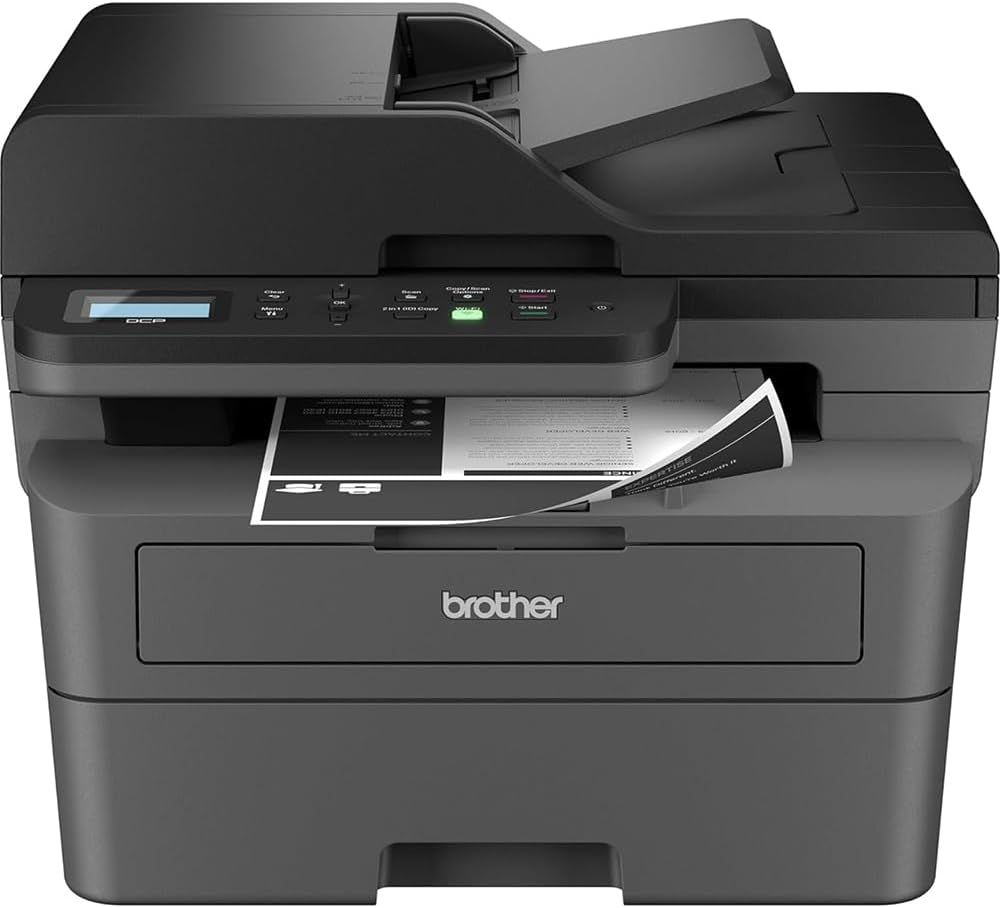
Image 4.1: The Brother DCP-L2640DW printer with the front cover open, showing the toner cartridge and drum unit assembly.
4.3. የኃይል ግንኙነት
- የኤሲ ገመዱን ከአታሚው የኃይል ግብዓት ጋር ያገናኙ።
- የኤሌትሪክ ገመዱን ሌላኛውን ጫፍ ወደ ኤሌክትሪክ ሶኬት ይሰኩት።
- አታሚውን ለማብራት የኃይል አዝራሩን ይጫኑ.
4.4. Initial Setup & Connectivity
Follow the on-screen instructions on the printer's LCD display to complete the initial setup, including language selection and date/time settings.
- ገመድ አልባ ማዋቀር; በአታሚው የቁጥጥር ፓነል ላይ ወዳለው የአውታረ መረብ ቅንብሮች ይሂዱ፣ የ Wi-Fi አውታረ መረብዎን ይምረጡ እና የይለፍ ቃሉን ያስገቡ።
- የኤተርኔት ግንኙነት፡- የኤተርኔት ገመድን ከእርስዎ ራውተር ወይም የአውታረ መረብ ማእከል ወደ አታሚው የኤተርኔት ወደብ ያገናኙ።
- የዩኤስቢ ግንኙነት፡- የዩኤስቢ ገመድ ከኮምፒዩተርዎ ወደ አታሚው የዩኤስቢ ወደብ ያገናኙ።
- የአሽከርካሪ ጭነት; Install the printer drivers from the included CD-ROM or download them from the official Brother support webጣቢያ.
ቪዲዮ 4.1፡ አንድ ምርት ተጨምሯልview video demonstrating the Brother DCP-L2640DW printer's features and ease of use.
5. የአሠራር መመሪያዎች
5.1. ሰነዶችን ማተም
- Load paper into the 250-sheet paper tray or the manual feed slot.
- From your computer or mobile device, open the document you wish to print.
- ከመተግበሪያው ምናሌ 'አትም' የሚለውን ይምረጡ።
- Choose your Brother DCP-L2640DW printer.
- እንደ አስፈላጊነቱ የህትመት ቅንብሮችን ያስተካክሉ (ለምሳሌ፣ የቅጂዎች ብዛት፣ ባለ ሁለትዮሽ ህትመት)።
- 'አትም' ን ጠቅ ያድርጉ።
5.2. ሰነዶችን መቅዳት
- ሰነድዎን በስካነር መስታወት ላይ ወደታች ወይም በራስ-ሰር የሰነድ መጋቢ (ADF) ውስጥ ፊትዎን ወደ ላይ ያድርጉት።
- On the printer's control panel, press the 'Copy' button.
- Use the arrow keys to select the number of copies or adjust other settings.
- መቅዳት ለመጀመር 'ጀምር'ን ይጫኑ።

Image 5.1: The Brother DCP-L2640DW highlighting its Automatic Document Feeder for multi-page tasks.
5.3. ሰነዶችን በመቃኘት ላይ
- Place your document face down on the scanner glass or face up in the ADF.
- On the printer's control panel, press the 'Scan' button.
- Select your desired scan destination (e.g., PC, email, cloud).
- Adjust scan settings (e.g., resolution, color mode) as needed.
- መቃኘት ለመጀመር 'ጀምር' የሚለውን ይጫኑ።
5.4. የሞባይል ህትመት
The Brother DCP-L2640DW supports various mobile printing solutions:
- የወንድም ሞባይል አገናኝ መተግበሪያ፡ Download the app to manage your printer, print, and scan from your smartphone or tablet.
- አፕል አየር ፕሪንት Print directly from your Apple iOS device without installing drivers.
- የሞፕሪያ የህትመት አገልግሎት፡- በሞፕሪያ ከተመሰከረላቸው አንድሮይድ መሳሪያዎች ያትሙ።
- ዋይ ፋይ ቀጥታ፡ Print directly from your mobile device to the printer without needing a router.

Image 5.2: The Brother Mobile Connect App interface, showing options for document print, photo print, scan, copy, and toner monitoring.
6. ጥገና
6.1. የቶነር መተካት
When the toner is low or empty, the printer's display will indicate that the toner cartridge needs to be replaced. Always use genuine Brother toner cartridges for optimal performance and print quality.
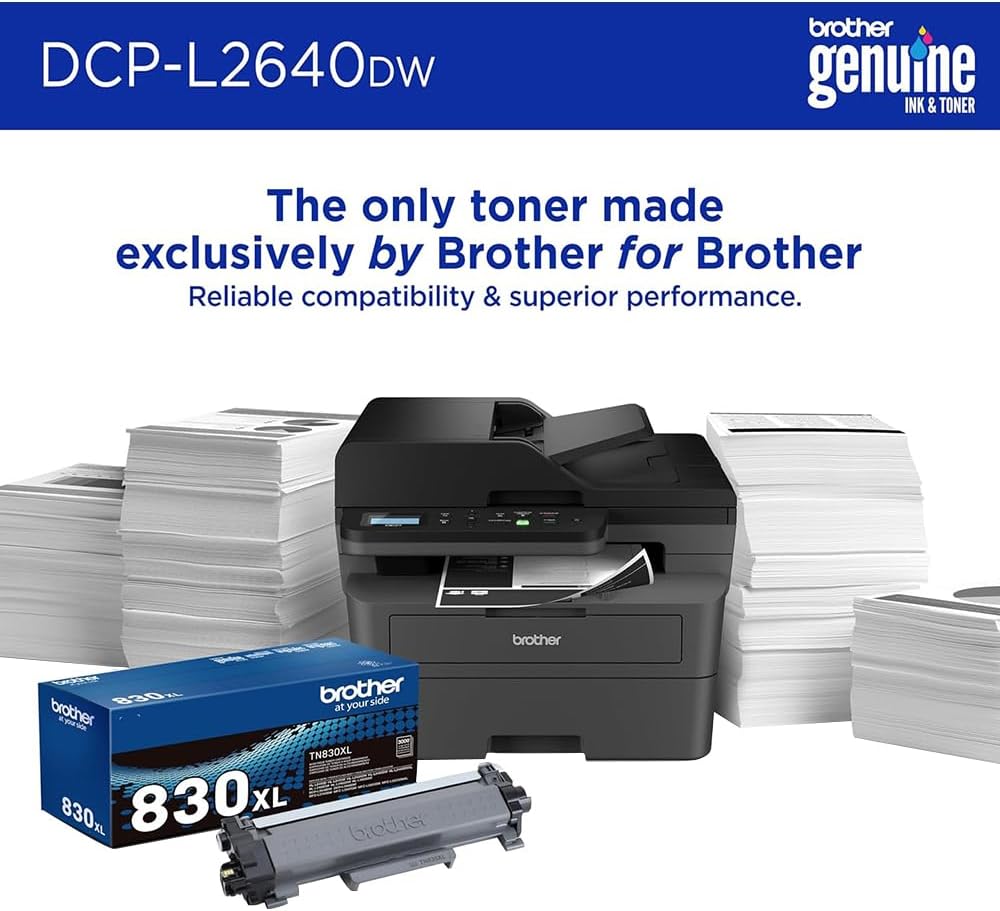
Image 6.1: Brother Genuine Ink & Toner packaging, emphasizing reliable compatibility and superior performance.
6.2. የከበሮ ክፍል መተካት
The drum unit is a separate consumable that needs to be replaced periodically, typically after approximately 15,000 pages. The printer will notify you when it's time to replace the drum unit.
6.3. ማጽዳት
- ውጫዊ፡ የማተሚያውን ውጫዊ ክፍል ለስላሳ እና ከተሸፈነ ጨርቅ ይጥረጉ.
- ስካነር ብርጭቆ፡ የስካነር መስታወቱን በመስታወት ማጽጃ እርጥበት ባለው ለስላሳ፣ ያለ ልጣጭ ጨርቅ ያጽዱ።
- የኮሮና ሽቦ፡ Regularly clean the corona wire inside the drum unit by sliding the green tab.
7. መላ መፈለግ
- የወረቀት መጨናነቅ; Follow the on-screen instructions or refer to the printer's documentation to clear paper jams from various access points.
- የግንኙነት ጉዳዮች፡- Ensure the printer is connected to the correct network (Wi-Fi or Ethernet) or directly to the computer via USB. Restarting the printer and router can often resolve temporary connection problems.
- ደካማ የህትመት ጥራት፡- Check toner levels, clean the corona wire, and ensure you are using appropriate paper for your print job.
- የስህተት መልዕክቶች፡- Refer to the printer's LCD display for specific error codes and consult the online manual or Brother support for solutions.
8. ዝርዝሮች
| ባህሪ | ዝርዝር |
|---|---|
| የሞዴል ቁጥር | DCP-L2640DW |
| የህትመት ቴክኖሎጂ | ሌዘር |
| የአታሚ ውፅዓት | ሞኖክሮም |
| ከፍተኛ የህትመት ፍጥነት ሞኖክሮም | 36 ፒፒኤም |
| ከፍተኛው የጥቁር እና ነጭ የህትመት ጥራት | 1200 x 1200 ነጥቦች በአንድ ኢንች |
| ራስ-ሰር Duplex ማተም | አዎ |
| የስካነር አይነት | ጠፍጣፋ አልጋ |
| ከፍተኛው የግቤት ሉህ አቅም | 250 ሉሆች |
| ራስ-ሰር ሰነድ መጋቢ (ኤዲኤፍ) አቅም | 50 ሉሆች |
| የግንኙነት ቴክኖሎጂ | USB, Ethernet, Dual-band Wi-Fi |
| ተስማሚ ካርቶሪ | TN830፣ TN830XL |
| የምርት ልኬቶች | 15.7" ዲ x 16.1" ዋ x 12.5" ኤች |
| ክብደት | Not specified in provided data, typically around 20-30 lbs for similar models. |
9. ዋስትና እና ድጋፍ
The Brother DCP-L2640DW Monochrome Laser Printer comes with a Limited Warranty. For specific warranty terms and conditions, please refer to the documentation included with your product or visit the official Brother support webጣቢያ.
ለቴክኒክ ድጋፍ፣ ለአሽከርካሪ ውርዶች እና ለተጨማሪ ግብዓቶች፣ እባክዎን ይጎብኙ ወንድም ድጋፍ Webጣቢያ.


